
At the counter
Consider the space available, who enters the sale and how the customer reaches the payment device.
Make the payment step fit the way you serve customers. CleverPays helps select and configure devices for counters, tableside service and mobile teams, with the POS connection and support needs considered from the start.

Consider the space available, who enters the sale and how the customer reaches the payment device.

Plan where staff take payment, how receipts are handled and what the device needs to exchange with the restaurant POS.
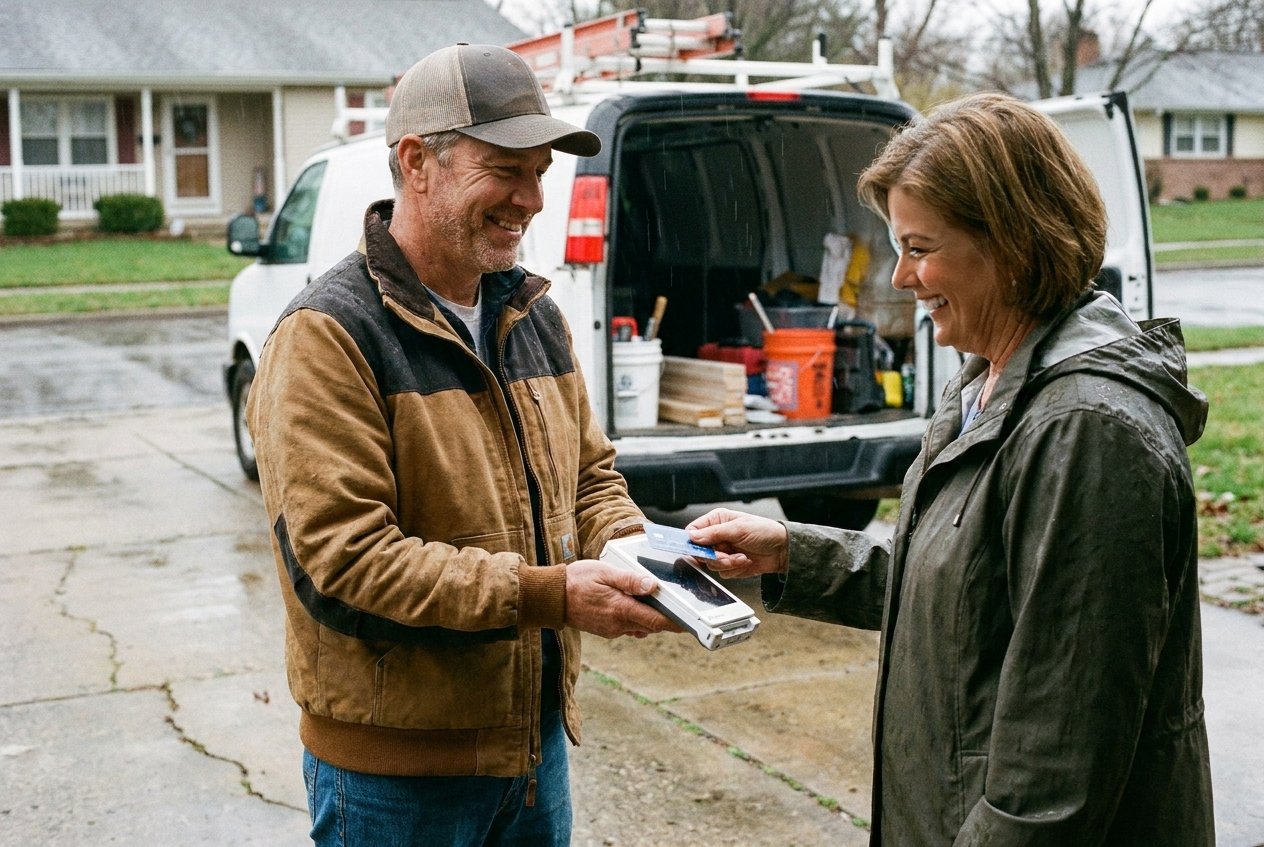
Check the areas where the team works, the available connection and the charging routine before choosing a portable device.
Rated 4.9 on Google
“There are no headaches, they're always there for me, and I'm very happy I never had any issues.”
Mie en VertRetail franchise

An integrated setup can reduce repeated entry when the POS and payment device support the connection. A standalone terminal may fit other situations. We explain the difference and what each option means for your staff and reporting.

The sale is only one task. Your team also needs to know how to handle refunds, cancelled transactions, receipts and end-of-day checks. These practical steps belong in setup and training.

Before launch, establish how the equipment connects and what the team should do if that connection fails. Available fallback options depend on the selected device, processor and configuration.
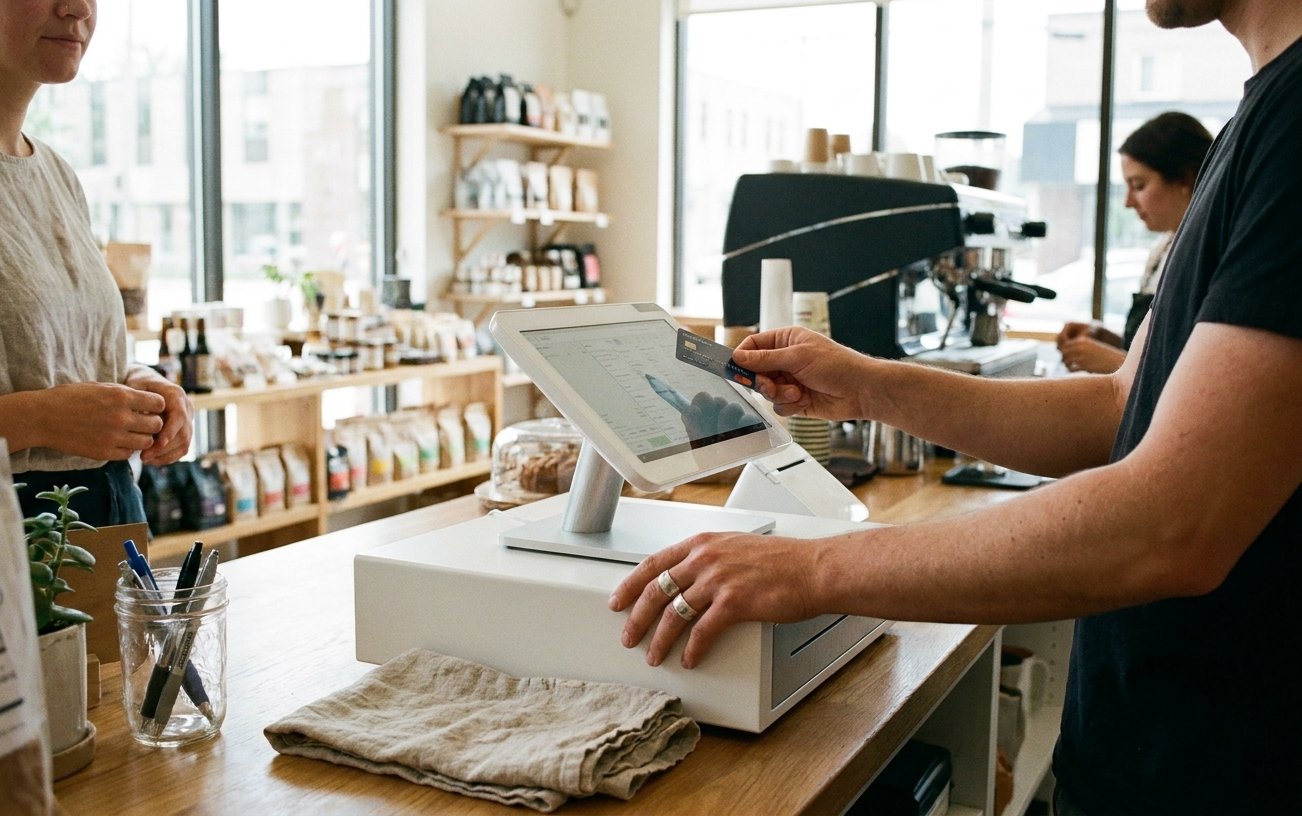
We plan the setup around your opening hours and work through the checks needed before it is ready for live use. That includes the payment device, its POS connection and the steps staff will use during a normal shift.
Possibly. The first step is to check its available payment connections and any restrictions on devices or processors.
Tell us where customers pay and what slows the process down today.