
Clover Station Duo: a screen for staff and customers.

Give each side of the checkout its own place in the transaction. CleverPays helps configure Station Duo around order entry, customer payment and the tools your counter needs.

Clover Certified Dealer
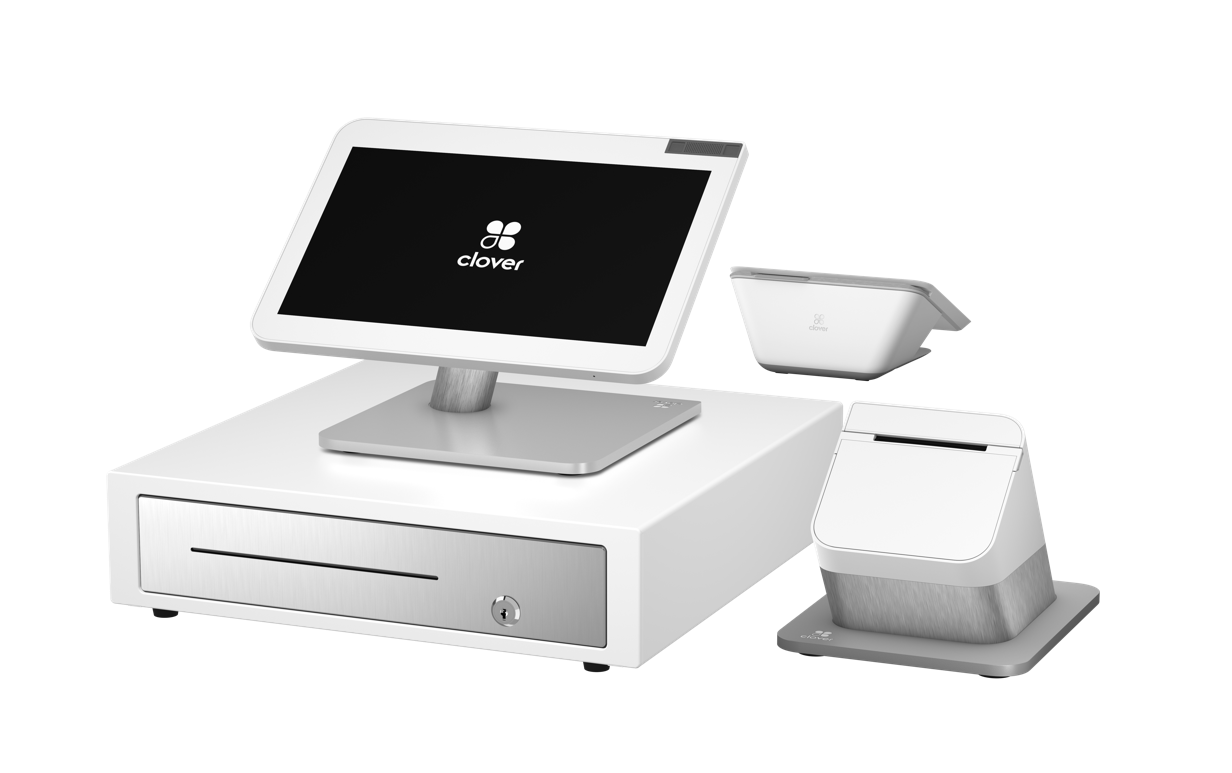
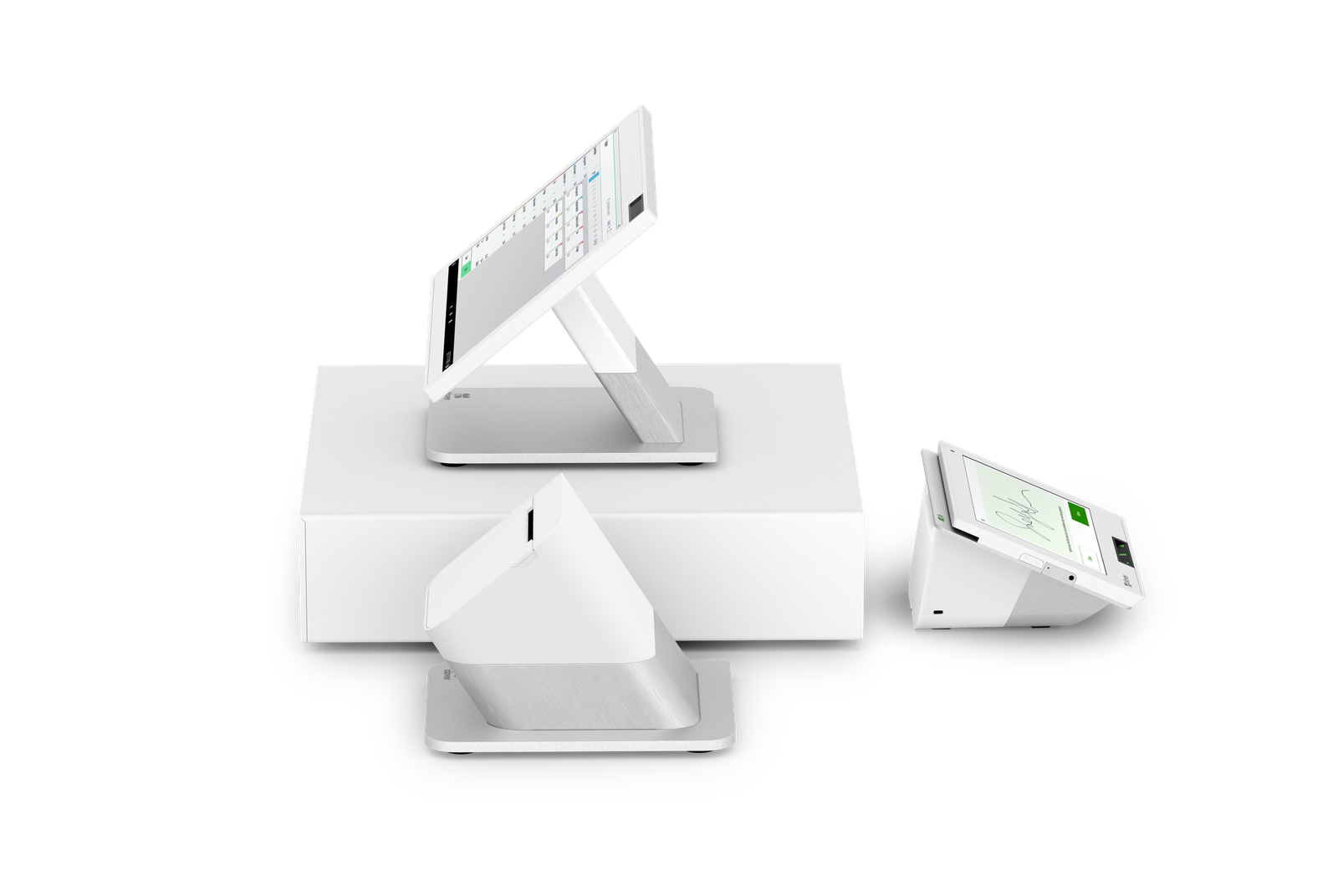
A Clover Station Duo with its customer screen.

Request a callback

Your name

Form and function by design

  • Two screens are faster than one

    Keep lines moving with a 14" HD display for you and a 8" touch screen for your guests to confirm their order, leave a tip, redeem rewards, pay, and request a digital receipt.

  • Beauty and brains all-in-one POS

    Attractive and easy-to-use hardware with a printer and included cash drawer and all the right software in one system.

  • It’s totally expandable

    Build a system tailored to your needs. Put together multiple countertop and handheld devices with accessories like printers and scanners, and it all works together, seamlessly.

Created for simplicity, speed, and security

  • Easy to use and ready to go

    Station Duo is ready for work right out of the box, and with intuitive software built in, training your staff is minimal.

  • Accept every type of payment

    Let customers pay however they want. Credit or debit. Swipe, dip, or contactless payments like Apple Pay® and Google Pay™.

  • We’ve got your back

    Protect your business and customer information with end-to-end encryption and integrated chip sensors.

Manage your business from anywhere

  • Track, report, repeat

    Tracking and reporting is the lifeblood of your business. How was business today? This day last week, or last year? You’ve got the answers.

  • Help your team to succeed

    Run reports to know which employees are your best sellers, manage schedules and timesheets, and set system permission levels to keep track of your biggest assets.

  • More ways to get paid

    Make it easy for customers to pay you away from your counter with options like Virtual Terminal, invoicing, and recurring payments.

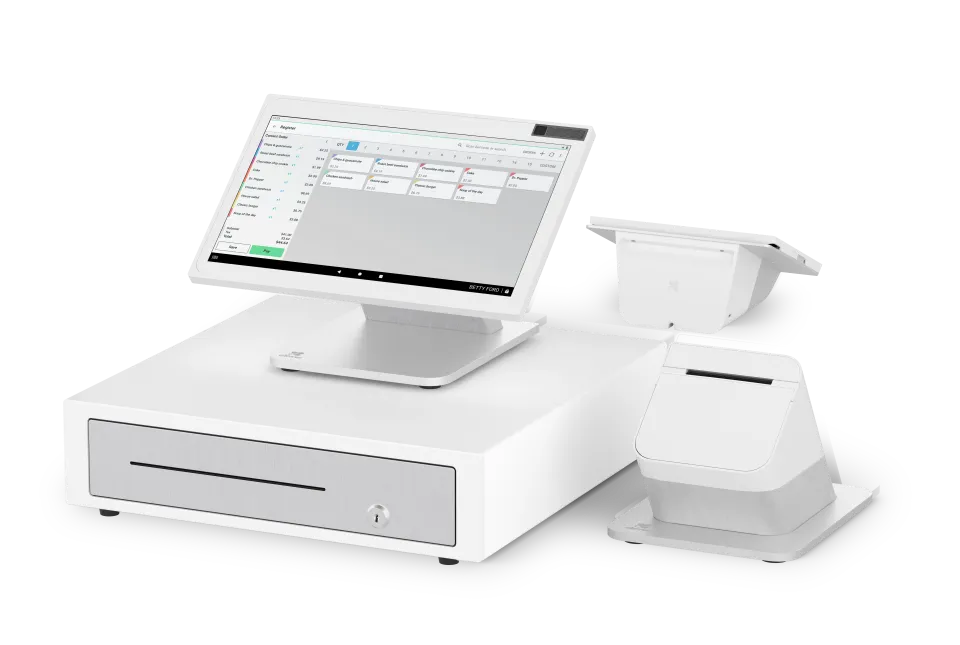
A Clover Station Duo: merchant screen over the cash drawer, customer screen and printer beside it.

A fast, dual‑screen POS

114" high-definition merchant-facing touch screen and 8" customer-facing touch screen

Two screens

A 14" HD display for you and a 8" touch screen for your guests to confirm their order, leave a tip, redeem rewards, pay, and request a digital receipt.

Design both sides of the checkout

A Clover Station Duo from the side: staff screen, printer, cash drawer and the customer screen showing a signature.

The staff screen supports the work behind the counter. The customer screen provides a separate place for the customer’s part of the transaction.

We plan their placement around the available space, reach and the steps your business uses during a sale.

Merchants on CleverPays

Rated 4.9 on Google

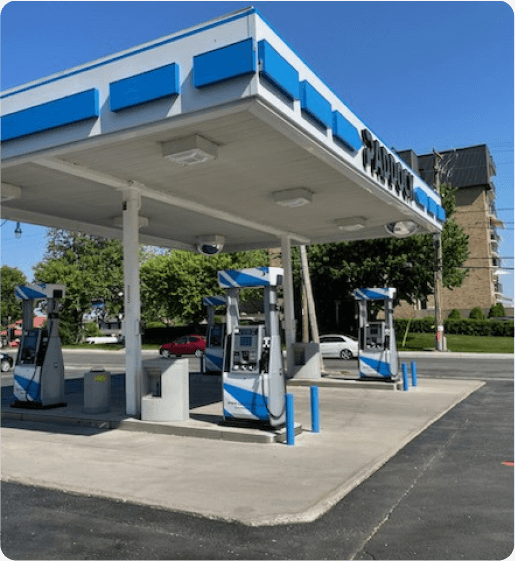
“Paddock gas station has seen incredible improvements since implementing the Pay@Pump solution from CleverPays. Our customers now enjoy the convenience of quick and secure payments right at the pump, and it’s boosted our efficiency and we saved a ton of money on our monthly payment processing costs.”

EricOwner, Paddock

A deli owner with a clipboard entering the day's items on a Clover Station Duo before opening.

Prepare the items behind every order

A clear catalogue or menu helps staff find what they need. We agree the product structure, options and staff permissions to prepare as part of the project. The goal is a setup that reflects the way your business actually sells.

A bakery counter with a Clover Station Duo, its printer, cash drawer, a scanner and a scale in one set.

Choose accessories as part of the system

Printers, scanners and other counter equipment need to work with the selected configuration. We review the required tasks and compatibility before adding accessories to the proposal.

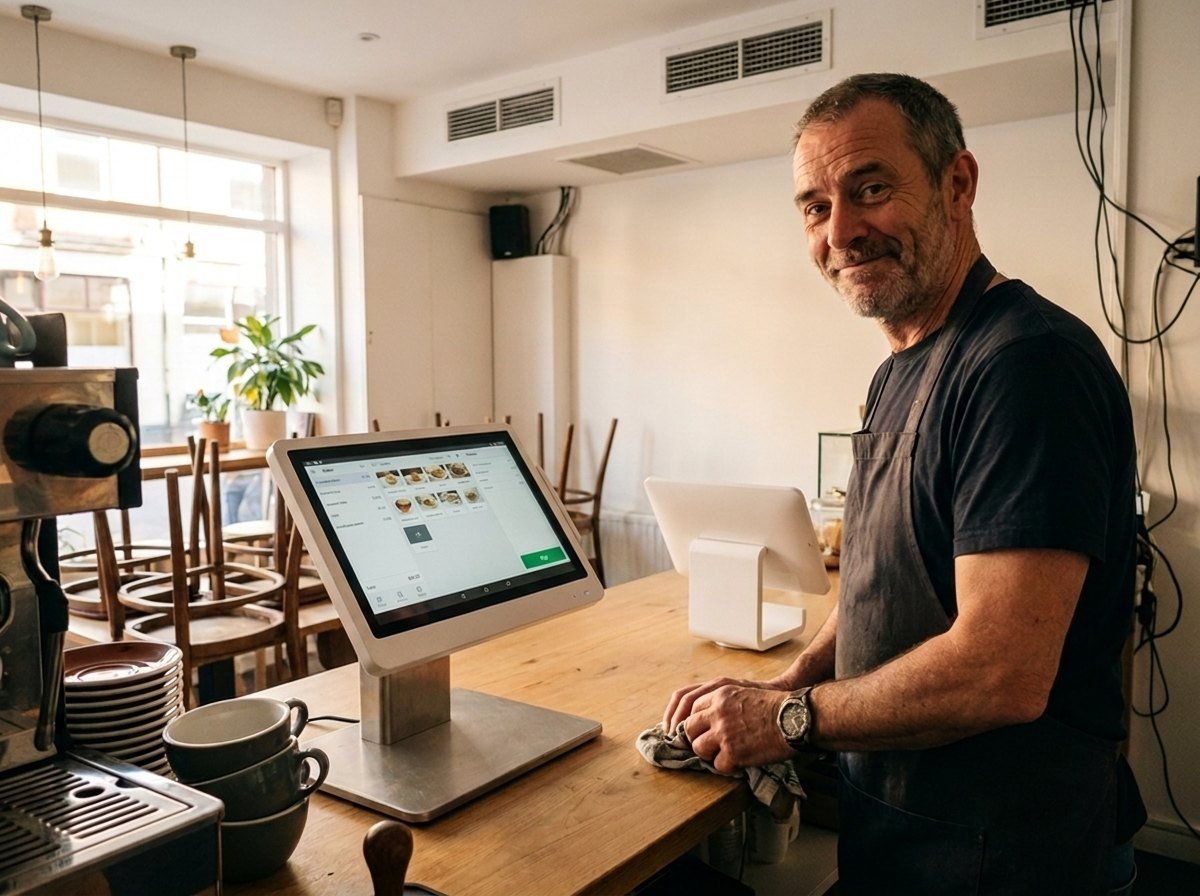
Closing time at a café, from behind the till: the owner beside the Clover Station Duo merchant screen, the customer screen turned toward the empty seating.

Build the closing routine into setup

Your team needs more than a successful payment. We work through receipts, refunds and the reports used to review the day, with access arranged for the people responsible.

Installation morning: a technician cabling a Clover Station Duo with its screens still dark while the owner looks on.

Launch with a clear handover

The plan identifies what will be configured beforehand, which checks happen at installation and what your team needs to practise. It also establishes how to raise a device, software or account question after launch.

Request a callback

Your name

Common questions

Do not choose a setup on that assumption. We review the exact transaction process and supported behavior for the selected configuration.

Plan your Clover counter

Tell us how staff enter orders, how customers pay and what sits around the checkout today.

Compare Clover Devices

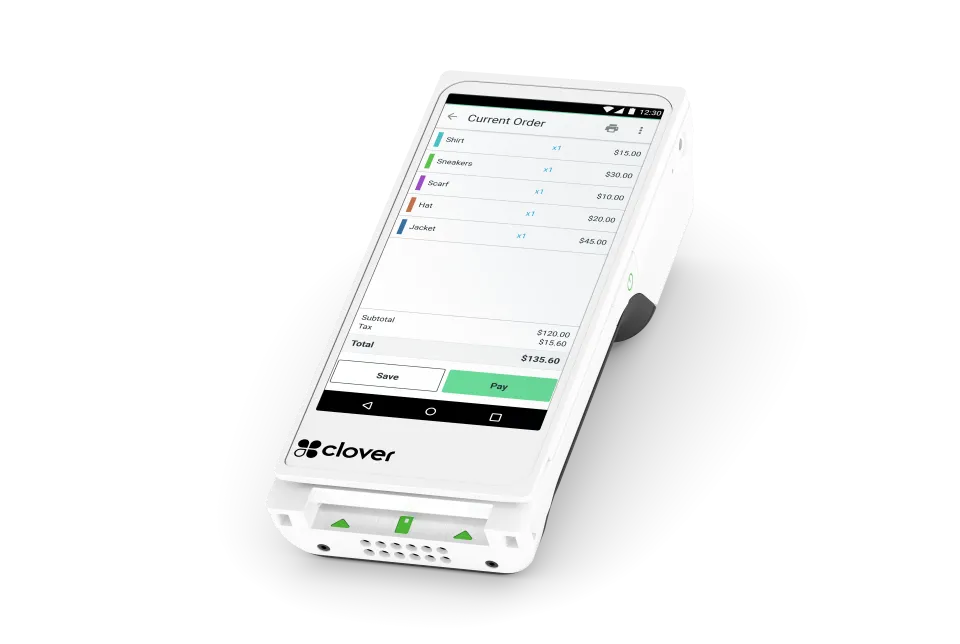
A Clover Flex handheld terminal.

Clover Flex: bring checkout to the customer

A handheld option for teams that need to take payment away from a fixed counter. Consider where it will be used and how it will connect.

Explore Clover Flex
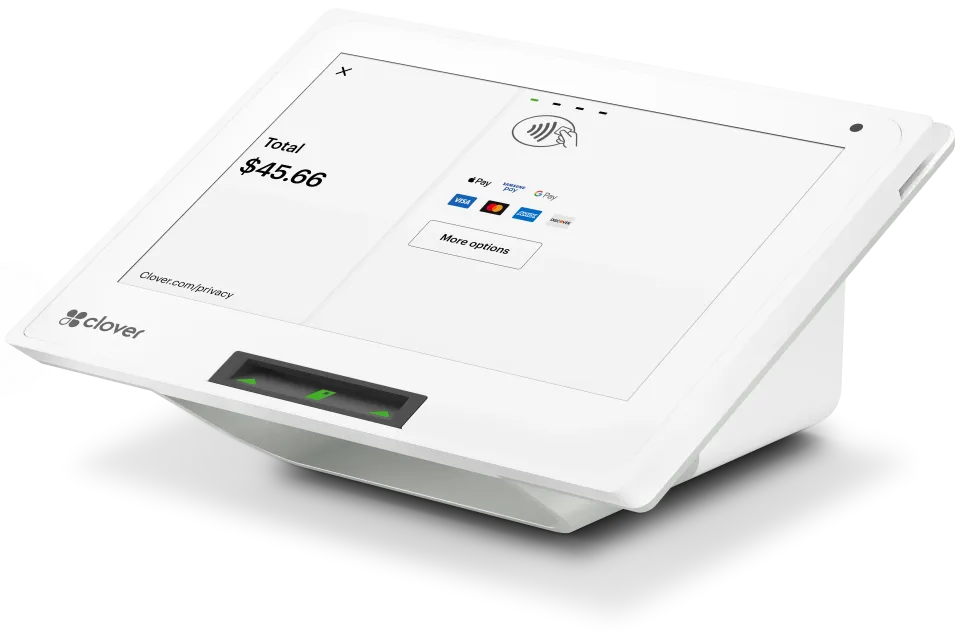
A Clover Mini countertop terminal.

Clover Mini: make more of your counter space

A compact option for a Clover checkout. Match it to the software, accessories and tasks your counter needs.

Explore Clover Mini
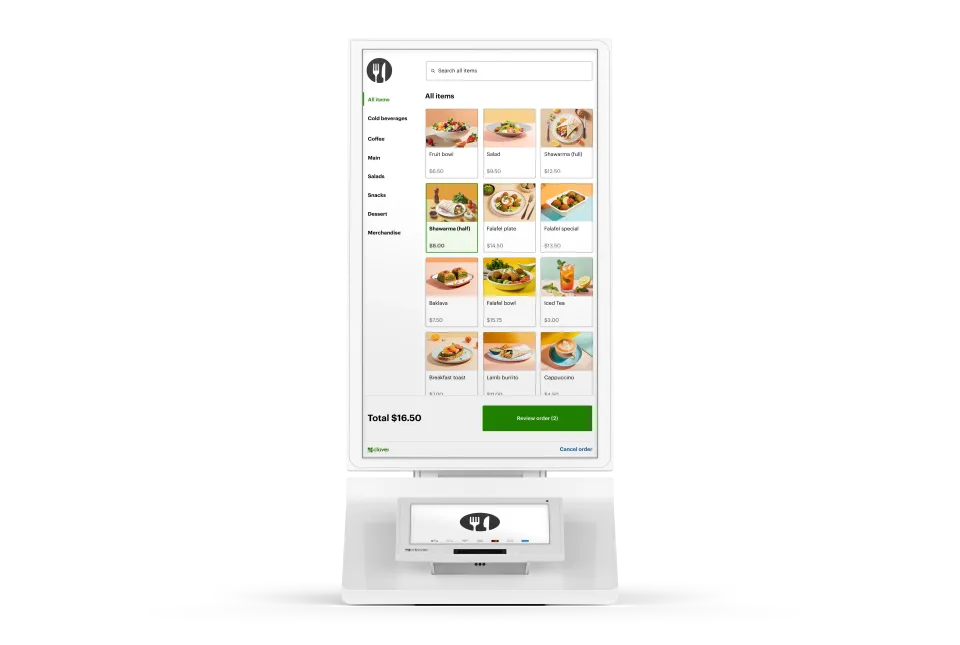
A Clover self-serve ordering kiosk.

Clover Kiosk: self ordering for restaurants

Our all-in-one device features an enterprise grade 24" display, versatile payment terminal, and a built-in printer, all with low-touch set up.

Explore Clover Kiosk
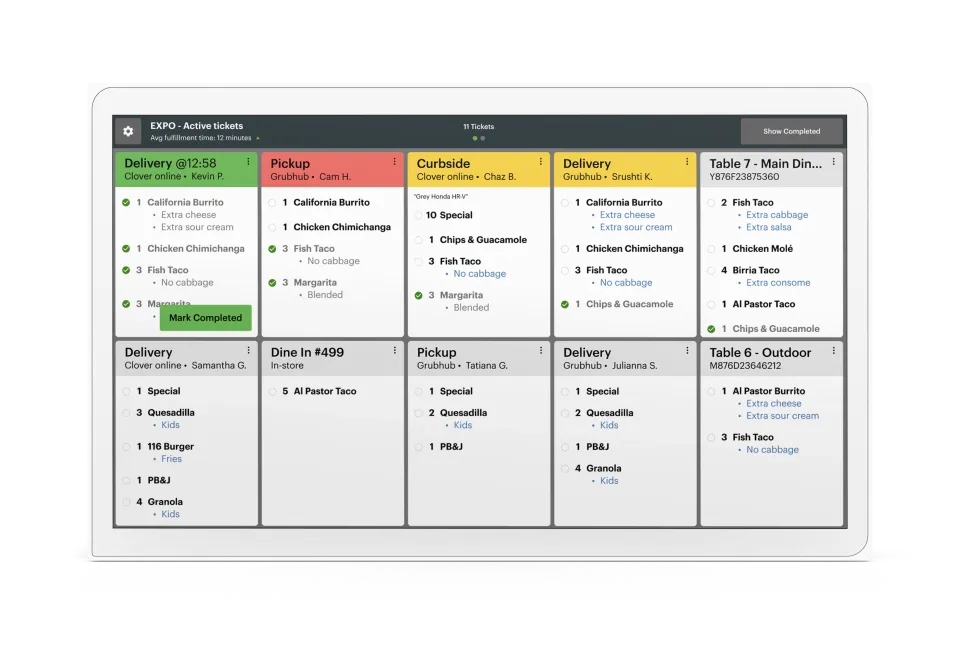
A Clover kitchen display screen.

Clover Kitchen Display System

One screen. One source of truth. No pens, no printers, no lost tickets. Just a real-time look at ticket times, order statuses, and everything else that keeps service moving smoothly.

Explore Kitchen Display
Accept all major payment methods
VisaMastercardInteracAmerican ExpressDiscoverUnionPayJCBDiners ClubApple PayGoogle Pay