
Know what sold, what is left and what needs to be reordered.

Give your team a clearer view of stock with inventory tools matched to the POS. CleverPays helps prepare the catalogue and establish how sales, deliveries and adjustments should be recorded across the systems you use.

A shop counter backed by shelves of stocked product.

Request a callback

Your name

Start with a catalogue people can maintain

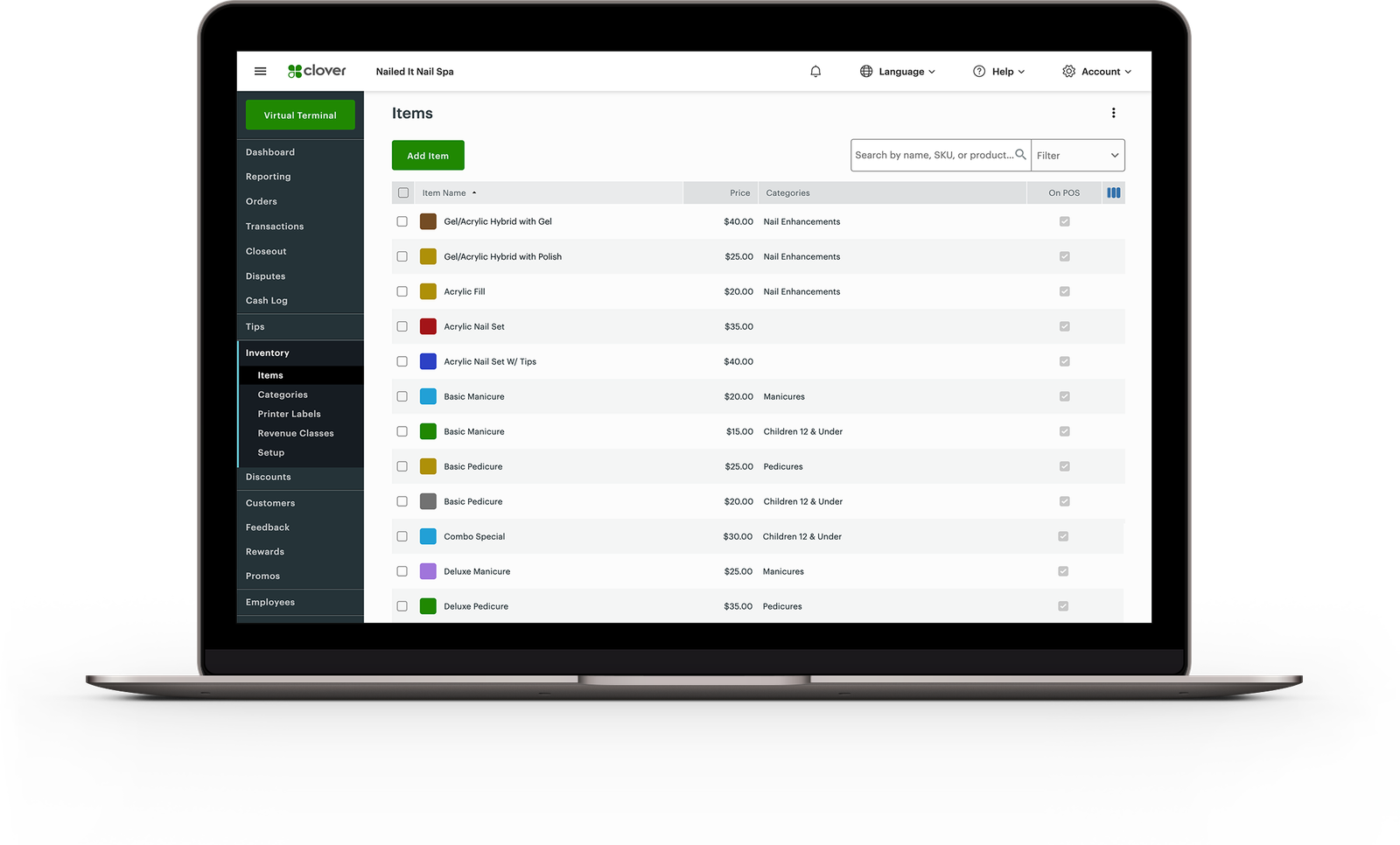
Product names, barcodes, variants and categories need a consistent structure. We agree how the records will be prepared and which system your team will use to maintain them.

That makes the next product change easier to handle than correcting the same information in several places.

The Clover dashboard's Inventory items list on a laptop.

Merchants on CleverPays

Rated 4.9 on Google

“There are no headaches, they're always there for me, and I'm very happy I never had any issues.”

Mie en VertRetail franchise

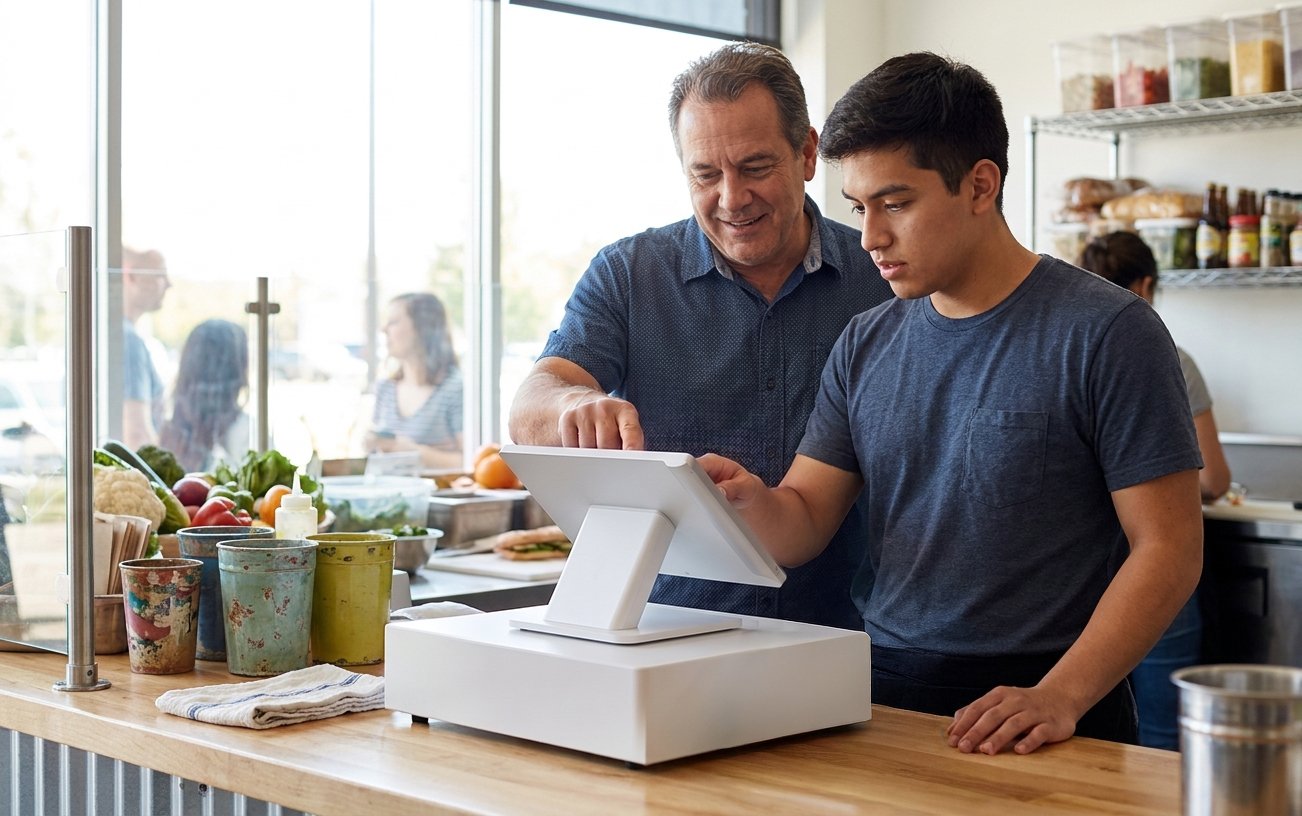
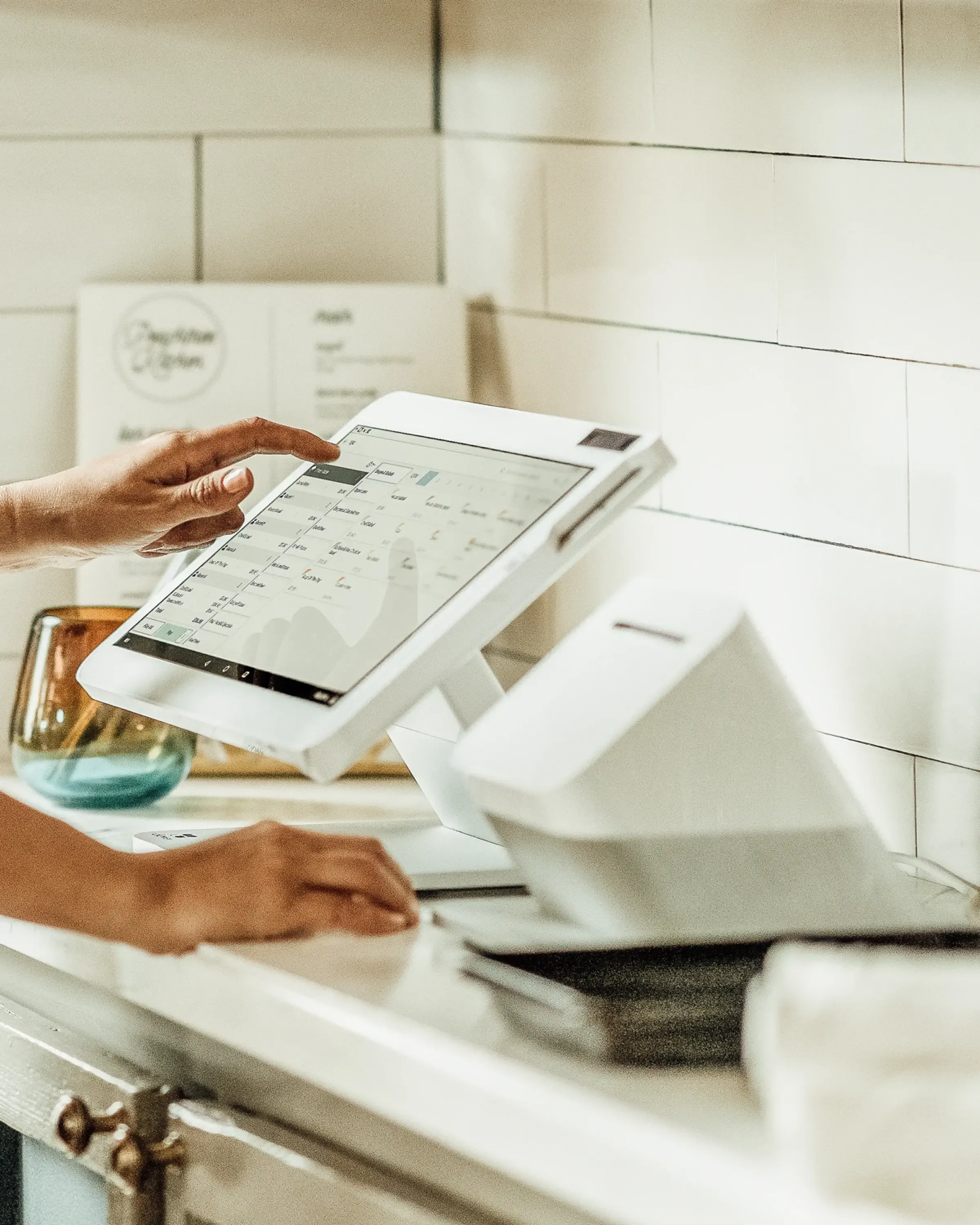
A Clover Station at a counter, mid-sale.

Connect the sale to the stock record

Establish how a completed sale affects the stock figure and how returns or cancelled transactions are handled. If more than one system is involved, the connection needs a defined update process. For example, selling the final unit in store should trigger an agreed next step for the online stock record—not leave the team guessing which figure to trust.
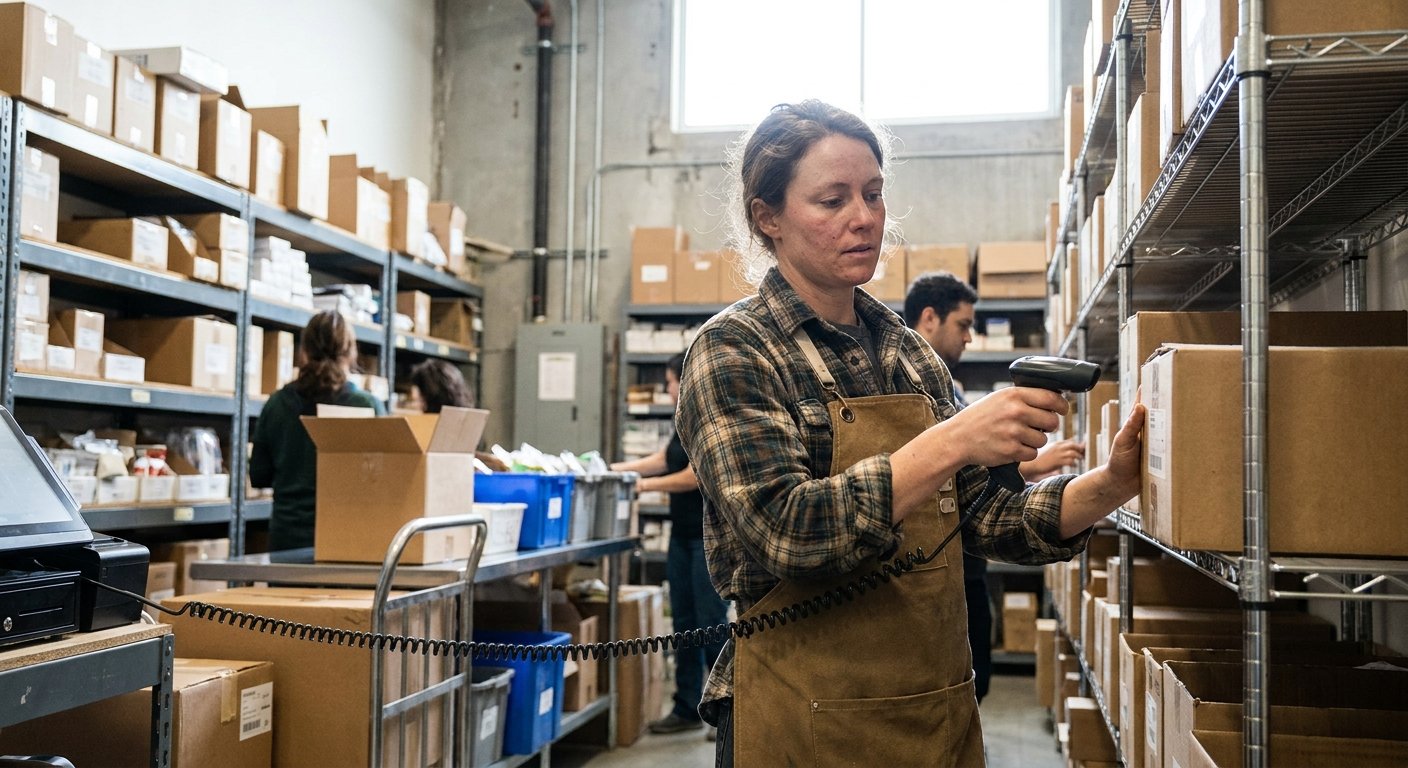

A stockroom shelf being counted against a handheld device.

Include receiving, counts and adjustments

Inventory changes outside the checkout too. Deliveries, damage, transfers and stock counts need a process the team can follow, with appropriate access and records of the changes made.

A clerk checking records against stock in a warehouse.

Make differences visible

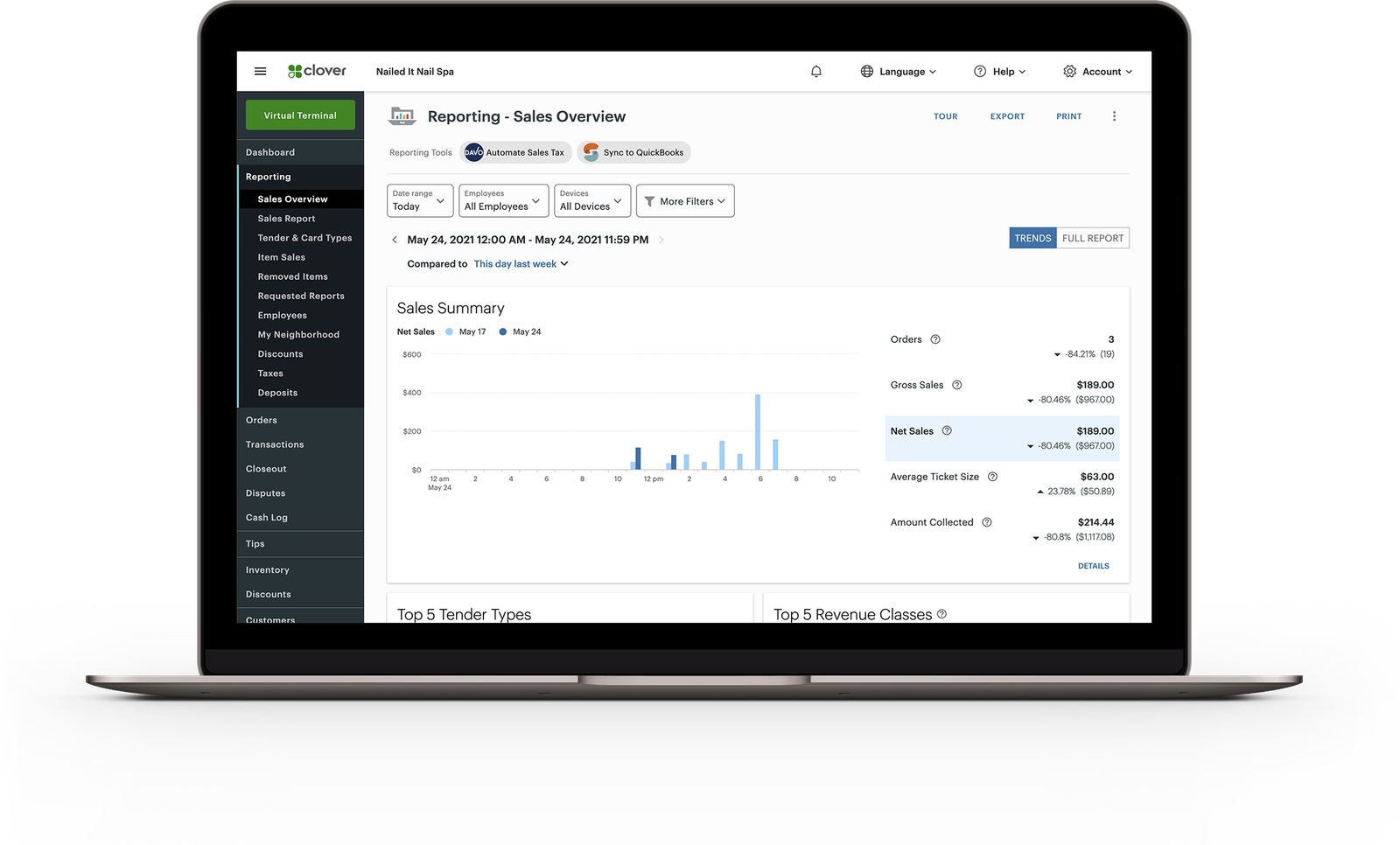
Useful reporting helps identify stock that needs attention and records that do not match expectations. We review the views available in the selected tools and the information managers need to investigate a discrepancy.

The Clover dashboard's Sales Overview report on a laptop.

Use the right inventory tools for the job

Some requirements fit the POS’s native features. Others need a compatible app or connection to another inventory system. We explain the proposed route, its costs and the remaining staff tasks before implementation.

Explore POS Integrations

Request a callback

Your name

Common questions

Update timing depends on the systems and integration. The setup should define how often updates occur and what happens if one fails.

See how we help

A manager setting staff permissions on a POS screen.

Staff access

Give people the permissions their role needs and help managers maintain access as the team changes.

Explore Employee Tools
A reporting dashboard open on a laptop.

Reporting

Identify the reports and connections needed to understand sales, payment activity and deposits.

Explore Reporting

Start with the stock problem you want to solve

Tell us where products are maintained today and where the numbers stop agreeing.

Accept all major payment methods
VisaMastercardInteracAmerican ExpressDiscoverUnionPayJCBDiners ClubApple PayGoogle Pay