
Payment and POS planning for Quebec businesses.

Know which questions need answers before you change systems. This guide helps you prepare a discussion with your technology providers and professional advisers, and understand where CleverPays can assist with the payment setup.

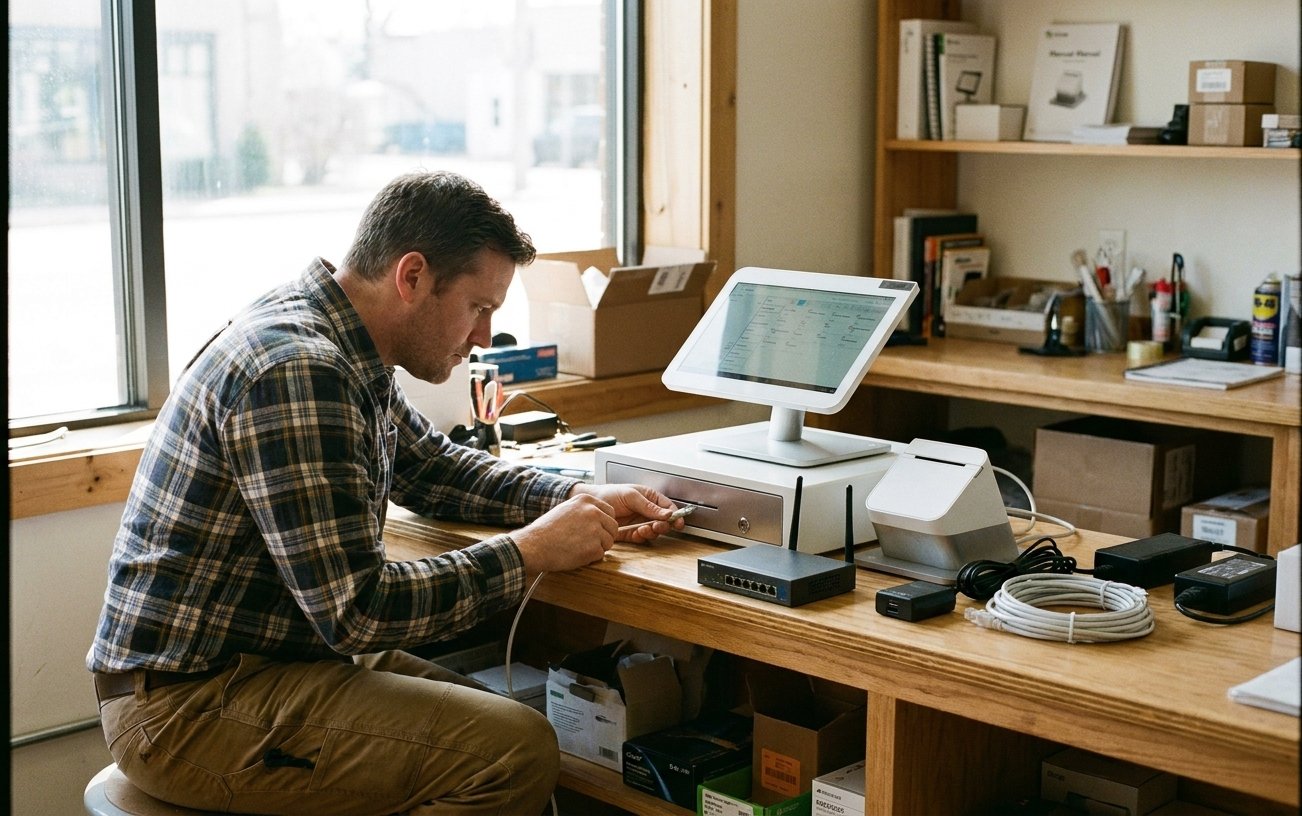
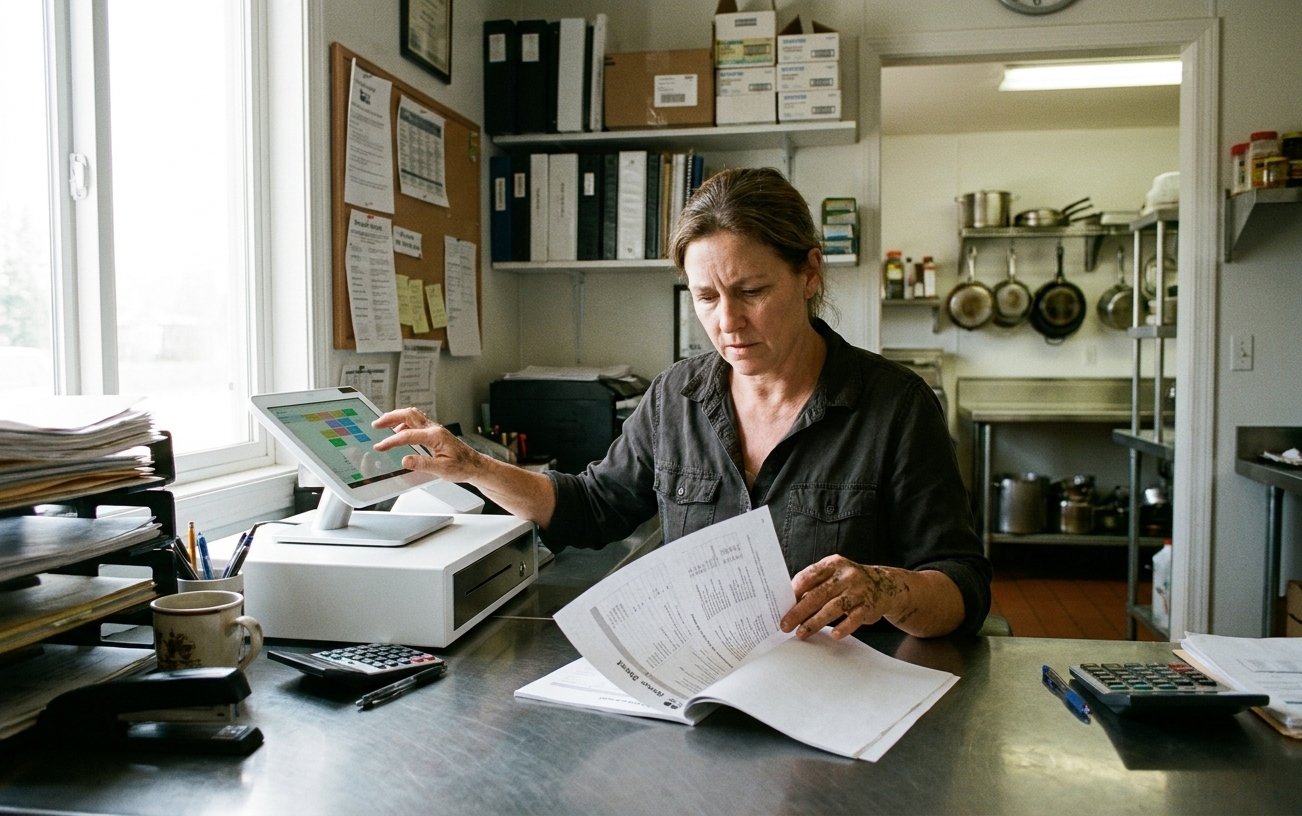
A point-of-sale system set up for Quebec sales recording.

Request a callback

Your name

Start with the requirements for your business

The relevant checks depend on your activities and the systems being changed. Identify the requirements that apply before selecting equipment or treating a product name as a complete solution.

This page provides practical starting points. It does not provide legal or tax advice.

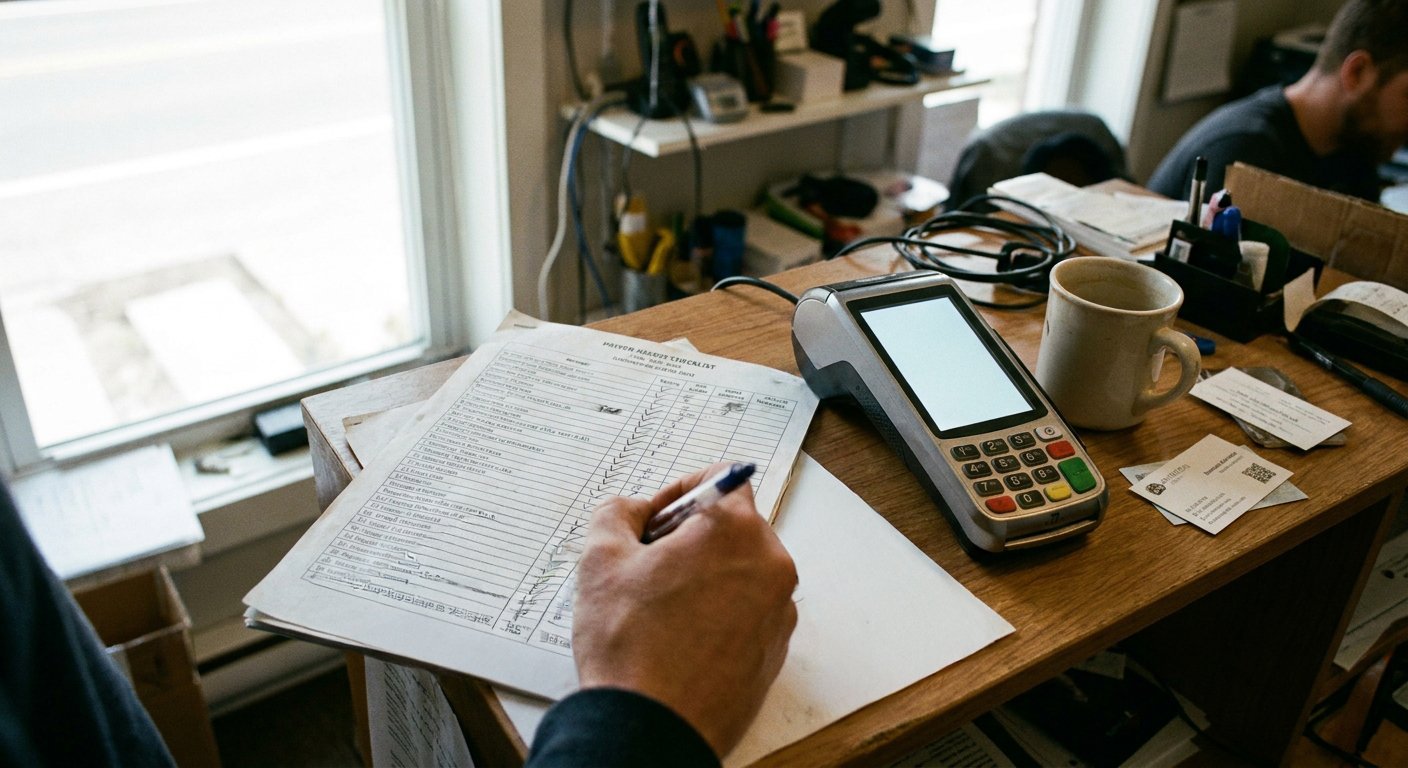
A requirements checklist on a sheet of paper.

Merchants on CleverPays

Rated 4.9 on Google

“Elie and Oliver offer excellent customer service! They understand your needs as a business owner and they are very quick to respond. They are patient and will troubleshoot with you for as long as it takes to resolve an issue.”

Anna AilamakisMr. Puffs, Cornwall

A restaurant billing setup connected to a sales recording module.

Check restaurant billing requirements with Revenu Québec

For restaurant operators subject to the mandatory billing measures, Revenu Québec describes requirements for transaction data and bills produced through a certified sales recording system designed to communicate with the WEB-SRM. Use its official guidance to review your situation and the system being proposed.

Read Revenu Québec’s Restaurant Billing Guidance

A sales recording system's version being checked on screen.

Verify the specific sales recording system

Check the product and version information against Revenu Québec’s published resources. Ask the provider which configuration is being supplied and how the required functions will be implemented. A device brand alone is not enough information to complete that check.

View Revenu Québec’s Certified SRS List

Already have a POS?

A barber laughing with a customer as they pay on a handheld terminal.

Keep your system. Switch how you take payments.

Integrate Cleverpays with the POS you already use and move your in-store and online payments to a better setup.

A French-language receipt and privacy notice.

Review language and data-handling needs

Discuss the languages needed by staff and customers, the records the system will hold and the access each role requires. Ask the relevant provider and advisers to confirm the requirements for the particular tools and activities involved.

A payment terminal with its security responsibilities documented.

Establish the payment and service responsibilities

Identify who supplies the payment account, who supports the POS and who handles a connection or device issue. Any required merchant actions should be clear before the system goes live.

A CleverPays specialist reviewing a setup with a merchant.

What CleverPays can help with

We can discuss the payment technology, review the proposed connections and coordinate the agreed setup work with the providers involved. Legal or tax conclusions remain a matter for the appropriate advisers and authorities.

Request a callback

Your name

Common questions

The terminal is only one part of the system. Review the applicable requirements and the exact software and configuration being supplied.

Prepare the questions before committing to a setup

Tell us about your business, current POS and the changes you are considering.

Accept all major payment methods
VisaMastercardInteracAmerican ExpressDiscoverUnionPayJCBDiners ClubApple PayGoogle Pay