
Start with the space and the sale
A smaller checkout still needs room for staff and customers to complete the transaction comfortably. We look at where Mini will sit, how it will be reached and which accessories need to fit around it.
Make the checkout space work harder. CleverPays helps configure Clover Mini around the payments, software and accessories your business needs, with a practical setup for the people behind the counter.

Payment options for your customers
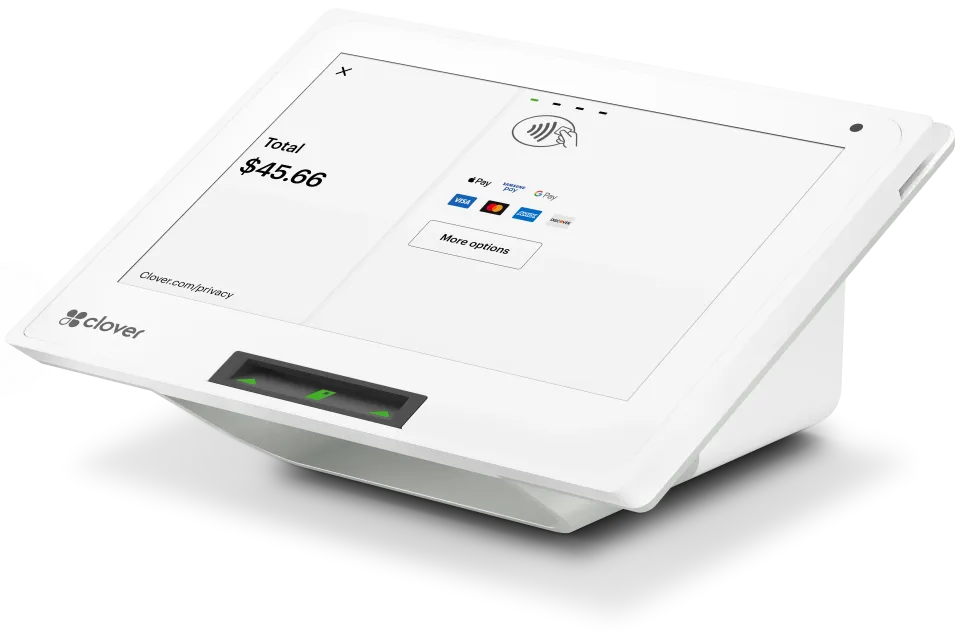
Mini makes it easy for customers to pay with swipe, dip, or tap. Credit or debit. And contactless payments like Apple Pay® and Google Pay™.
Anywhere anytime access
A small POS with real time 24/7 access to your data lets you check in and run your business from wherever you are.
Start small and expand when needed
Mini works with all other Clover devices and can expand with accessories to build a complete system so your system can grow as your business grows.
Inventory at your fingertips
Keep your inventory organized and accessible with categories, labels, modifiers and variants that you control.
Sales info in real time
Monitor transactions as they happen with info like hourly sales and top-selling items or refund and discount volume.
Take payments away from the counter
Accept card-not-present payments with Virtual Terminal or request payment by invoice, and set up recurring payments for repeat business.
Turn customers into fans
Create a fun, effective loyalty program in minutes, absolutely free with no strings attached.
Apps to customize
Connect to best in class apps that help you run your business like Quickbooks for accounting, BigCommerce for ecommerce, and Homebase for staff scheduling.
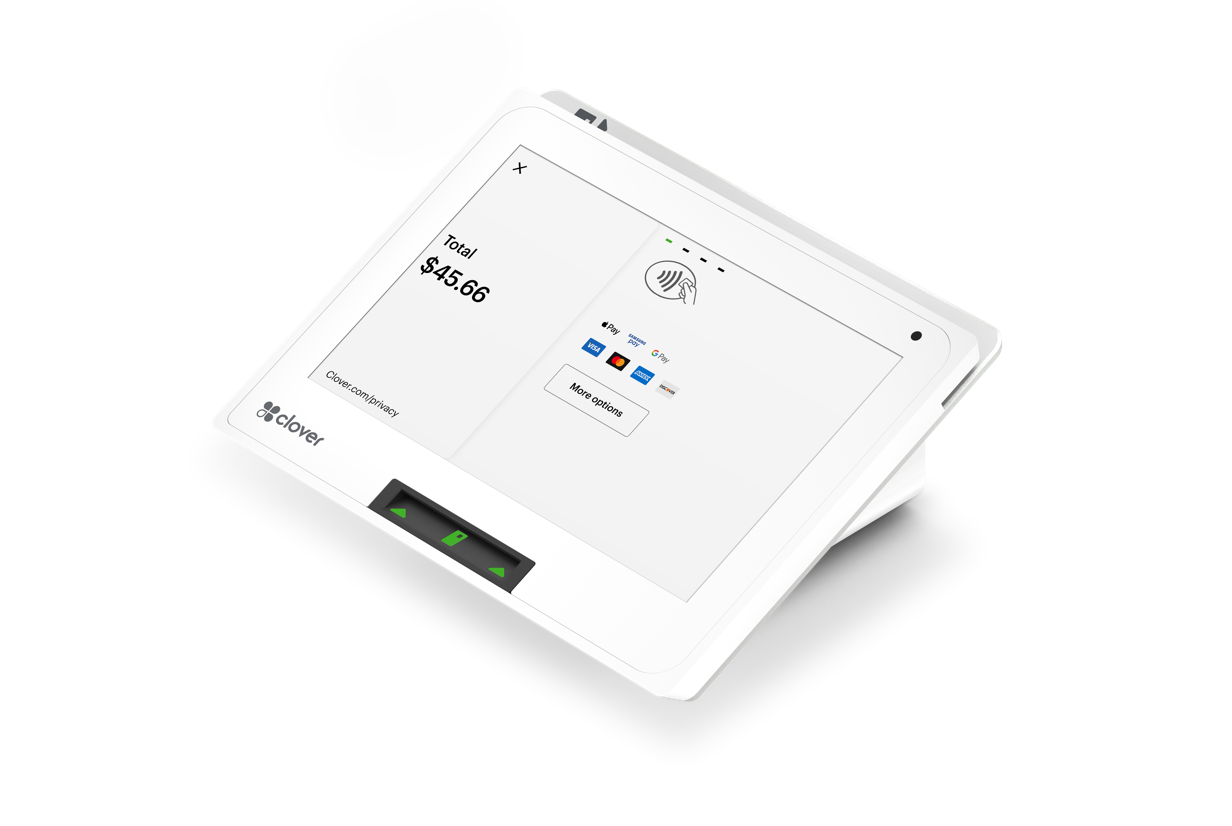
18" LCD color touch screen
The upsized 8" touch screen has plenty of room to confirm orders, complete payments, and manage everything to run your business.
Rated 4.9 on Google
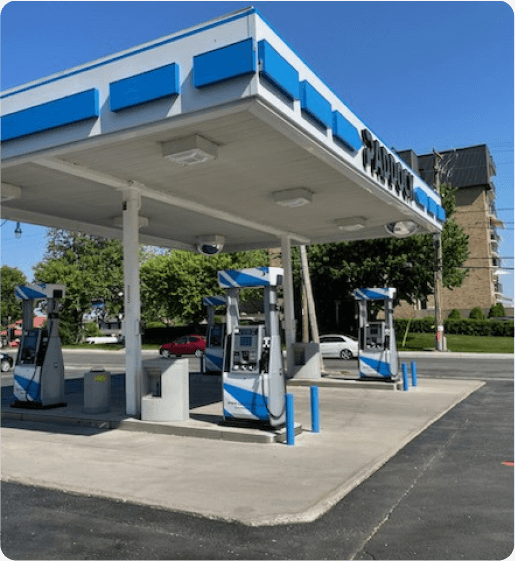
“Paddock gas station has seen incredible improvements since implementing the Pay@Pump solution from CleverPays. Our customers now enjoy the convenience of quick and secure payments right at the pump, and it’s boosted our efficiency and we saved a ton of money on our monthly payment processing costs.”
EricOwner, Paddock
A smaller checkout still needs room for staff and customers to complete the transaction comfortably. We look at where Mini will sit, how it will be reached and which accessories need to fit around it.

The right software matters as much as the device. We review your requirements for products, staff access and reporting, then identify the Clover configuration needed for those tasks. You should know which features are included and which depend on an additional plan or app.

Product selection, payment, receipts and refunds should form a process the team can follow. We prepare the agreed setup and work through these tasks before handover. For a new business, that means deciding what the counter needs from the start. For an existing one, it means checking what needs to move from the current system.

A growing catalogue, a new staff role or an additional checkout can change the requirements. We help assess those changes against the Clover configuration you have, rather than assuming more hardware is always the answer.
Mini can serve a POS role, with functionality determined by the selected software and configuration. We review what your business needs it to do.
Tell us about your counter, current equipment and the tasks you want Mini to handle.
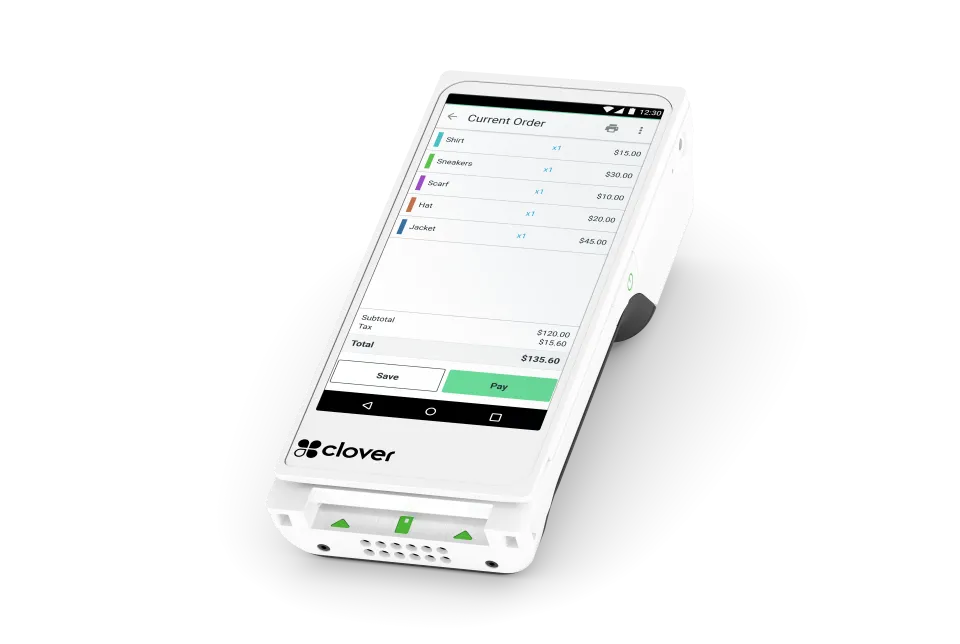
If staff need to bring checkout to customers, review whether Flex is a better fit.
Explore Clover Flex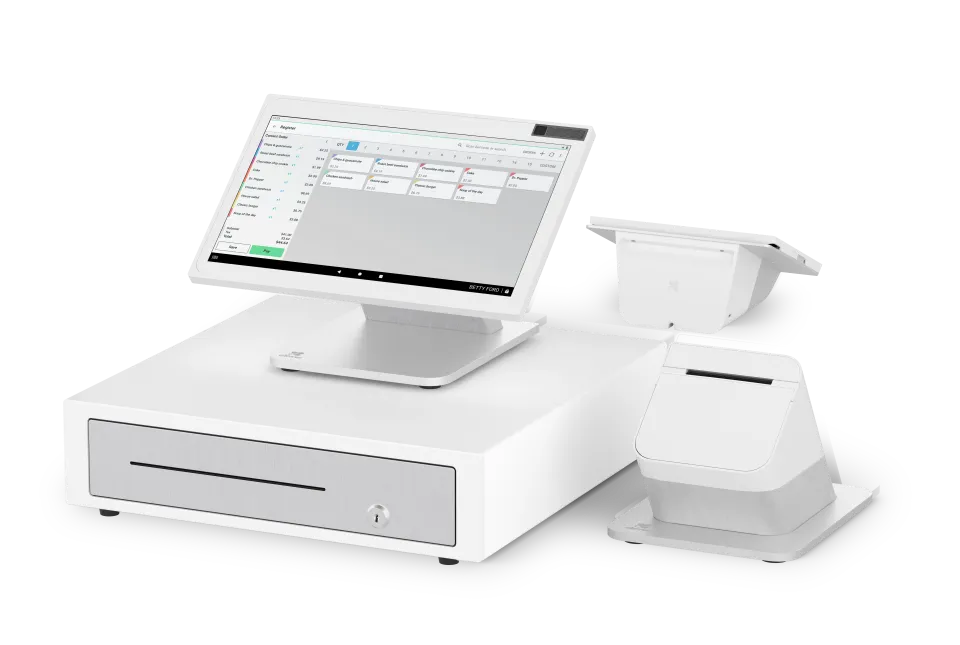
If separate staff and customer screens are central to the setup, compare Station Duo.
Explore Station Duo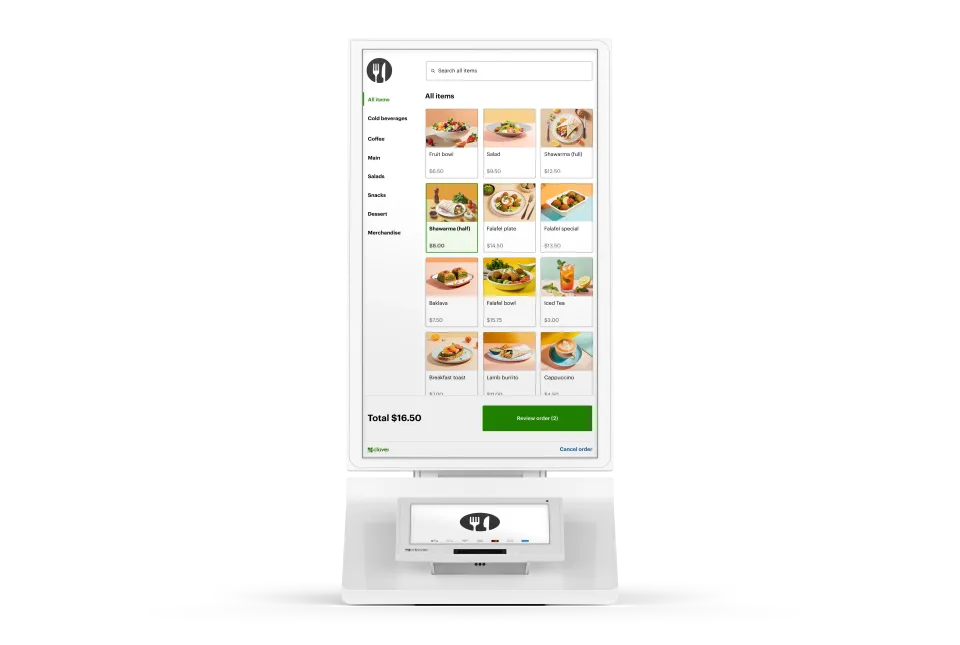
Our all-in-one device features an enterprise grade 24" display, versatile payment terminal, and a built-in printer, all with low-touch set up.
Explore Clover Kiosk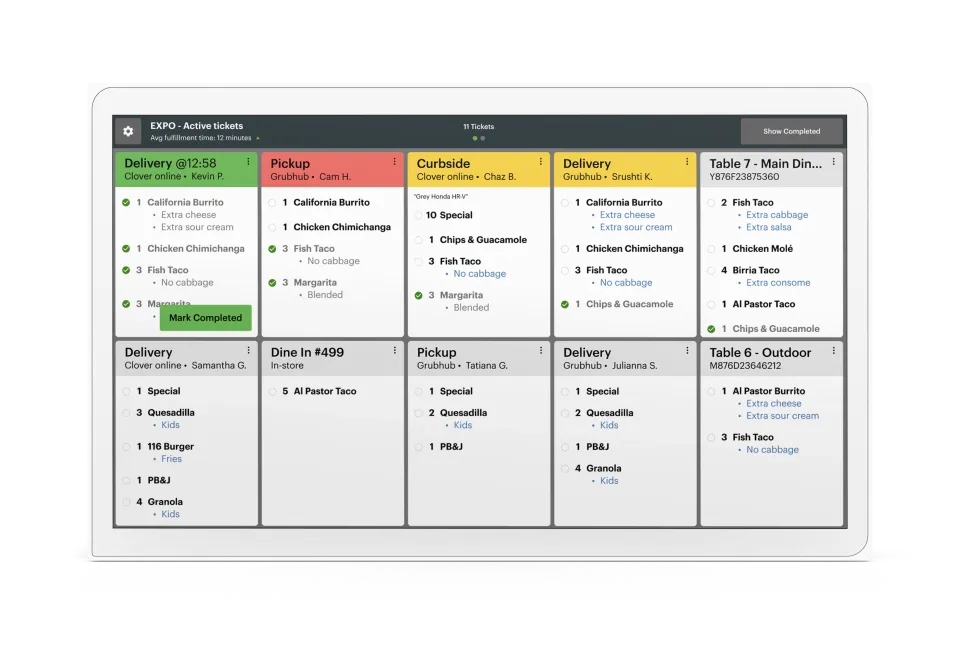
One screen. One source of truth. No pens, no printers, no lost tickets. Just a real-time look at ticket times, order statuses, and everything else that keeps service moving smoothly.
Explore Kitchen Display