At the table
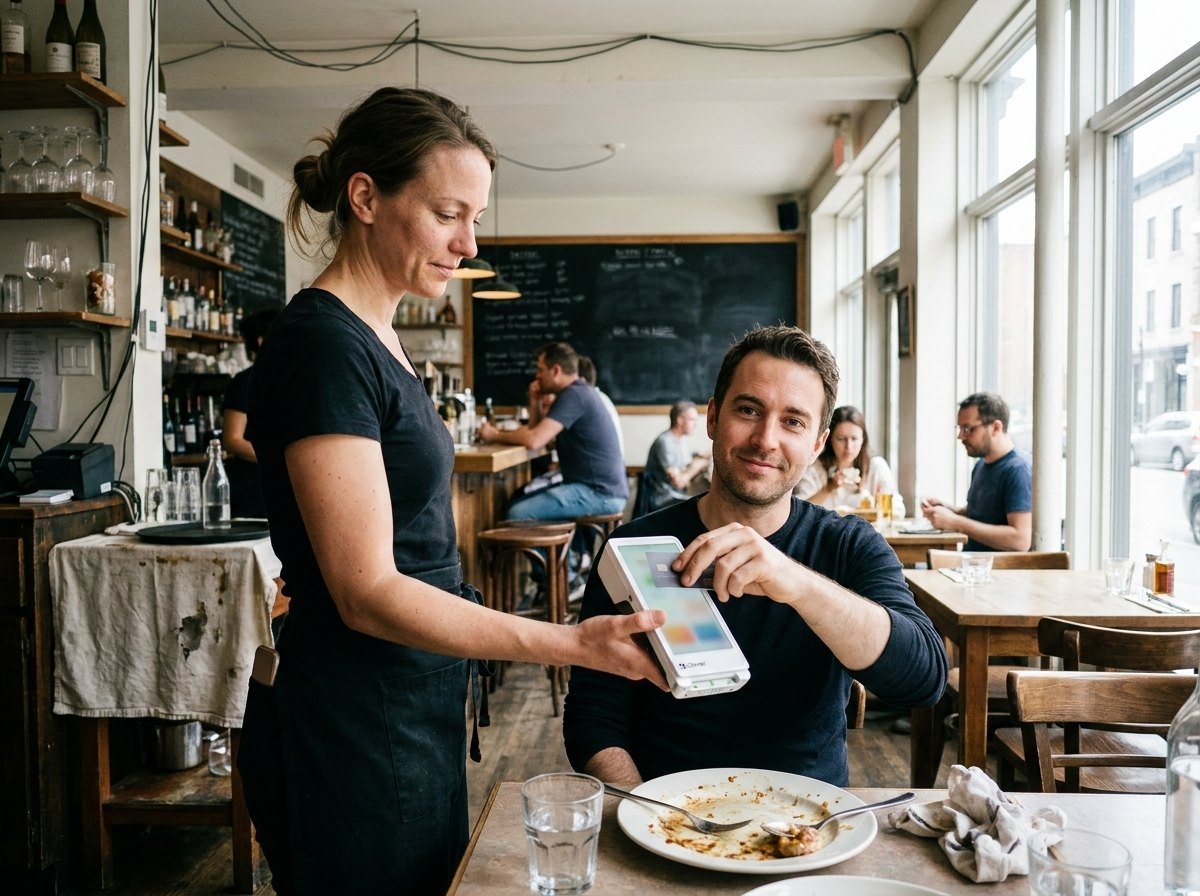
Give staff a payment option they can bring to the customer, with the receipt and tipping steps planned around service.
Bring the payment step to the place you serve. CleverPays helps configure Clover Flex around your team, service area and existing Clover setup, so a handheld device has a clear job from day one.

Get all you need, all from one POS
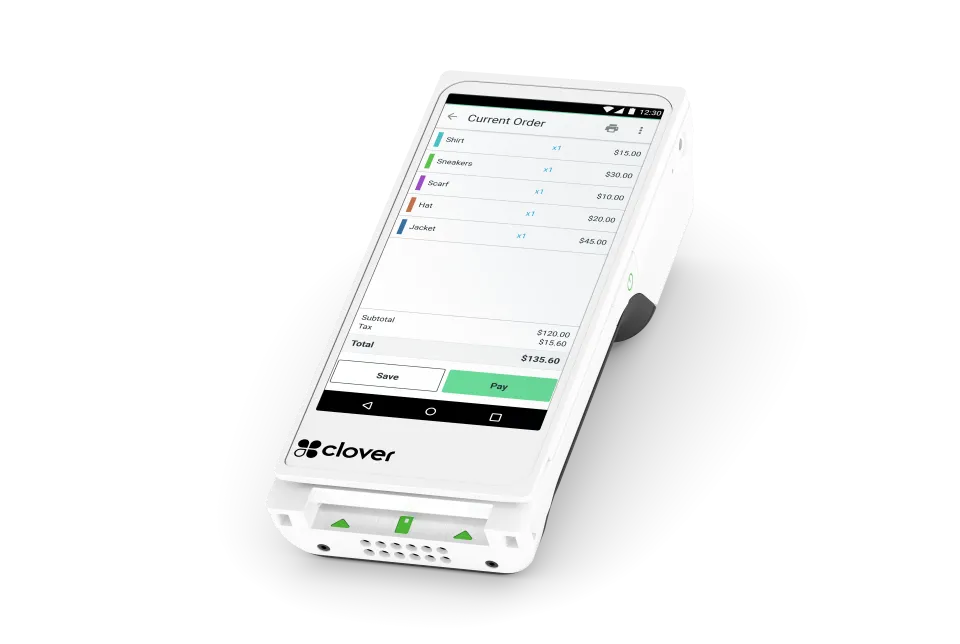
Packing portable power with a ~6" touchscreen, built-in printer, camera and barcode scanner for payments, tableside ordering and even inventory.
Take more payments from more places
Swipe, dip, tap, and take contactless payments wherever you do business.
Works well with others or alone
Run your whole business or pair with other Clover devices to create a complete location solution with this handheld POS.
Ready right out of the box
Start running your business right away with this mobile POS system requiring minimal setup and training.
Count on the cloud
Travel with your business anywhere you go. All your data, all your info, always at your fingertips.
Find the right fit for you
Customize the Flex as you see fit. Same power and versatility of our larger devices, and can be configured the way you need.
Track your sales from anywhere
Access 24/7 from a computer or mobile to track your sales and what’s most important to your business.
Stay in the know with inventory
Assign categories, labels, modifiers and variants to keep your inventory current and organized.
Keep tabs on your team’s performance
Run reports to see how your employees are performing, manage schedules and timesheets, and set permission levels to keep track of your team.
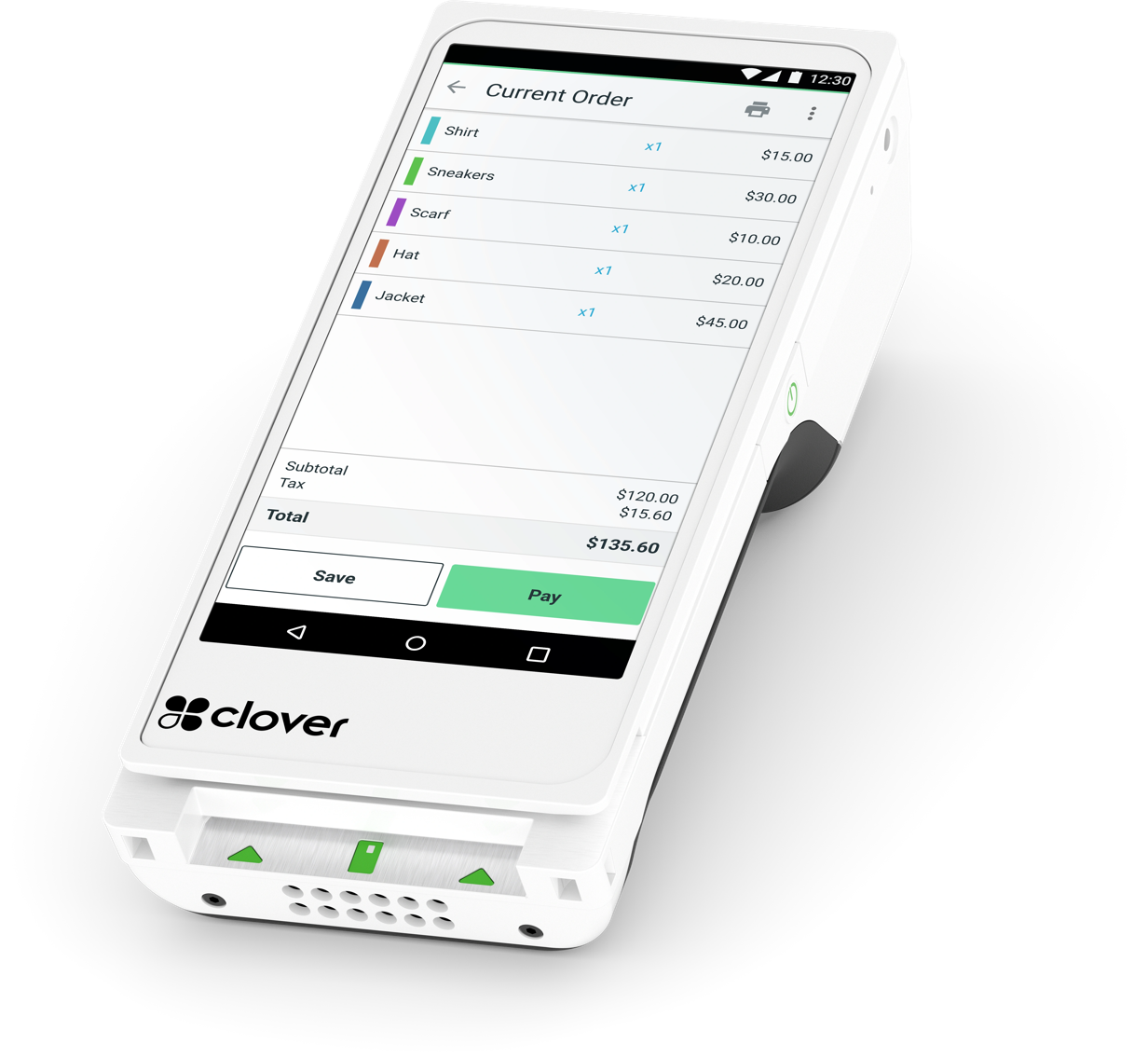
1Nearly 6" LCD color touch screen
Packing portable power with a ~6" touchscreen for payments, tableside ordering and even inventory.
Give staff a payment option they can bring to the customer, with the receipt and tipping steps planned around service.

Consider a handheld checkout where a fixed counter interrupts the way customers browse or staff assist them.

Review the locations where staff work and the connection they need before choosing Flex for work away from the counter.
Rated 4.9 on Google
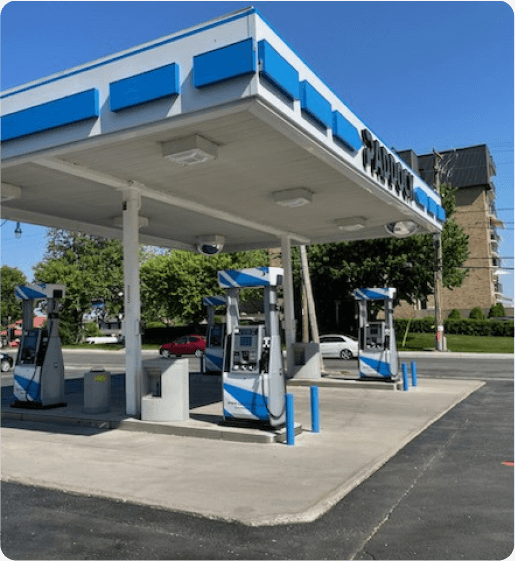
“Paddock gas station has seen incredible improvements since implementing the Pay@Pump solution from CleverPays. Our customers now enjoy the convenience of quick and secure payments right at the pump, and it’s boosted our efficiency and we saved a ton of money on our monthly payment processing costs.”
EricOwner, Paddock

Taking payment is only the start. Staff also need to find the right sale, use the available receipt options and know which actions require a manager. We configure the agreed tasks and access around the way your team works.
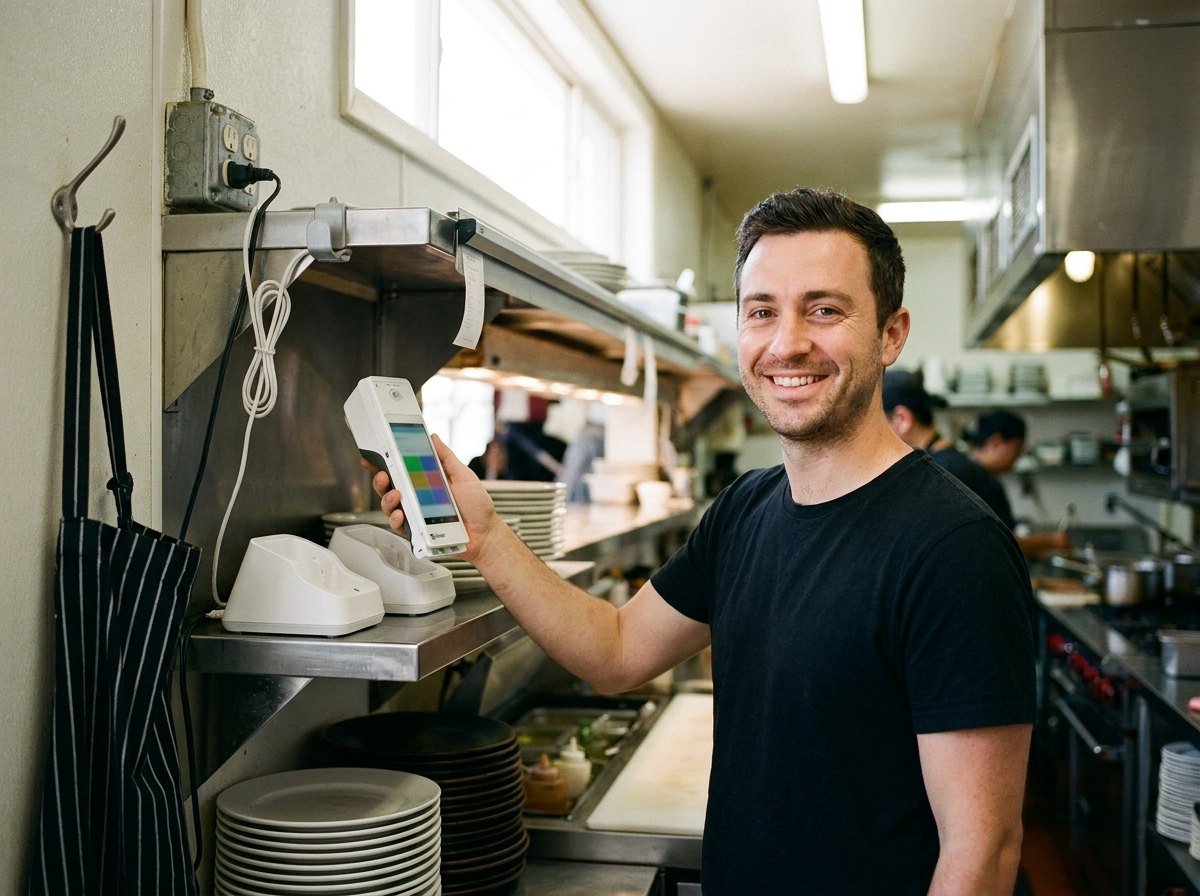
A portable device still needs an appropriate connection and a charging routine. We review the intended service area, where devices will be stored and what the team should do if one is unavailable.

Flex may be the main device for a smaller setup or serve a particular role alongside other Clover equipment. The right choice depends on the software, account and checkout process. We work through that role before adding hardware.

The setup plan covers the agreed software, staff access and transaction checks. Your team also needs a clear handover: how to use the device, where to find the relevant records and how to ask for help.
It may fit some businesses as the main checkout. We assess the tasks, accessories and staff needs before recommending it for that role.
Tell us where your team needs to take payment and how it handles the sale today.
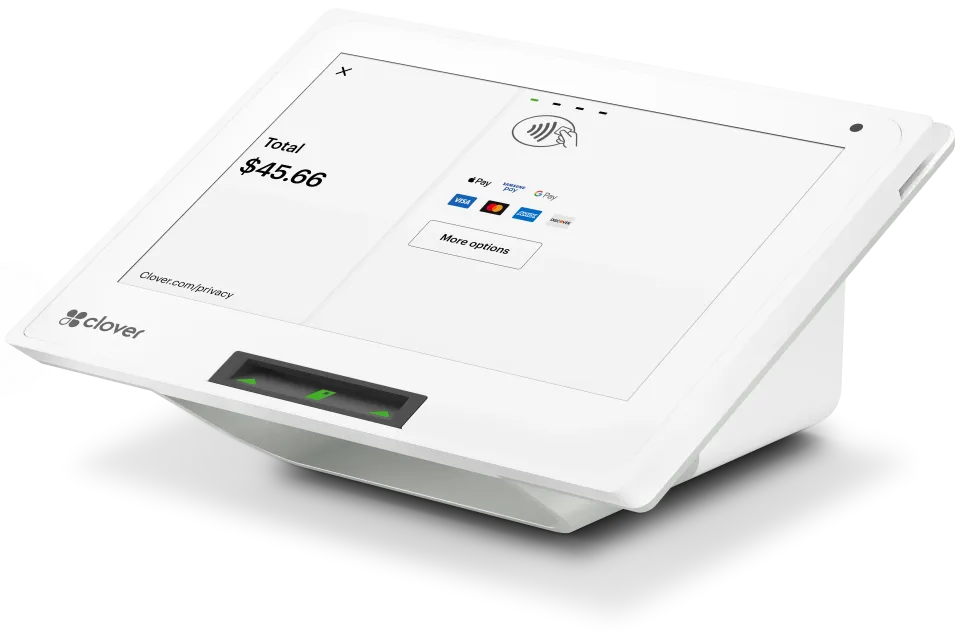
A compact option for a Clover checkout. Match it to the software, accessories and tasks your counter needs.
Explore Clover Mini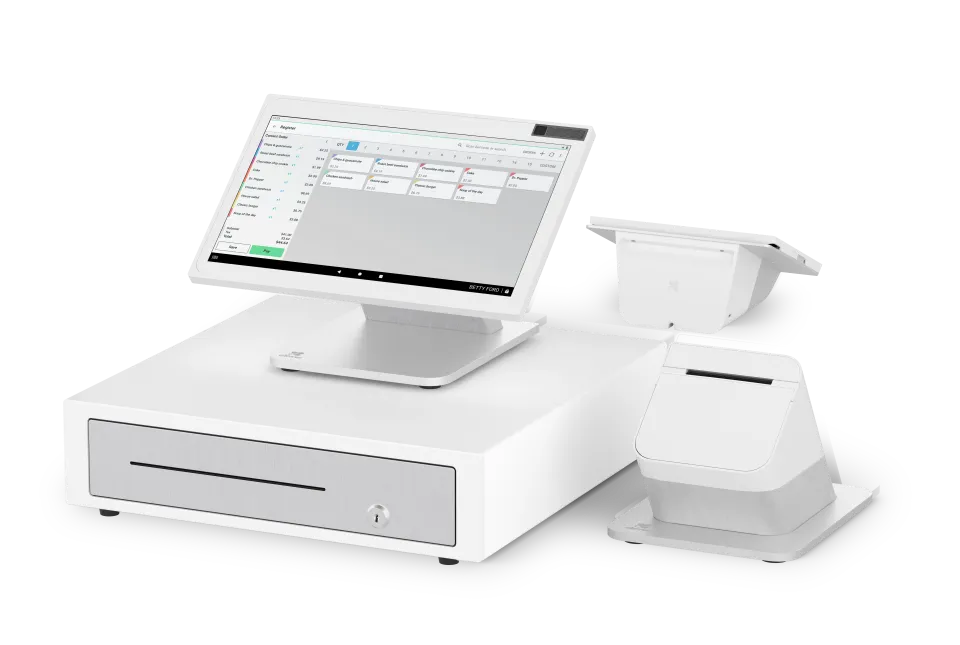
A countertop system with separate staff and customer screens. Plan it around order entry, customer payment and the space available.
Explore Station Duo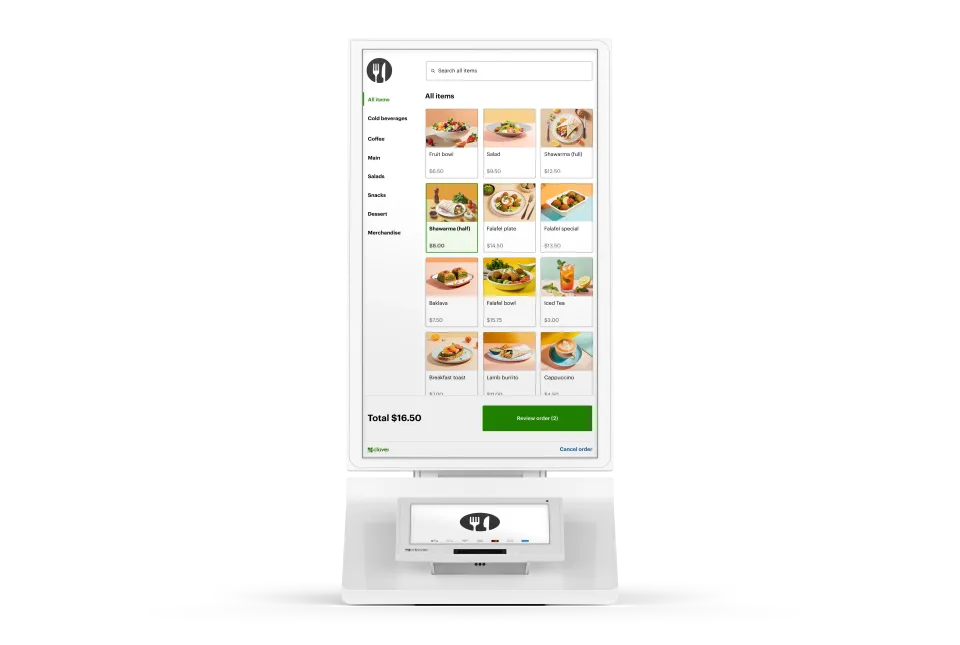
Our all-in-one device features an enterprise grade 24" display, versatile payment terminal, and a built-in printer, all with low-touch set up.
Explore Clover Kiosk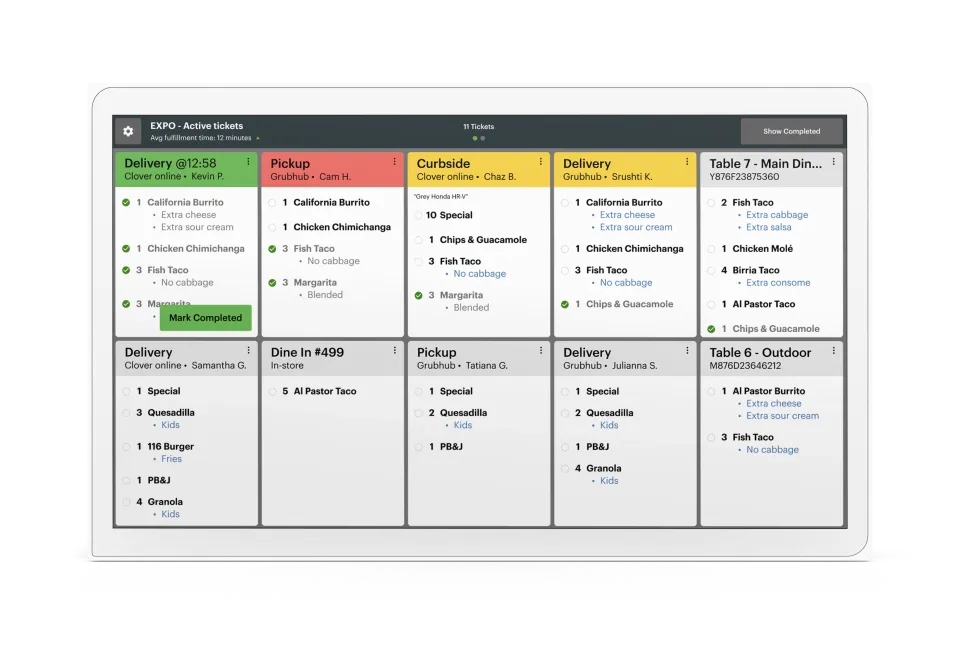
One screen. One source of truth. No pens, no printers, no lost tickets. Just a real-time look at ticket times, order statuses, and everything else that keeps service moving smoothly.
Explore Kitchen Display