
Grocery and convenience POS built for the checkout rush.

A good checkout starts before the customer reaches the counter. CleverPays helps prepare the product data, payment connections and equipment your store needs, with the changeover planned around trading hours.

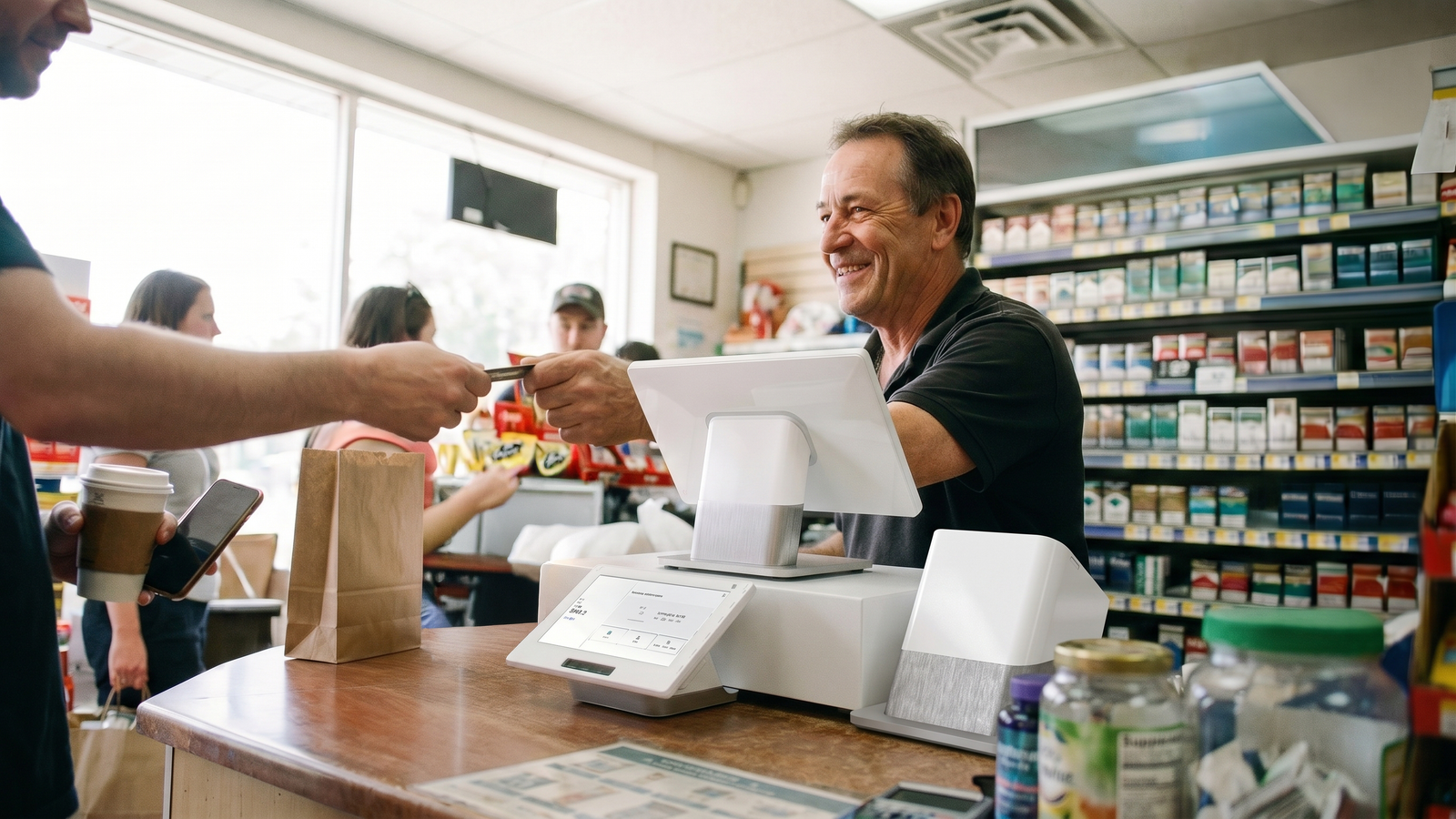
A busy grocery checkout counter mid-transaction.

Request a callback

Your name

Get the item file ready first

Barcodes, product names, prices and categories need to make sense at the lane. We agree how the catalogue will be prepared or moved, which records need cleanup and how staff will maintain it afterward.

That preparation gives the team a more useful starting point than an empty POS screen.

A shop owner and a visitor over a tablet at the counter, shelves stocked behind them.

Merchants on CleverPays

Rated 4.9 on Google

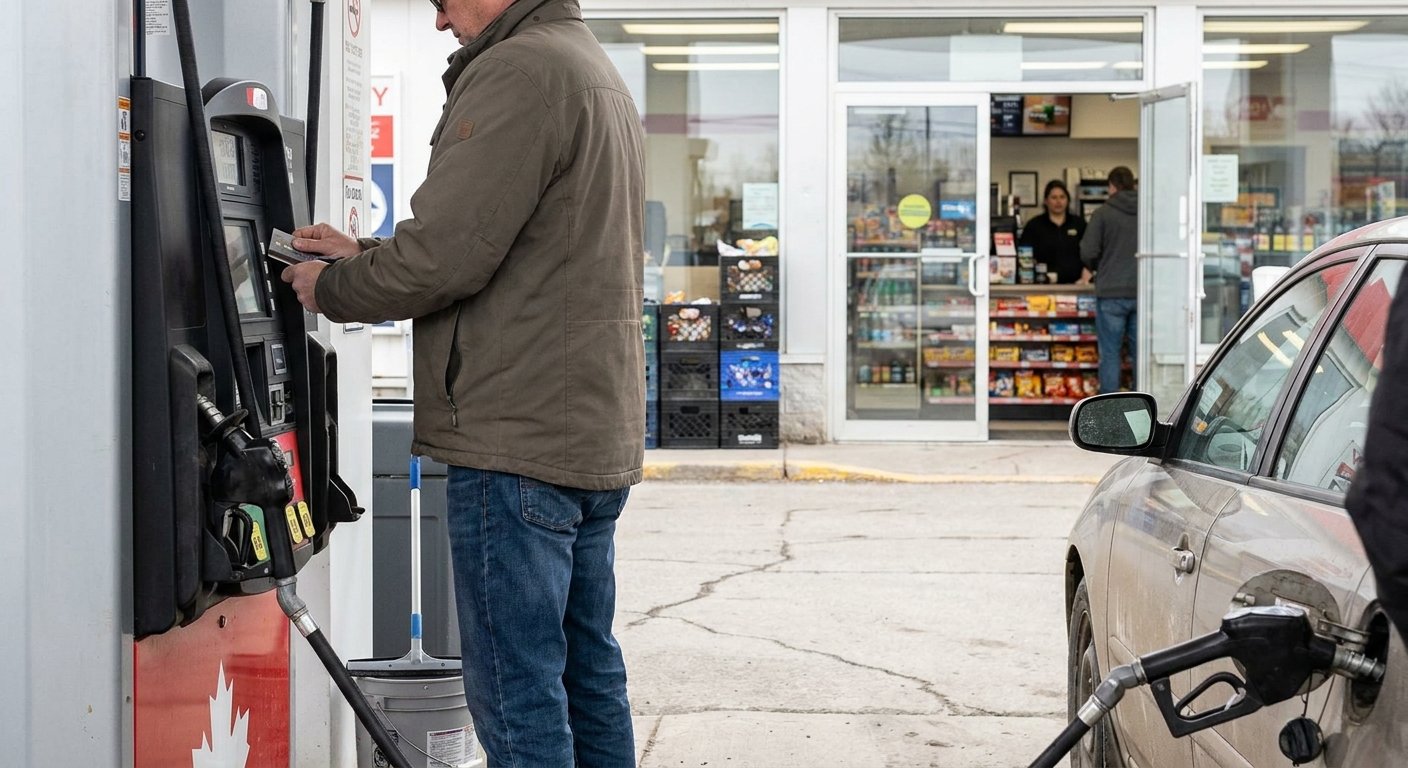
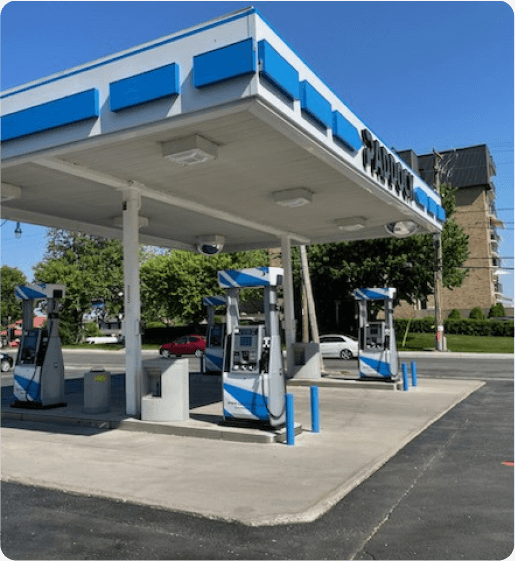
“Paddock gas station has seen incredible improvements since implementing the Pay@Pump solution from CleverPays. Our customers now enjoy the convenience of quick and secure payments right at the pump, and it’s boosted our efficiency and we saved a ton of money on our monthly payment processing costs.”

EricOwner, Paddock

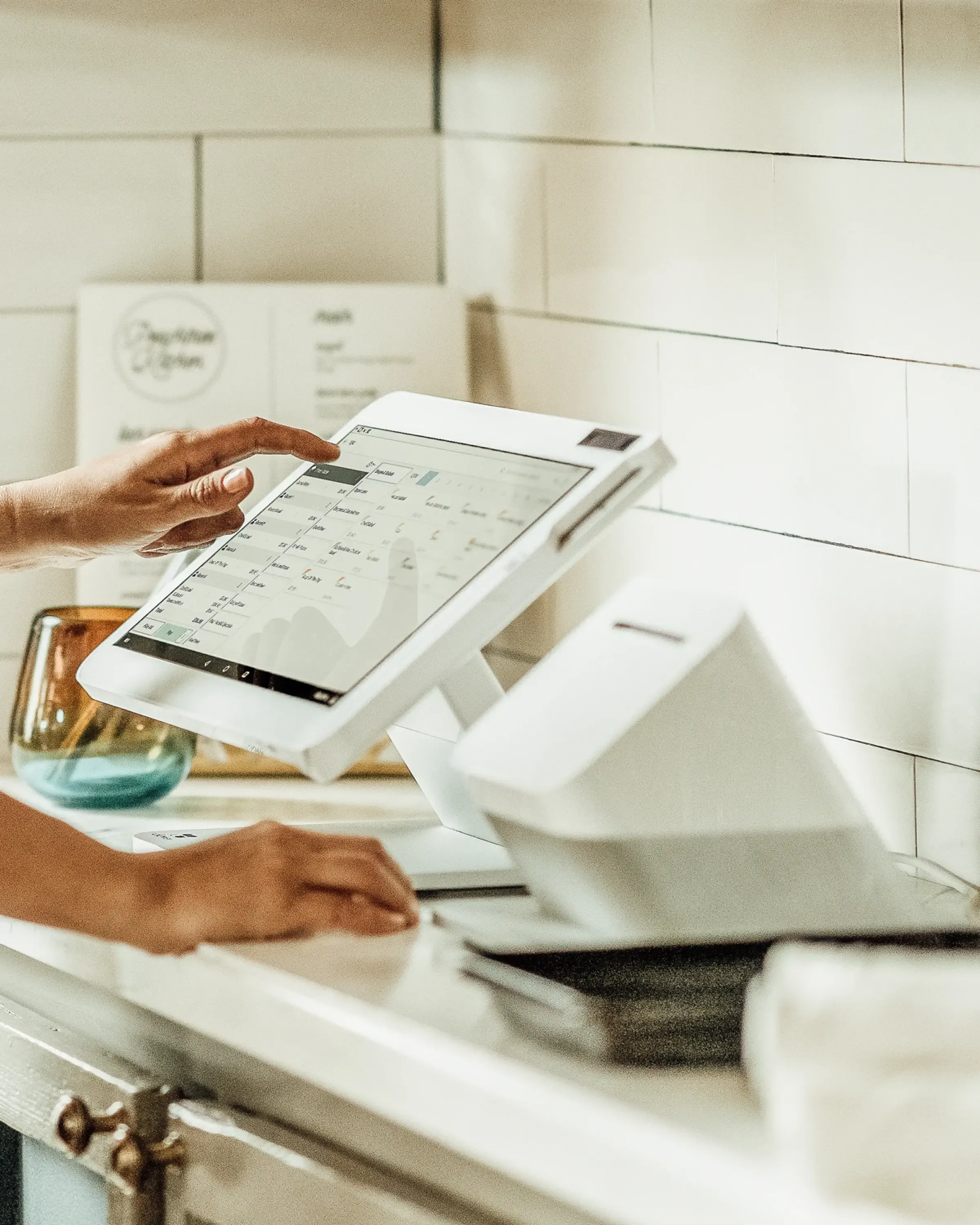
A checkout lane with a Clover Station mounted at the counter.

Build the lane around the basket

A small convenience counter and a grocery lane have different equipment needs. We review scanners, receipt printers, payment devices and any weighed-item requirements as part of the complete setup. Special processes—including restricted products or services handled outside the POS—need their own checks.
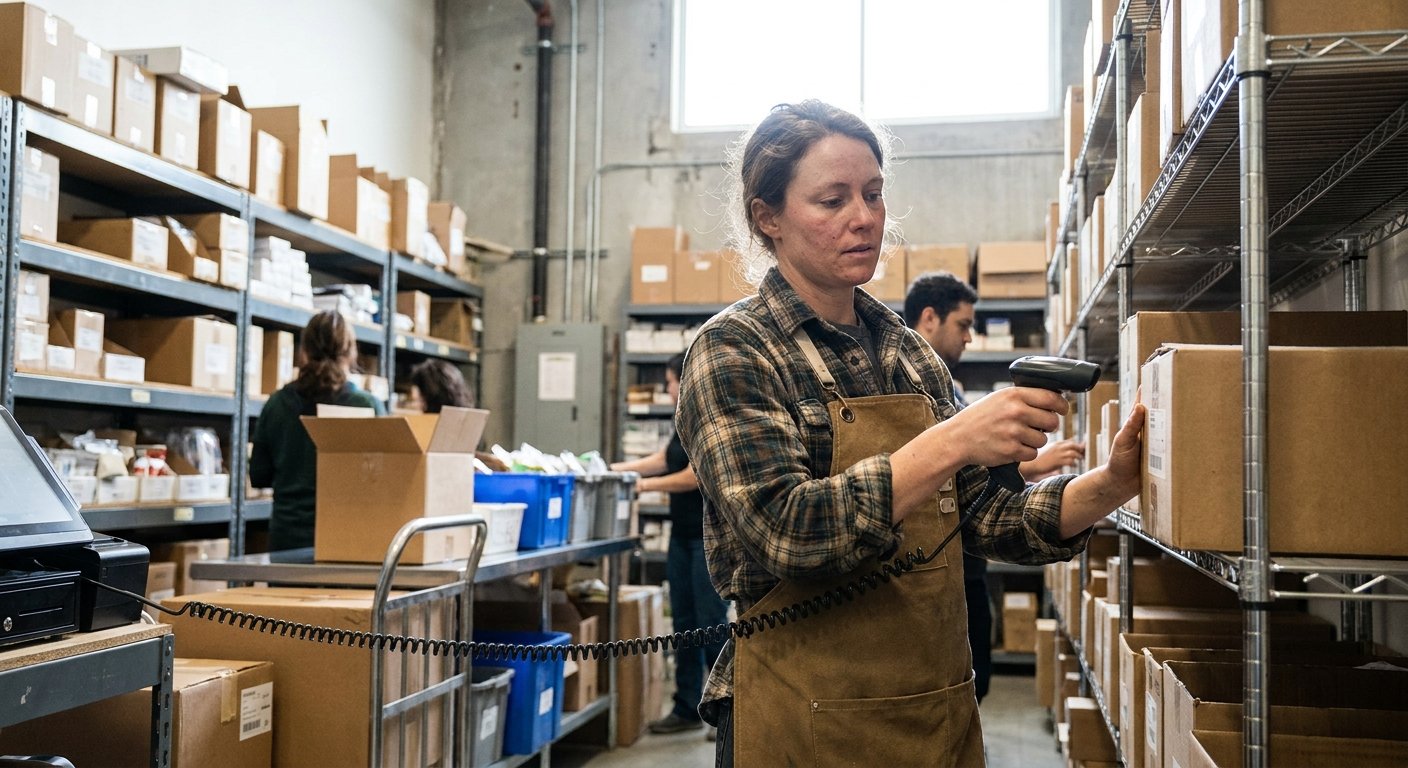

A stockroom shelf being counted against a handheld device.

Keep stock changes understandable

Sales, deliveries, returns and adjustments all affect what is available. We help identify the tools and procedures your store needs to record those movements and review discrepancies. The setup should make clear where product and stock changes are made.

Explore Inventory Tools
A quiet moment in a shop, chosen for a changeover.

Plan the switch around store hours

A changeover involves product preparation, equipment, staff and testing. We establish the sequence before setting the date and identify which tasks can be completed before the counter changes over. Staff need time to practise the transactions they handle most often.

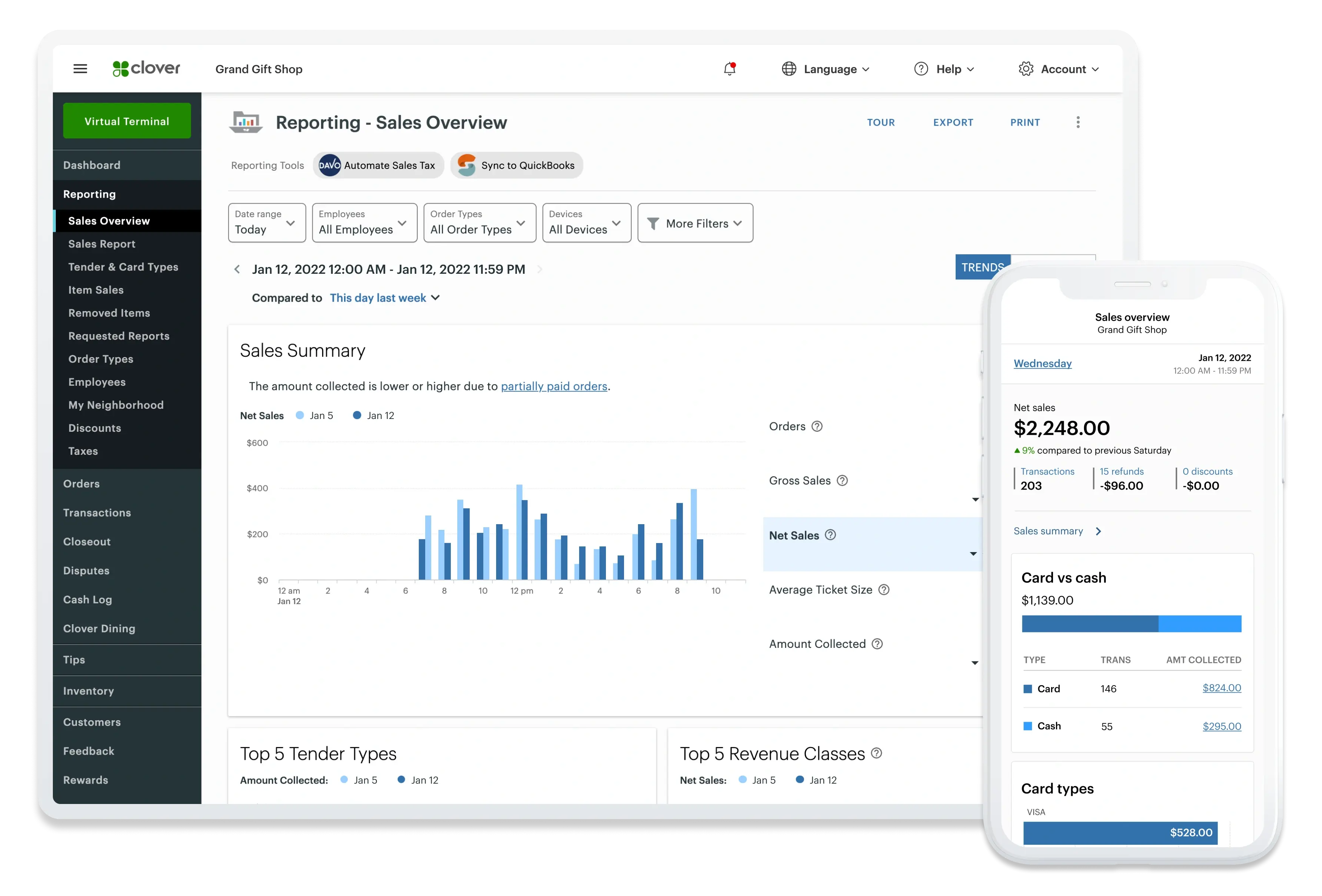
Sales tracking and reporting shown across a phone and tablet.

Make the close easier to follow

Sales reports and payment deposits answer different questions. We review the available information and the steps your team will use to reconcile the day and pass records to the office.

Explore Reporting

Request a callback

Your name

Common questions

Possibly. Share the model details so compatibility can be checked against the proposed POS and configuration.

See how we help

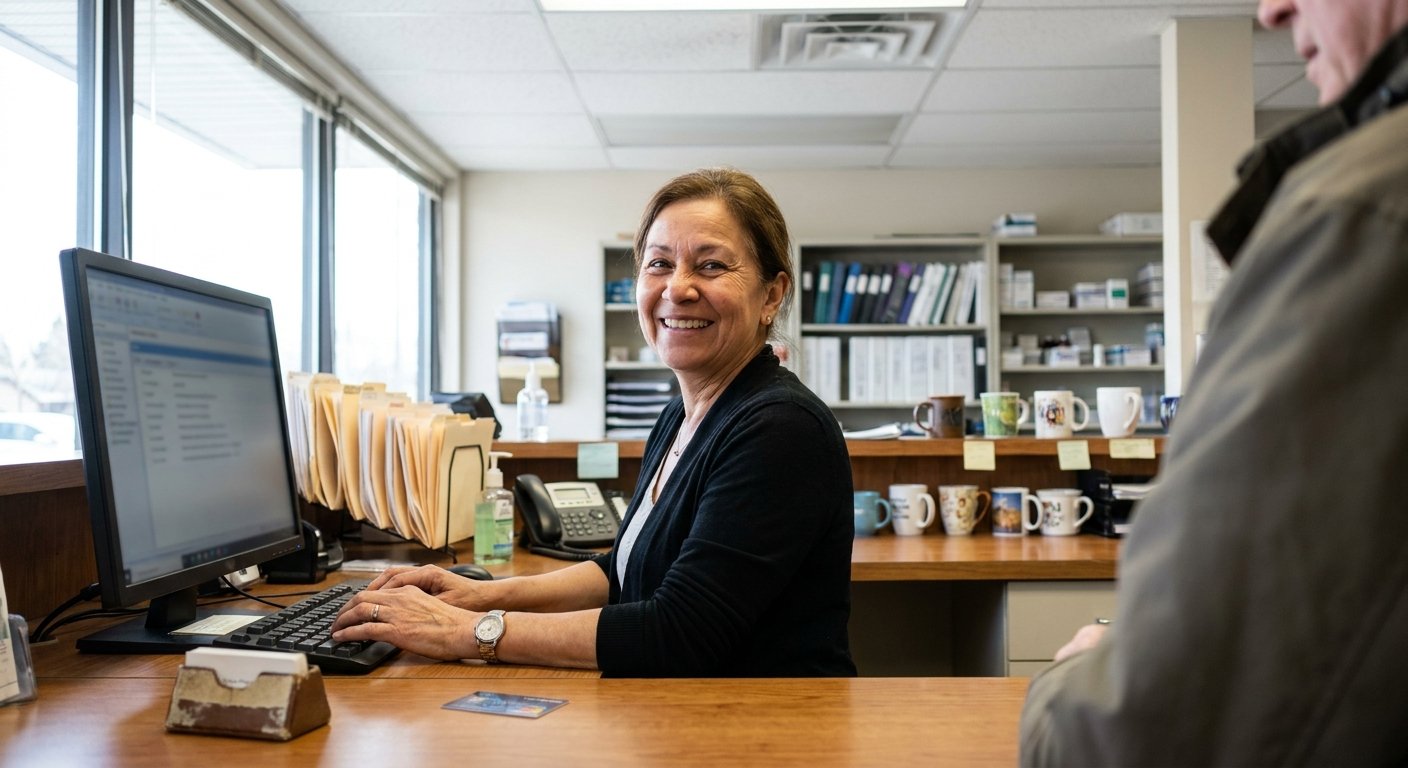
A clinic reception desk with a payment terminal.

Healthcare and clinics

Make patient payment and billing follow-up easier to manage while keeping clinical records separate from the POS.

Explore Healthcare Solutions
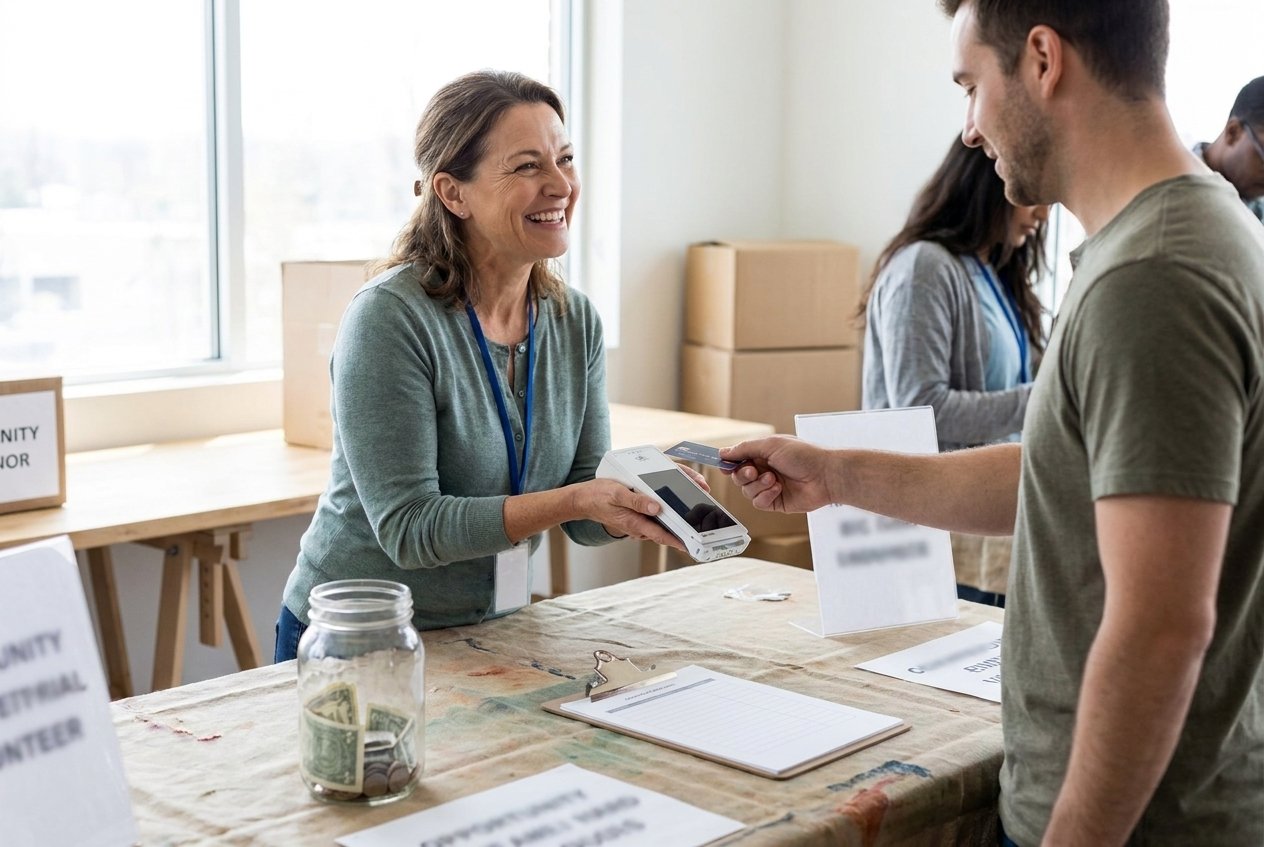
A staffed donation table with a payment terminal on it.

Nonprofits

Plan donation payments for online giving, recurring support and events, with reporting your team can work with.

Explore Nonprofit Solutions

Build a checkout around your store

Tell us about the products you sell, the equipment you use and what slows the team down today.

Accept all major payment methods
VisaMastercardInteracAmerican ExpressDiscoverUnionPayJCBDiners ClubApple PayGoogle Pay