
Fuel payments built for the filling station.

Establish which payment options work with your site before changing equipment. CleverPays helps review the pump connections, fleet requirements and provider responsibilities behind a pay-at-pump project.

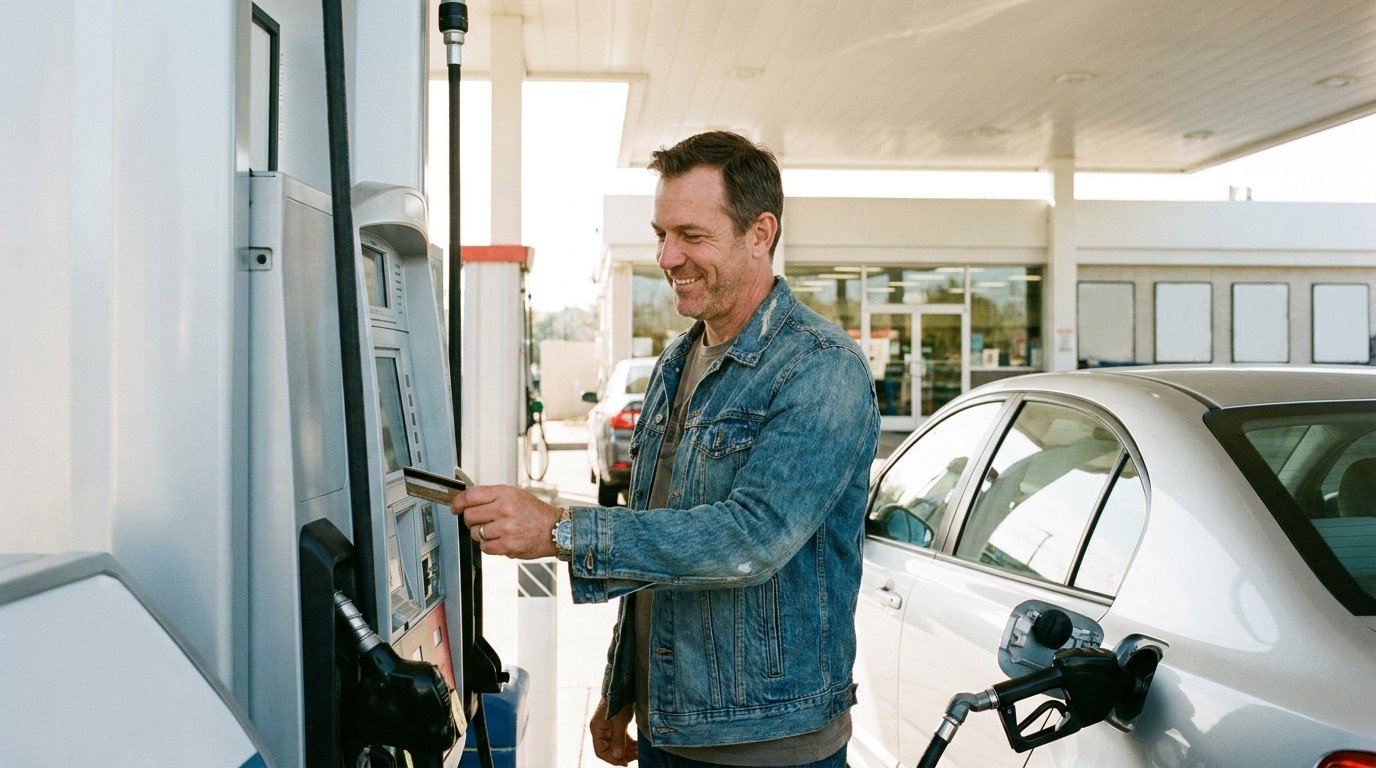
A driver paying at the dispenser on a filling-station forecourt.

Request a callback

Your name

Map the equipment already in place

The dispenser, controller, payment device and software all matter. We start with the existing setup and the vendors responsible for each part, then identify the available route for the proposed change.

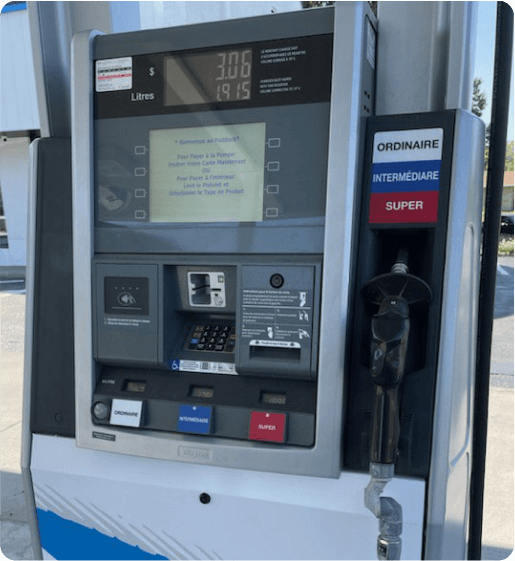
A fuel pump with its card reader and keypad.

Merchants on CleverPays

Rated 4.9 on Google

“There are no headaches, they're always there for me, and I'm very happy I never had any issues.”

Mie en VertRetail franchise

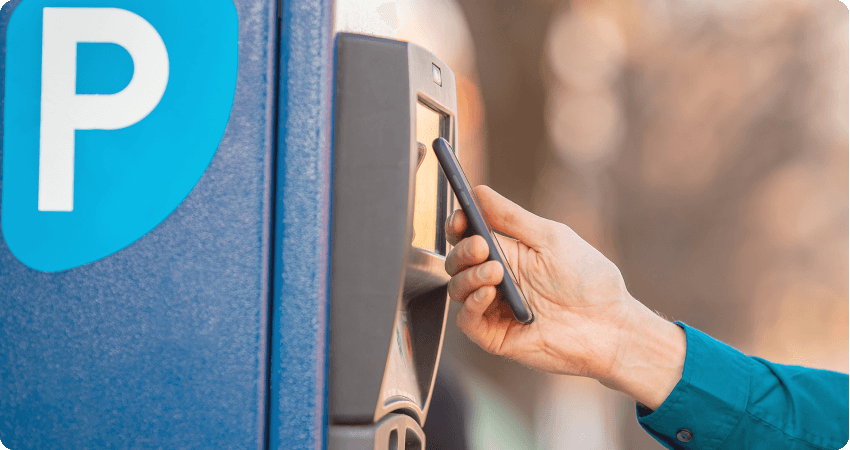
A contactless payment made with a phone at an unattended parking kiosk.

Confirm the complete payment connection

A device alone does not establish compatibility. The processor, payment application and pump connection need to be supported together. The project should make clear what is staying, what is changing and which provider approves each connection.
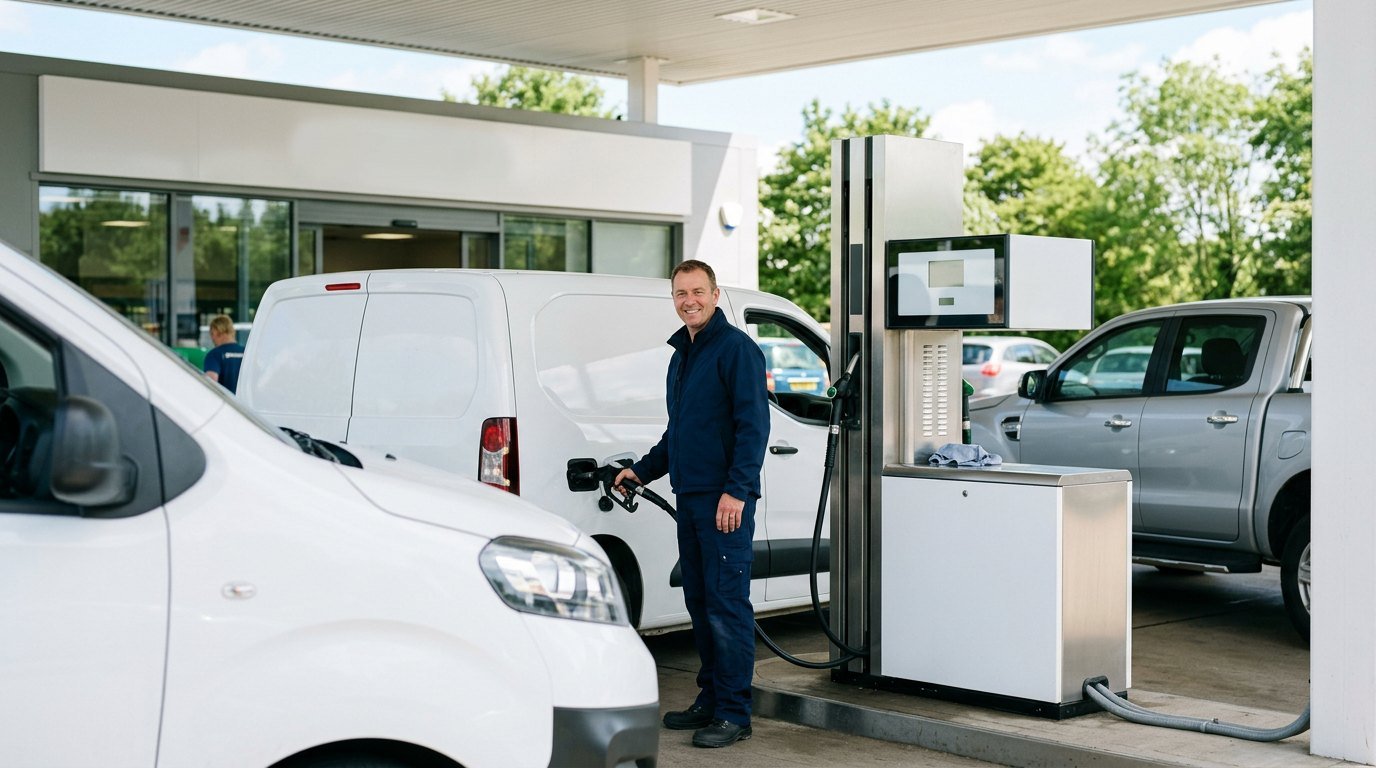

A driver refuelling a company van at a filling station, more of the fleet behind.

Name the fleet programs you need

Fleet acceptance can involve particular programs, transaction information and reporting requirements. We review the actual customer needs rather than treating “fleet cards” as a single universal feature.

Explore Gas-Station Solutions

Already have a POS?

A barber laughing with a customer as they pay on a handheld terminal.

Keep your system. Switch how you take payments.

Integrate Cleverpays with the POS you already use and move your in-store and online payments to a better setup.

An operator working through printed reports beside a laptop.

Define installation and field-service responsibilities

On-site work, remote configuration and payment-account support may involve different providers. We identify those roles and the escalation process before planning the deployment. Connectivity and the response to a device or controller problem belong in the same discussion.

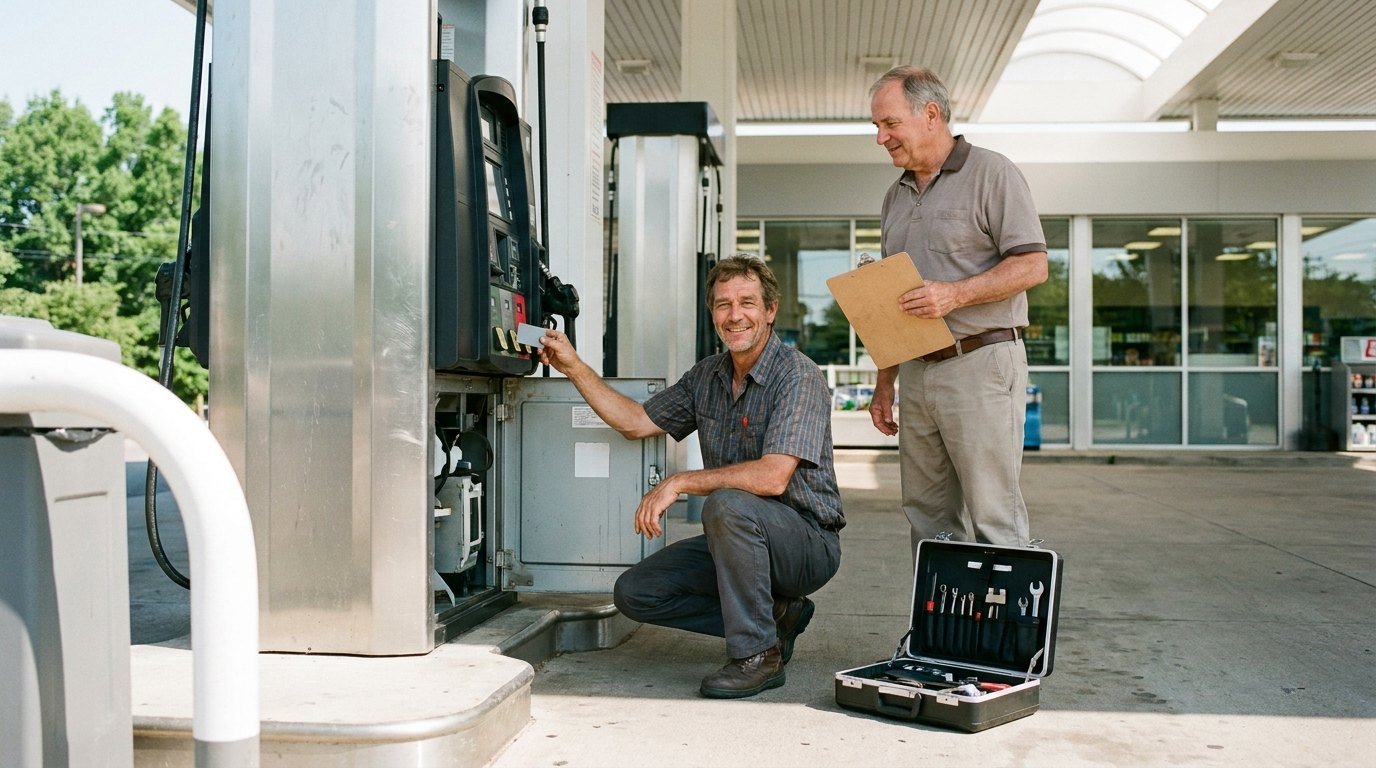
A technician running a test at a fuel dispenser while the station owner watches.

Test before completing the changeover

The rollout plan needs a sequence for configuration, installation and transaction checks. It also needs a way to record unresolved issues before the project is treated as complete.

A station owner going through site paperwork in the back office, the forecourt through the window.

Bring the right information to the first discussion

Start with your dispenser and controller details, current payment provider, relevant service companies and the fleet programs you need to accept. If those details are spread across several vendors, tell us who manages each part.

Request a callback

Your name

Common questions

Compatibility should be established before equipment is selected. The supported filling-station route determines which options are practical.

See how we help

A shop counter backed by shelves of stocked product.

Inventory and products

Organize the catalogue, record stock changes and establish where updates should be made.

Explore Inventory Tools
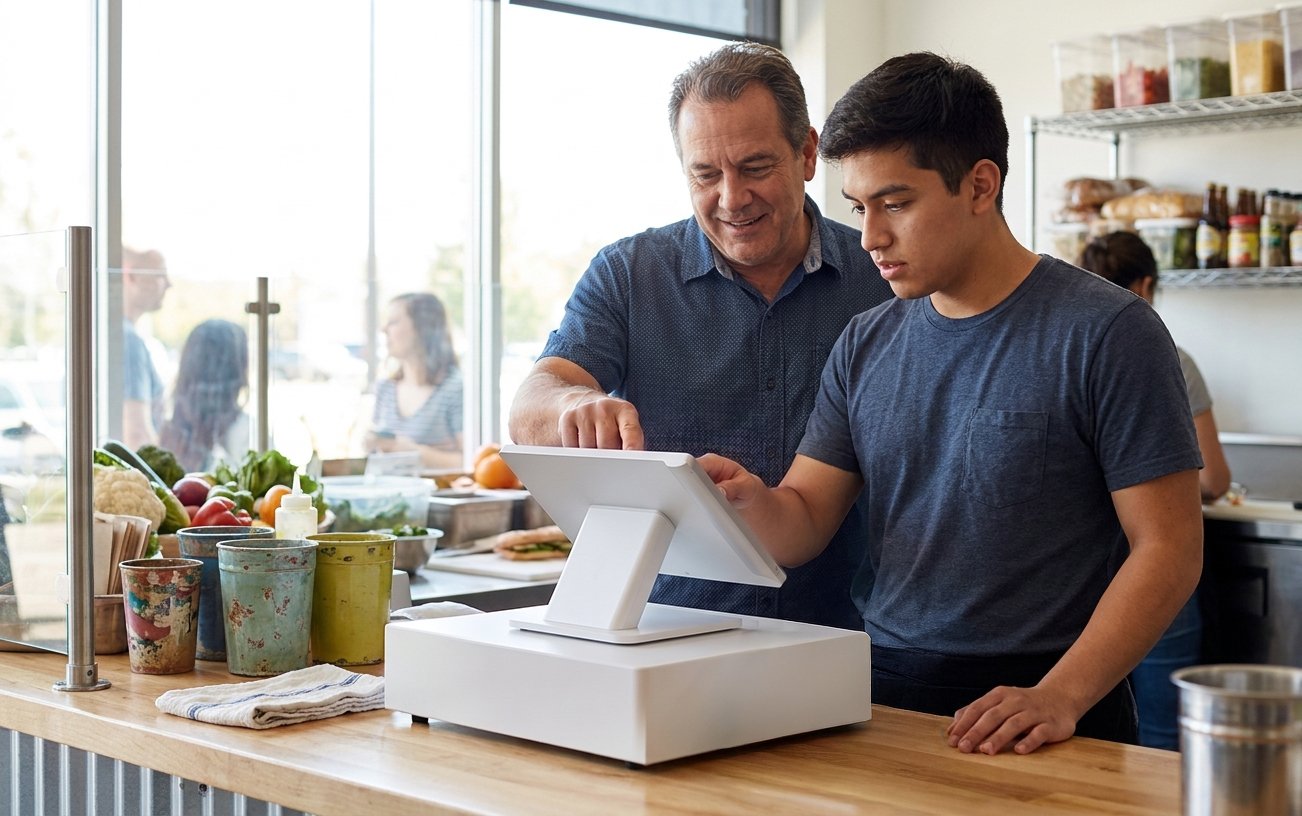
A manager setting staff permissions on a POS screen.

Staff access

Give people the permissions their role needs and help managers maintain access as the team changes.

Explore Employee Tools
A reporting dashboard open on a laptop.

Reporting

Identify the reports and connections needed to understand sales, payment activity and deposits.

Explore Reporting

Review the route before buying equipment

Tell us about your existing site and the payment capability you want to add or change.

Accept all major payment methods
VisaMastercardInteracAmerican ExpressDiscoverUnionPayJCBDiners ClubApple PayGoogle Pay