
Clover POS, configured for your business.

Bring together the Clover devices, software and apps your business needs. CleverPays helps prepare the setup, get your team ready and support the system after activation.

Clover Certified Dealer
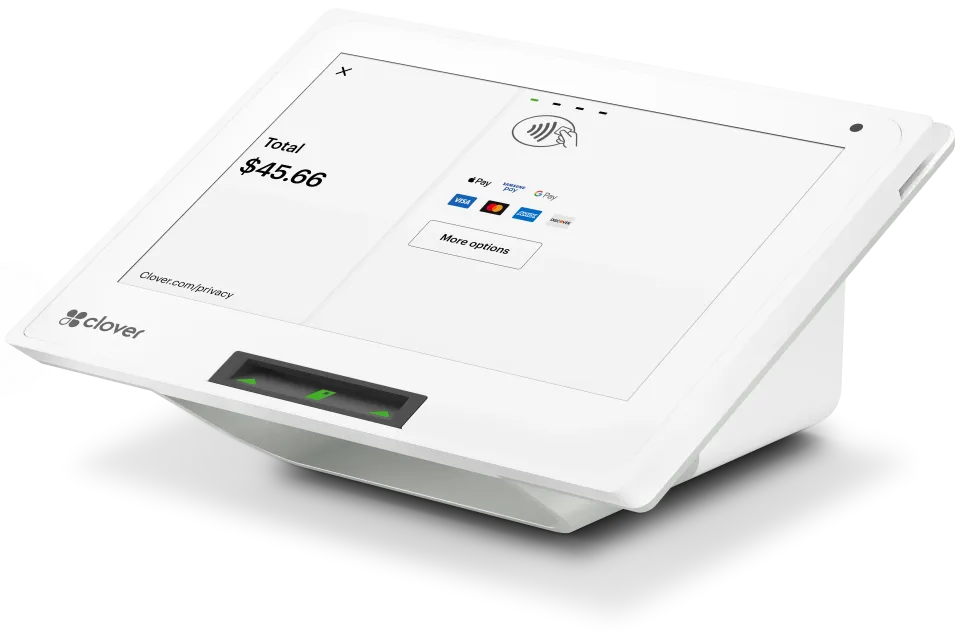
A Clover Mini countertop terminal.

Request a callback

Your name

Choose the Clover device by its role

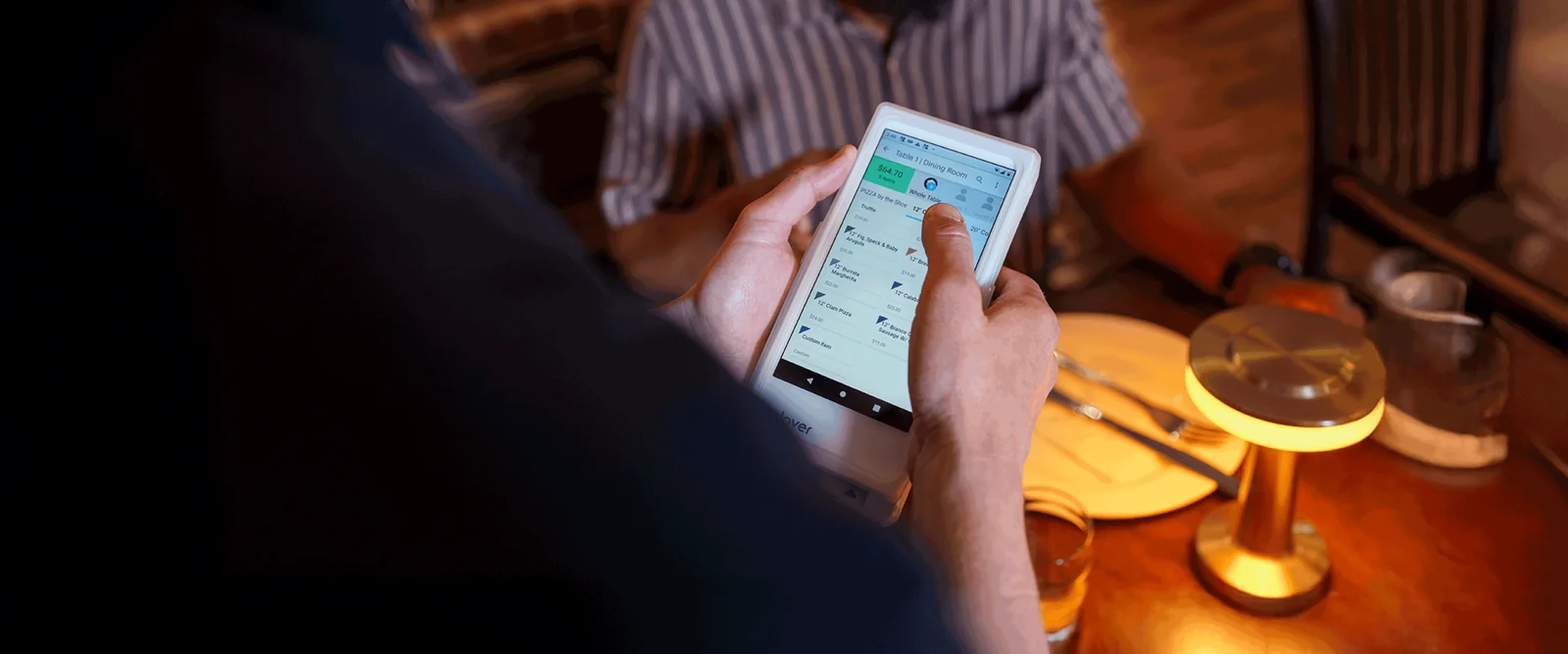
Clover Flex: bring checkout to the customer

A handheld option for teams that need to take payment away from a fixed counter. Consider where it will be used and how it will connect.

Merchants on CleverPays

Rated 4.9 on Google

“Paddock gas station has seen incredible improvements since implementing the Pay@Pump solution from CleverPays. Our customers now enjoy the convenience of quick and secure payments right at the pump, and it’s boosted our efficiency and we saved a ton of money on our monthly payment processing costs.”

EricOwner, Paddock

Add tools for a specific reason

An app should solve an identified problem. We review its purpose, availability, subscription and connection to the rest of the setup before treating it as part of the solution.

That keeps the recommendation focused on what your business will actually use.

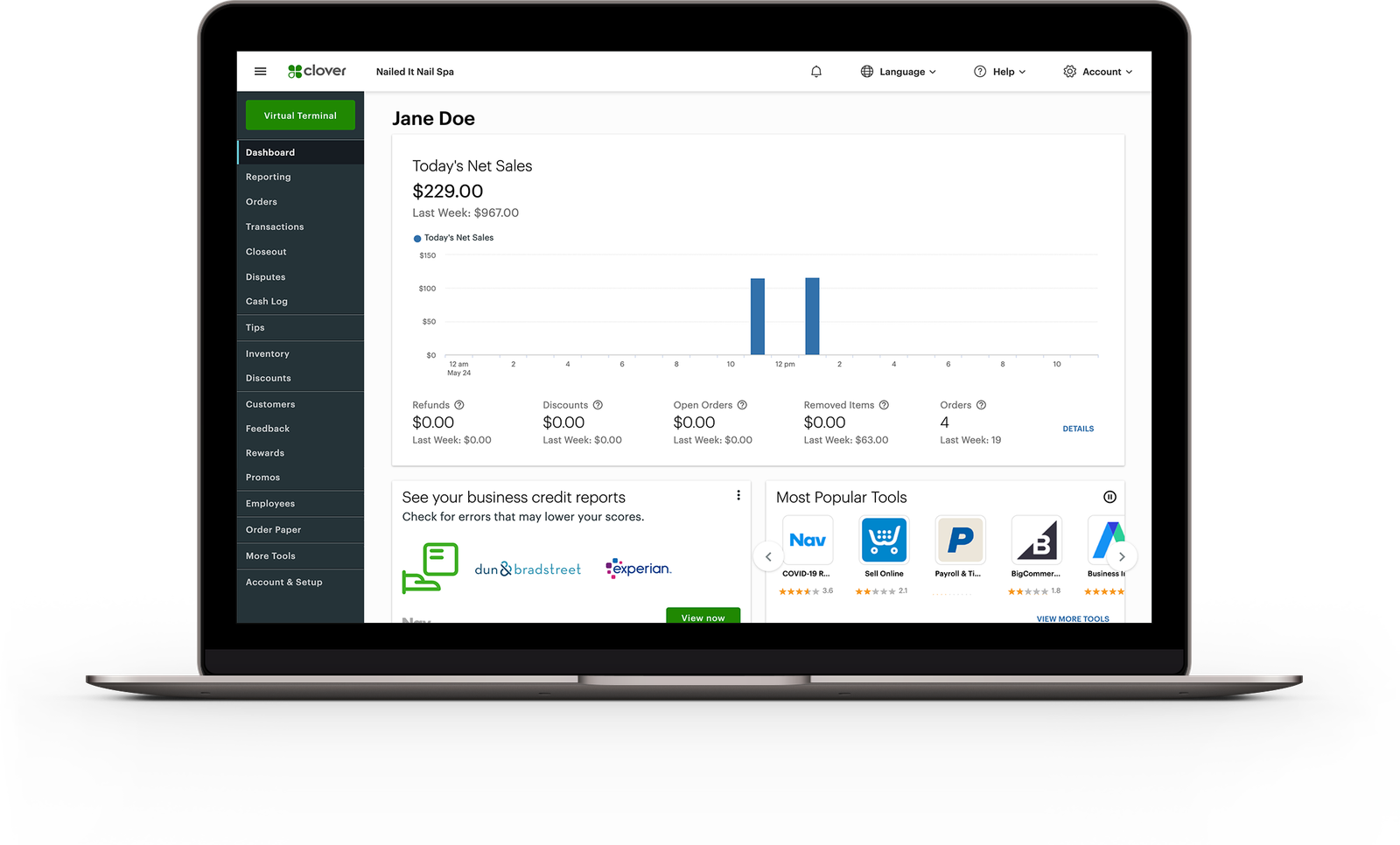
The Clover web dashboard on a laptop, showing today's net sales and the tools menu.

Choose the software with the same care as the hardware

The device is only part of the decision. Your Clover software and app choices determine which tools are available and how your team uses them. We start with the work you need to do—sales, product or menu management, staff access and reporting—then review the configuration that fits.


Already have a POS?

A barber laughing with a customer as they pay on a handheld terminal.

Keep your system. Switch how you take payments.

Integrate Cleverpays with the POS you already use and move your in-store and online payments to a better setup.

An owner talking a team member through a Clover Mini at the counter before opening.

Prepare the business before launch

A useful setup begins before the equipment reaches the counter. We agree which products or menu items need preparing, which staff roles need access and which accessories or connections the project requires. The launch plan also covers the everyday actions your team needs to practise, from taking a sale to handling a refund.

A CleverPays support specialist at a shop counter, going through the Clover Mini with the owner.

Keep support part of the relationship

Once Clover is live, your needs can change. We help with setup questions, investigate issues and coordinate with the relevant providers when the problem involves an account, app or device.

Request a callback

Your name

Common questions

That depends on the devices, account and configuration. We review the intended roles before proposing a combined setup.

See how we help

An Ingenico Axium DX8000 payment terminal.

Ingenico

Review Ingenico options against your existing POS, processor and device requirements.

Explore Ingenico
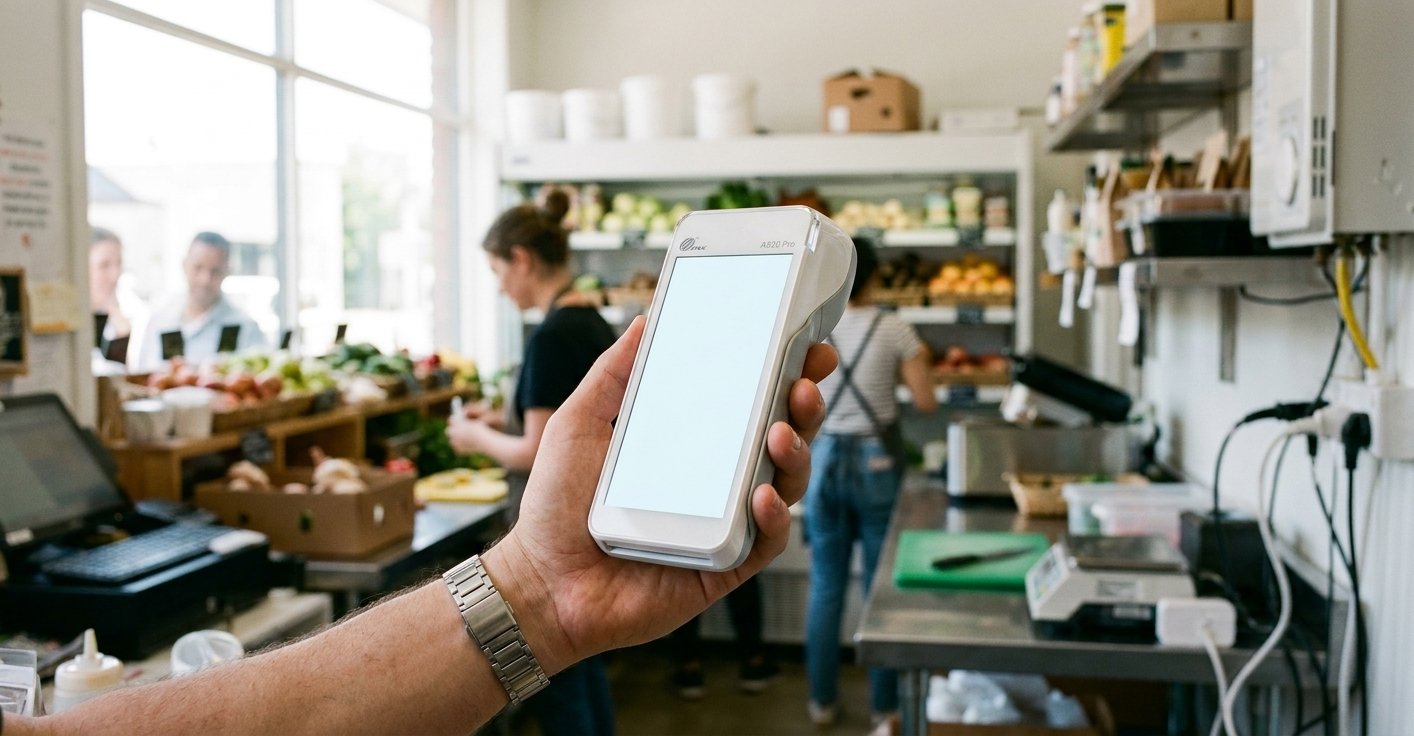
A PAX A920 Pro handheld payment terminal.

PAX

Discuss supported PAX models for the places your team needs to take payments.

Explore PAX
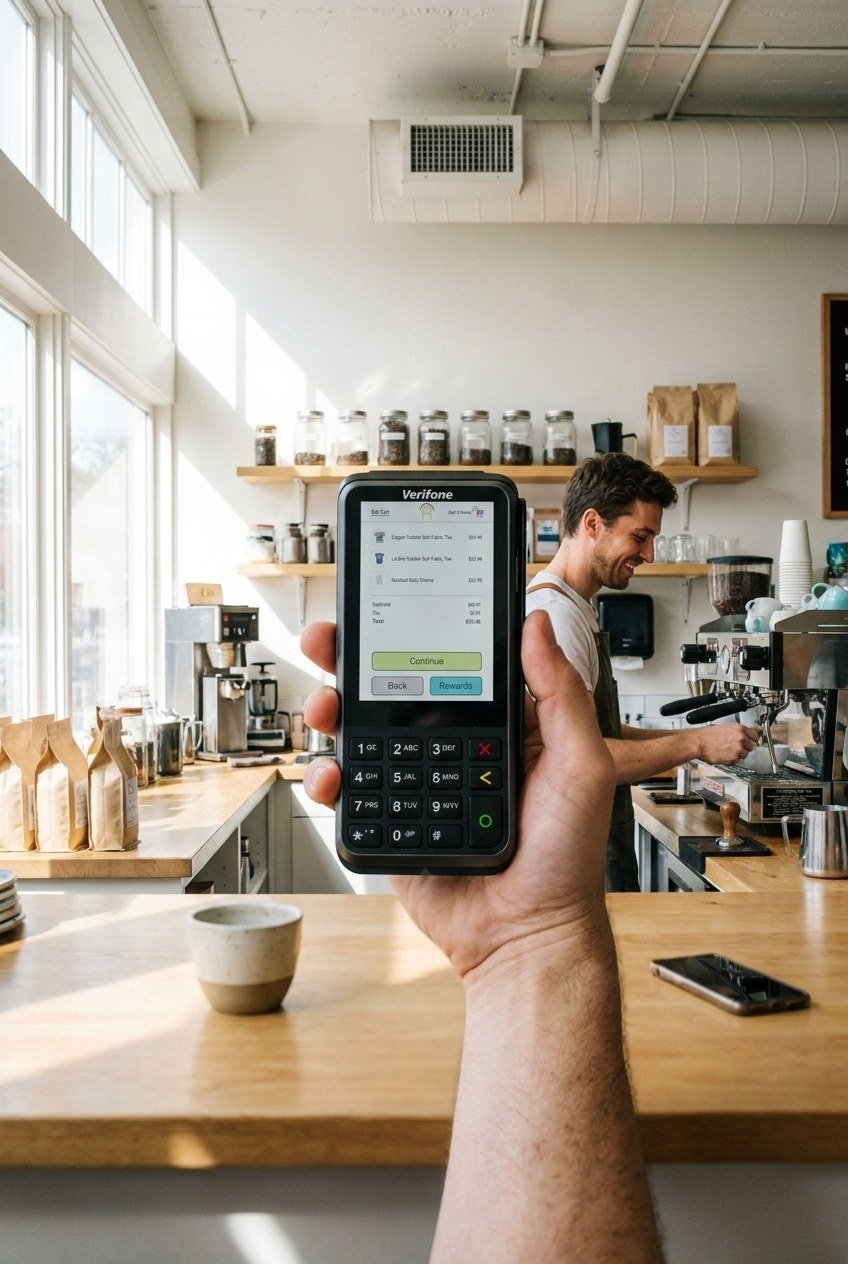
A Verifone V400m payment terminal.

Verifone

Review Verifone options and the configuration needed for your payment setup.

Explore Verifone

Let’s build your Clover setup

Tell us how you sell, what you use today and what you want the system to handle.

Accept all major payment methods
VisaMastercardInteracAmerican ExpressDiscoverUnionPayJCBDiners ClubApple PayGoogle Pay