Syncs with your POS
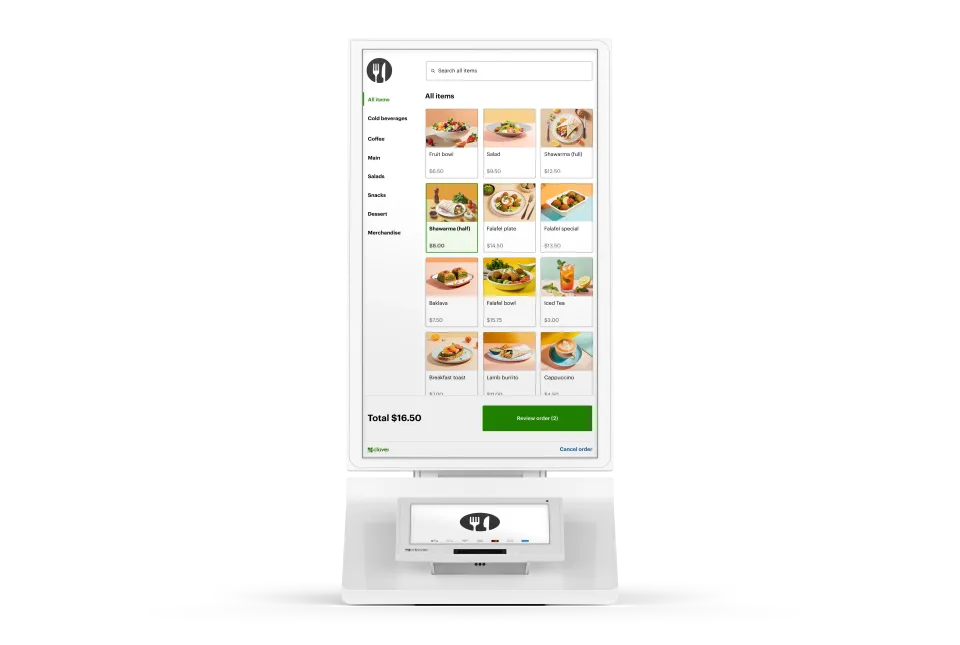
Connects to and pulls your menu directly from your Clover POS system—keeping your items and pricing in sync.
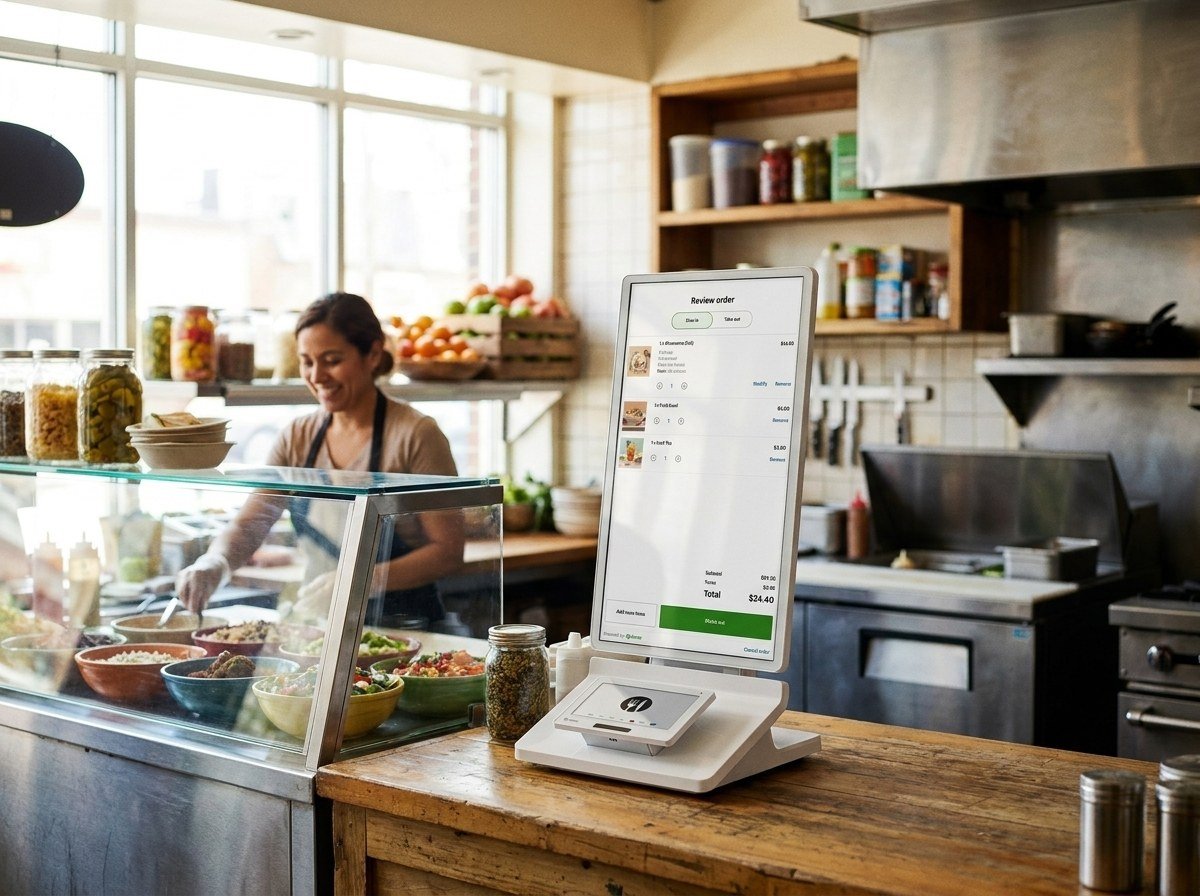
Our all-in-one device features an enterprise grade 24" display, versatile payment terminal, and a built-in printer, all with low-touch set up.

Boost efficiency
Free up your staff to focus on value-added tasks rather than taking orders.
Improve customer experience
Let customers browse menus at their own pace and customize their orders the way they want.
Grow your average ticket size
Increase restaurant revenue by promoting cross-selling and upselling options on the ordering kiosk.
User friendly
Intuitive interface makes ordering faster and more accurate.
Shorter lines
Move lines quicker for happier repeat customers.
Browsing time
Give guests more time to browse and explore your menu.
Order accuracy
Guests enter their own orders avoiding employee errors.
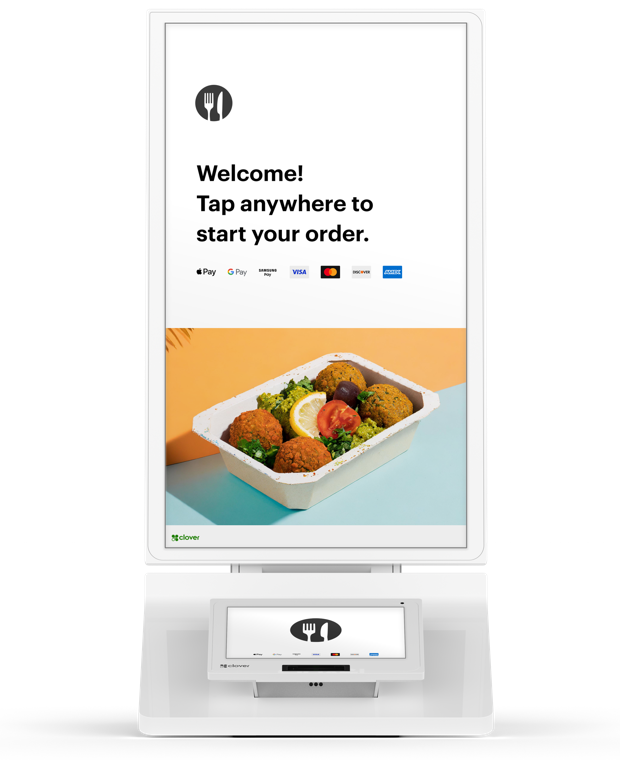
124" order touch screen
Our all-in-one device features an enterprise grade 24" display. Let customers browse menus at their own pace and customize their orders the way they want.
Guided set up walks through each step from checking for images to tipping and printer set up.
Rated 4.9 on Google
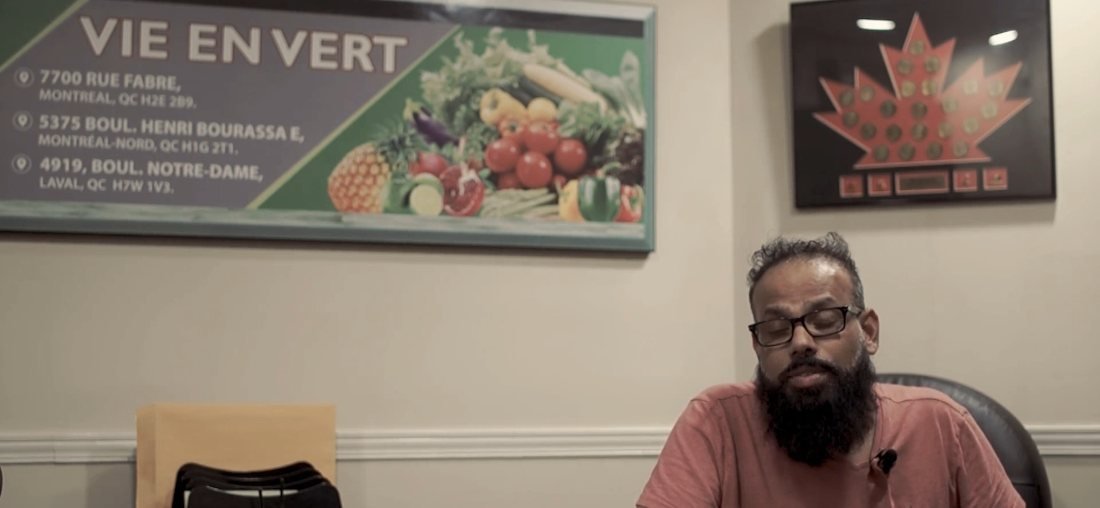
“There are no headaches, they're always there for me, and I'm very happy I never had any issues.”
Mie en VertRetail franchise
Connects to and pulls your menu directly from your Clover POS system—keeping your items and pricing in sync.
Already have a POS?

Integrate Cleverpays with the POS you already use and move your in-store and online payments to a better setup.
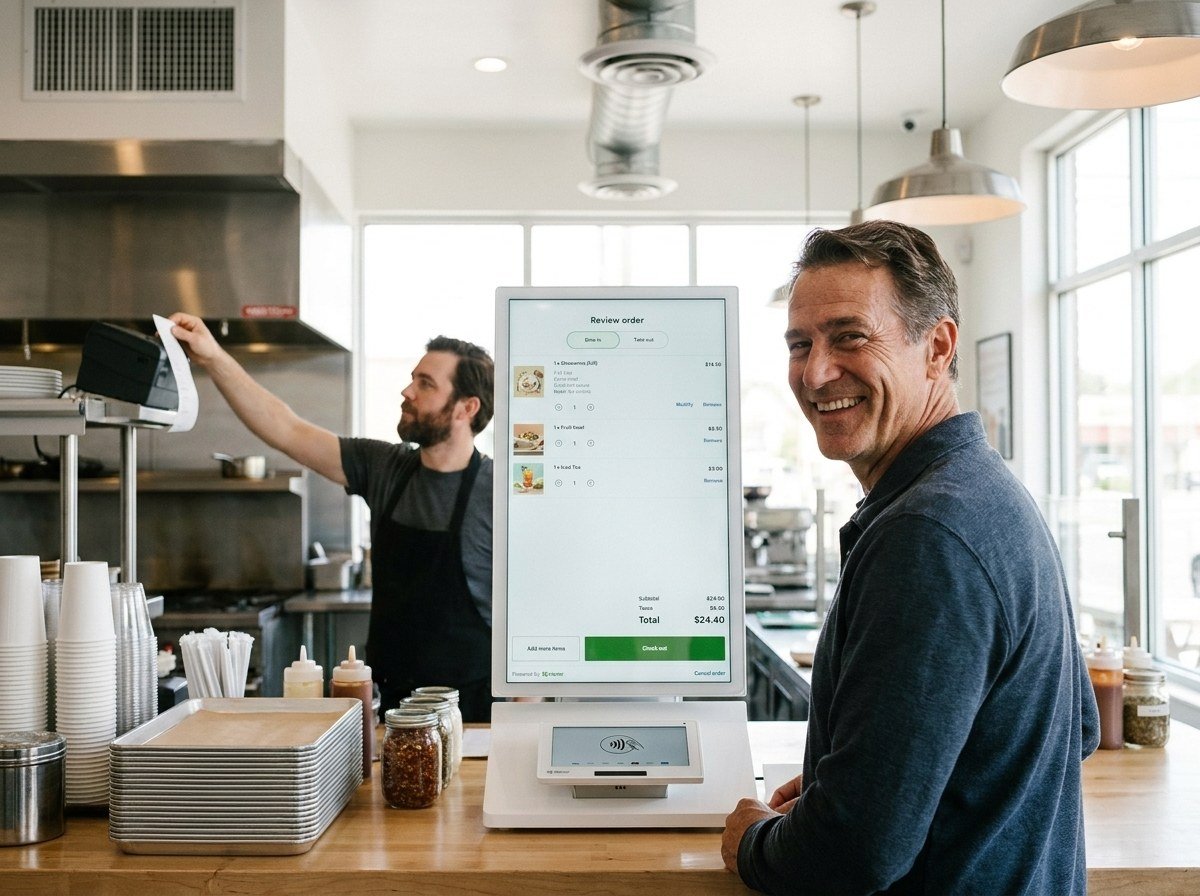
Orders show on your Kitchen Display System or print to your kitchen printer just as if they were placed at your counter.

Floor stand: the floor stand accessory has high and low setting options for people who are non-disabled or use wheelchairs. Wall mounted: Clover’s optional bracket accessory or any third-party 100mm VESA mount make wall mounting simple. Countertop: take it out of the box, put it on the counter top, and follow the guided set up. Ready for orders.
Tell us how you sell, what you use today and what you want the system to handle.
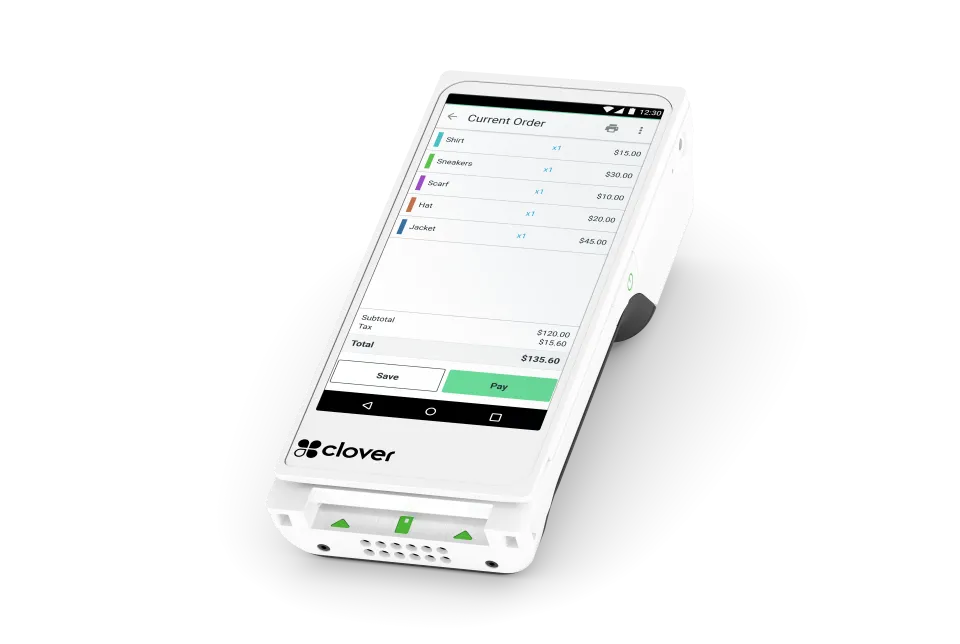
A handheld option for teams that need to take payment away from a fixed counter. Consider where it will be used and how it will connect.
Explore Clover Flex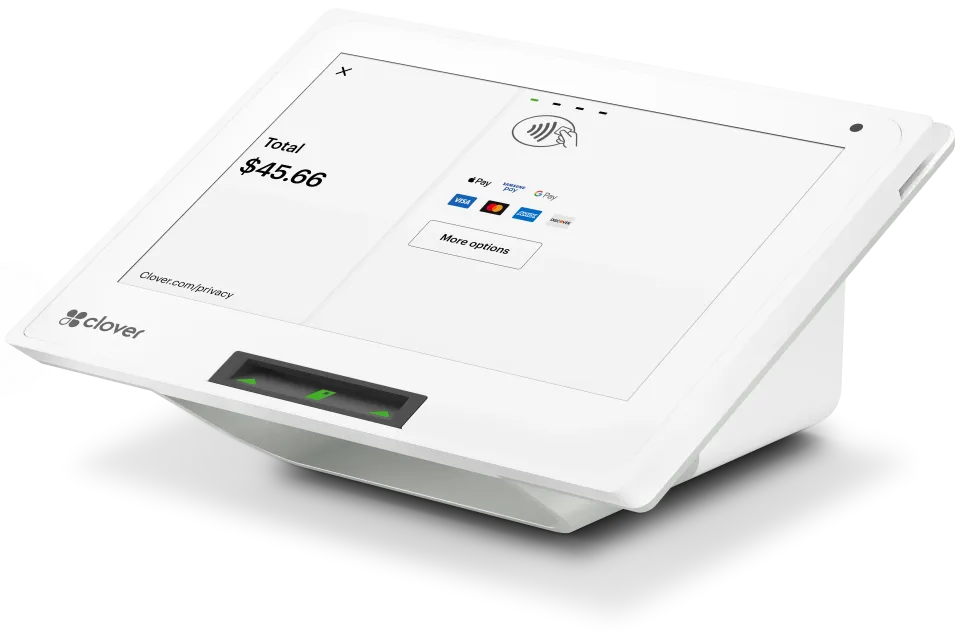
A compact option for a Clover checkout. Match it to the software, accessories and tasks your counter needs.
Explore Clover Mini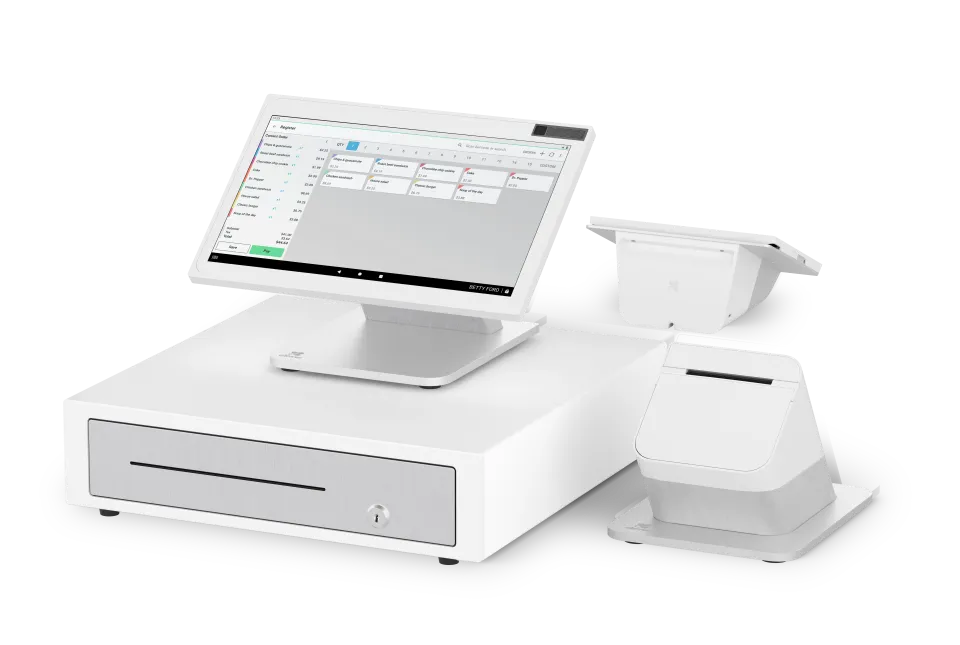
A countertop system with separate staff and customer screens. Plan it around order entry, customer payment and the space available.
Explore Station Duo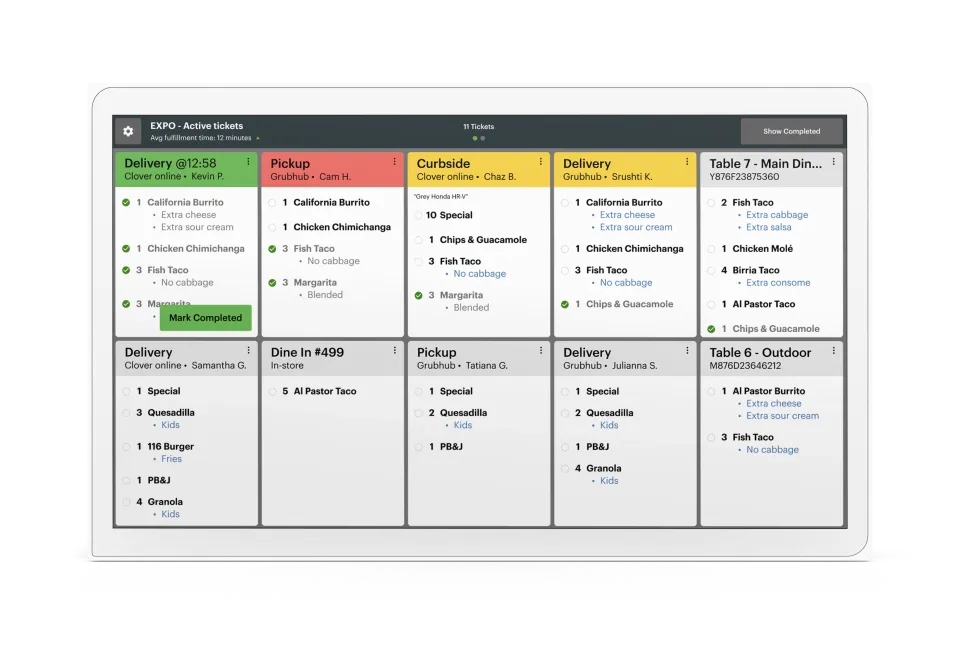
One screen. One source of truth. No pens, no printers, no lost tickets. Just a real-time look at ticket times, order statuses, and everything else that keeps service moving smoothly.
Explore Kitchen Display