At the pump
The payment route needs to fit the dispensers, controller and filling-station software already in place.
A fuel site brings together several different payment jobs. CleverPays helps plan the connections between the pumps, indoor checkout and fleet requirements, with the equipment and service responsibilities established before a change is made.
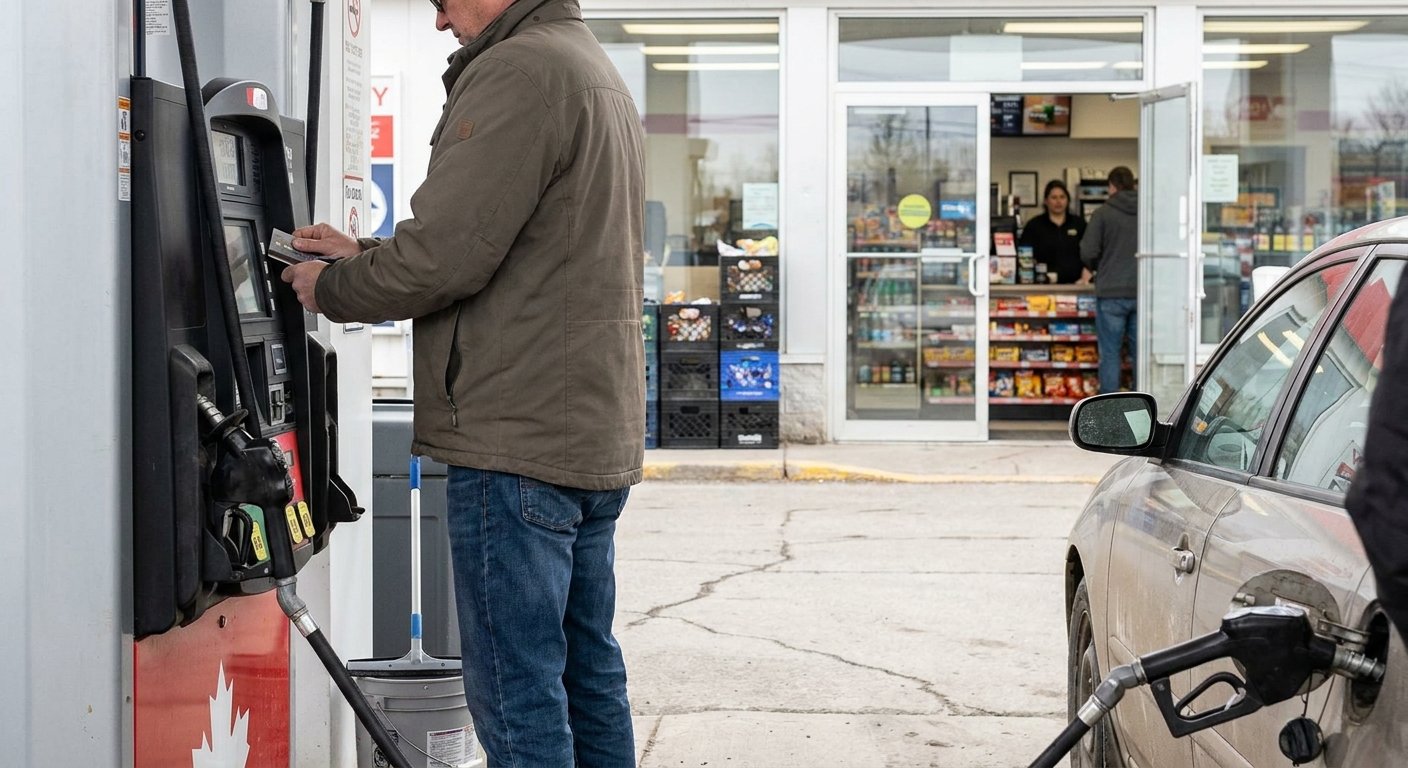
The payment route needs to fit the dispensers, controller and filling-station software already in place.
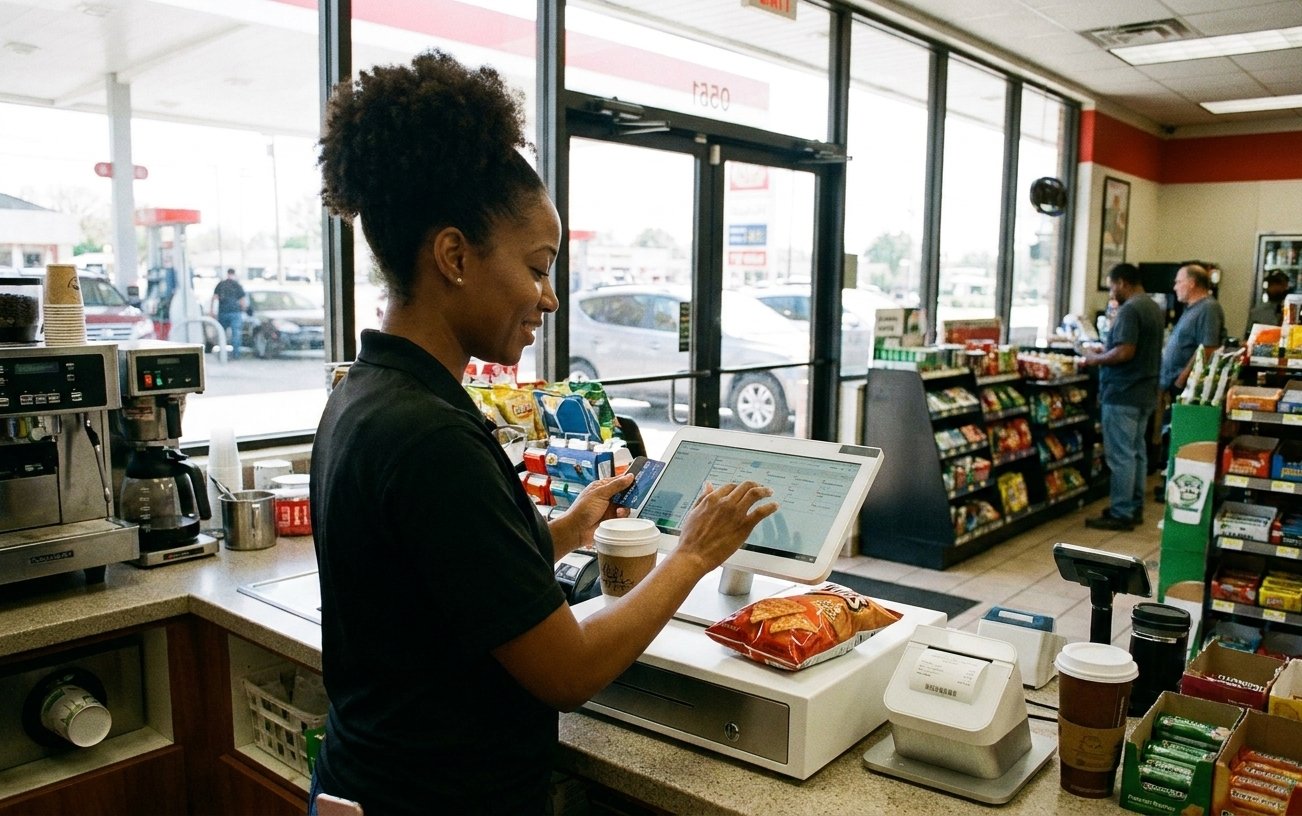
The counter has its own product, receipt and equipment requirements, from quick purchases to a larger convenience basket.
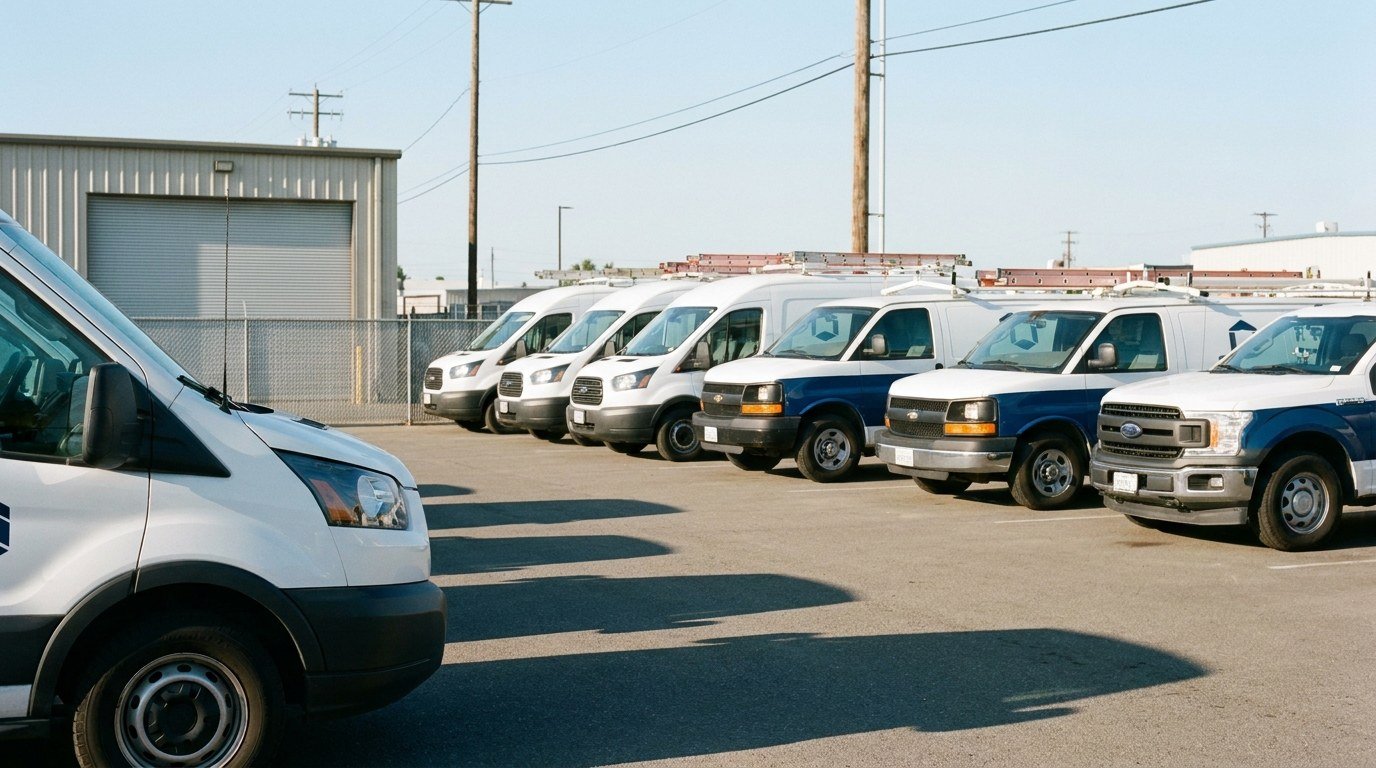
Acceptance depends on the specific fleet program and supported configuration. We identify the programs you need to serve before proposing a route.
Rated 4.9 on Google
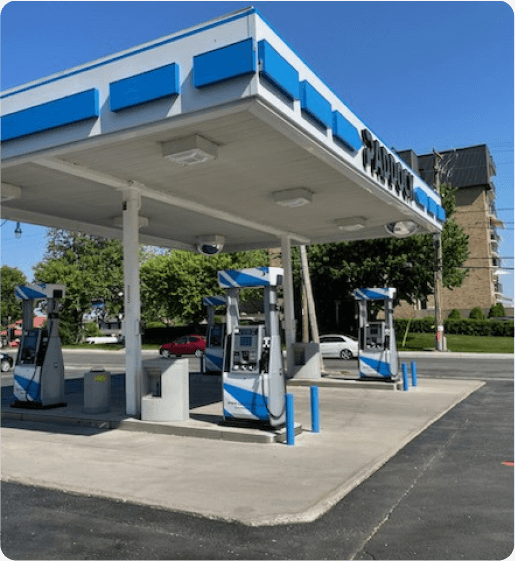
“Paddock gas station has seen incredible improvements since implementing the Pay@Pump solution from CleverPays. Our customers now enjoy the convenience of quick and secure payments right at the pump, and it’s boosted our efficiency and we saved a ton of money on our monthly payment processing costs.”
EricOwner, Paddock
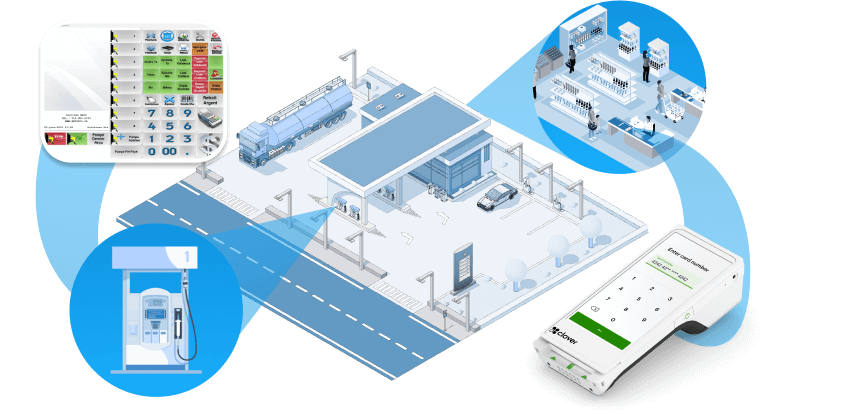
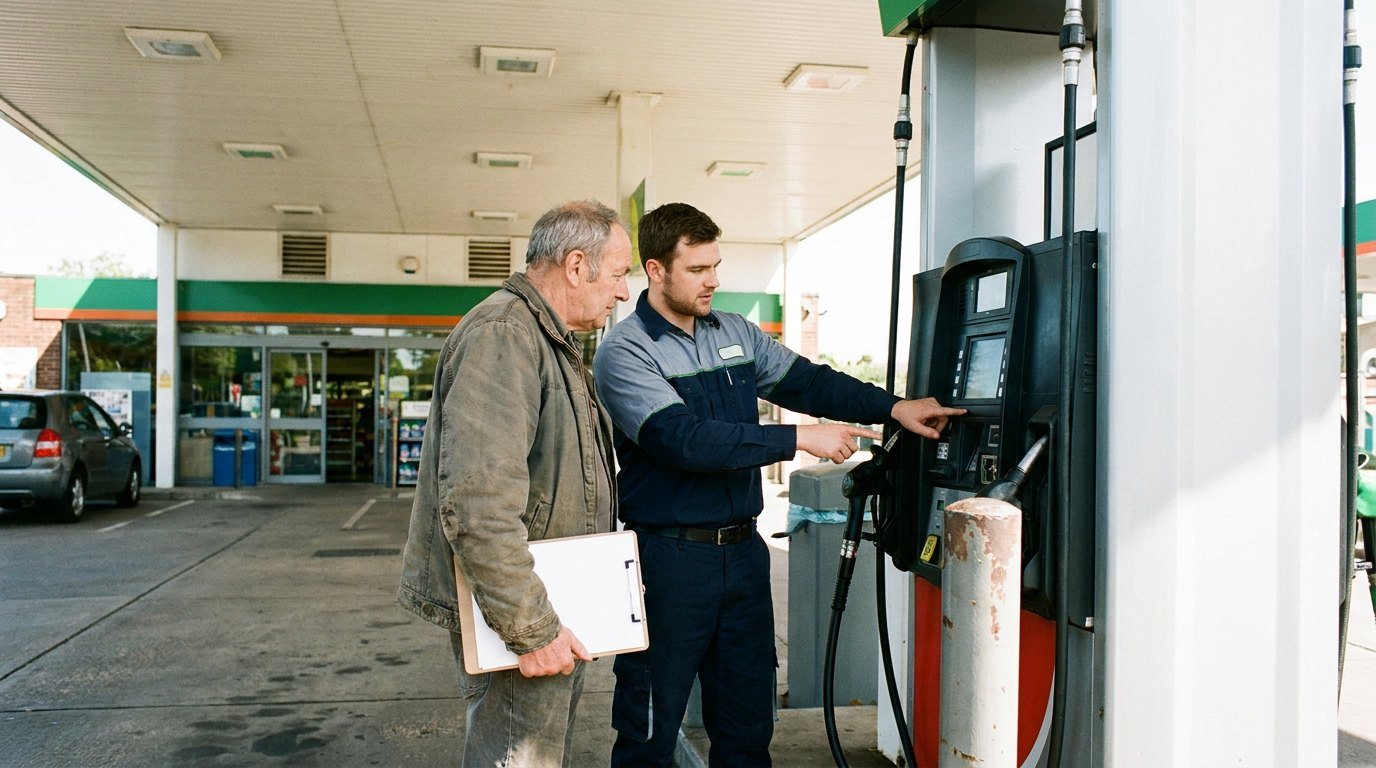
A filling-station project needs more than a terminal model. We map the relevant vendors, devices and connections, then establish which changes are possible and who must be involved.
Review Pay-at-Pump Compatibility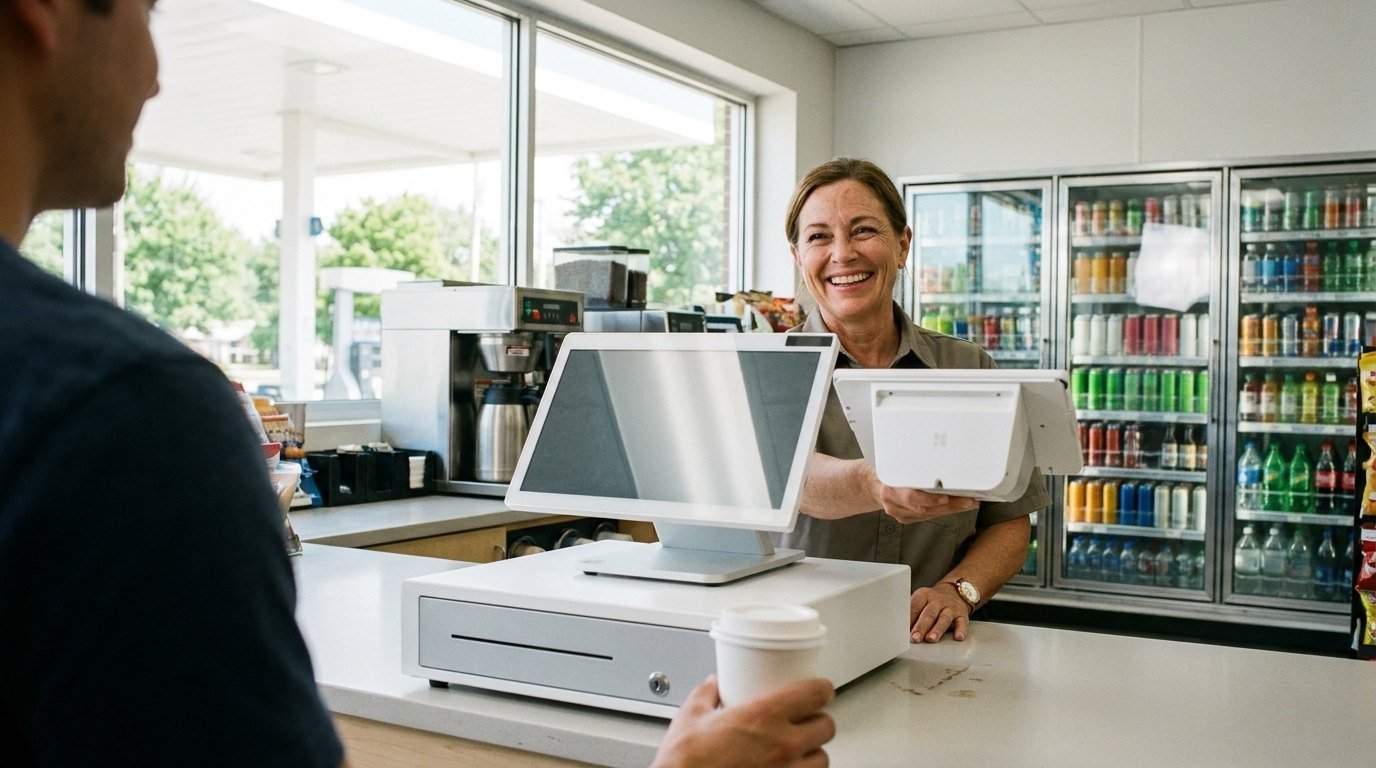
The store still needs a practical item file, a working counter and reporting staff understand. Additional equipment—such as a car wash payment point—should be identified separately so its requirements are not missed.
Explore Grocery and Convenience POS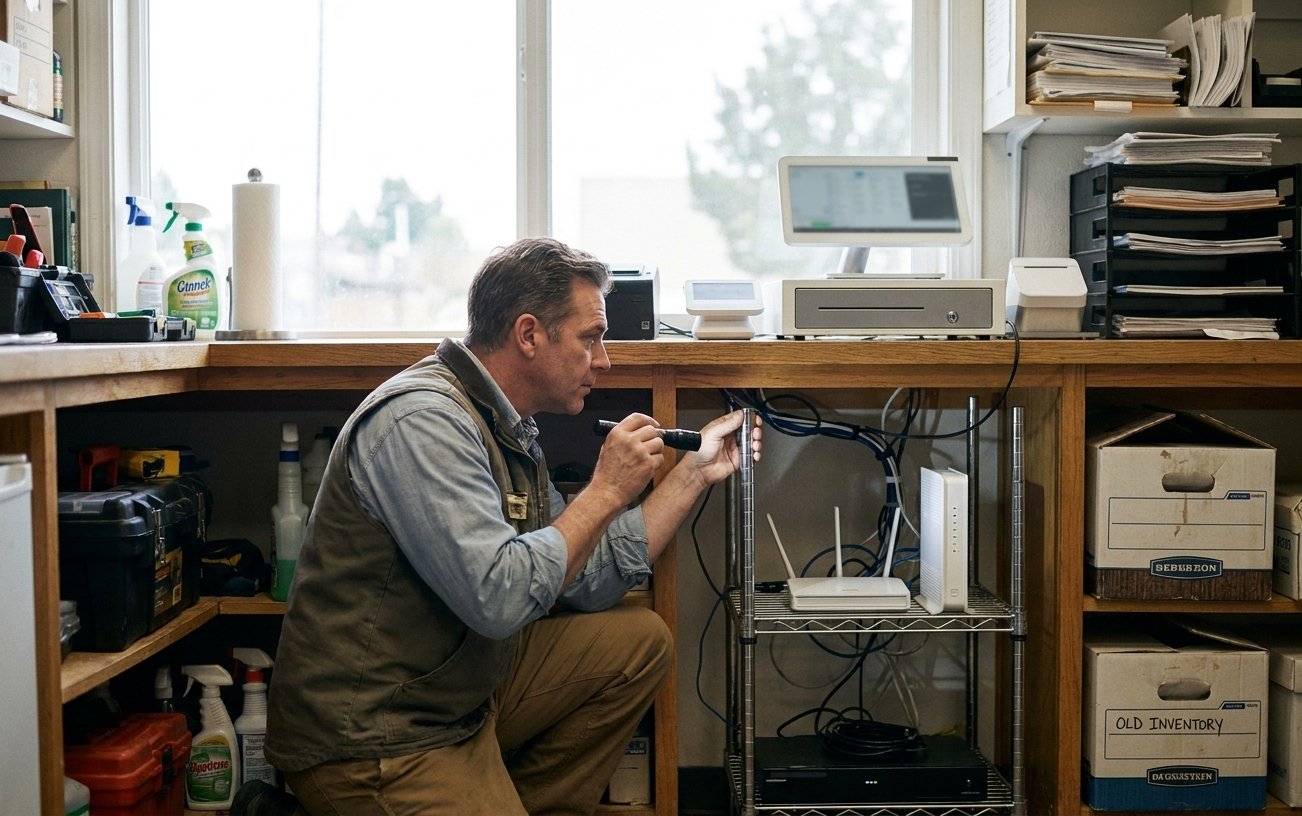
We work through dependencies, installation timing, testing and the steps to take if part of the change cannot proceed. The plan identifies the responsibilities of CleverPays and the other providers involved, including any on-site work.

Pump, store and fleet activity may originate in different systems. We review the reports available and how your team will reconcile them, rather than assuming one device produces a complete site view.
Explore ReportingThat depends on their connections and provider requirements. We assess the sequence before setting an installation date.
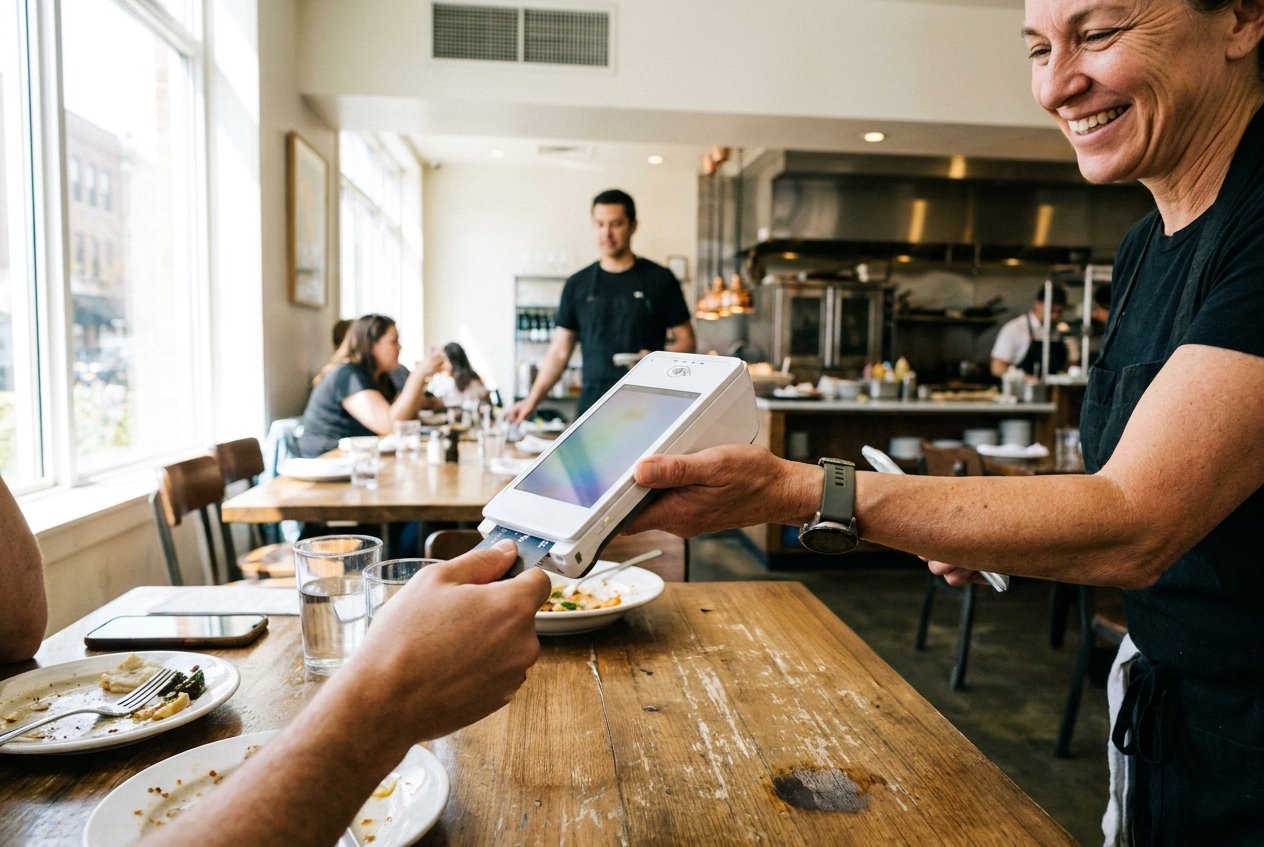
Connect orders, tableside or counter payments and the closing routine around the pace of service.
Explore Restaurant Solutions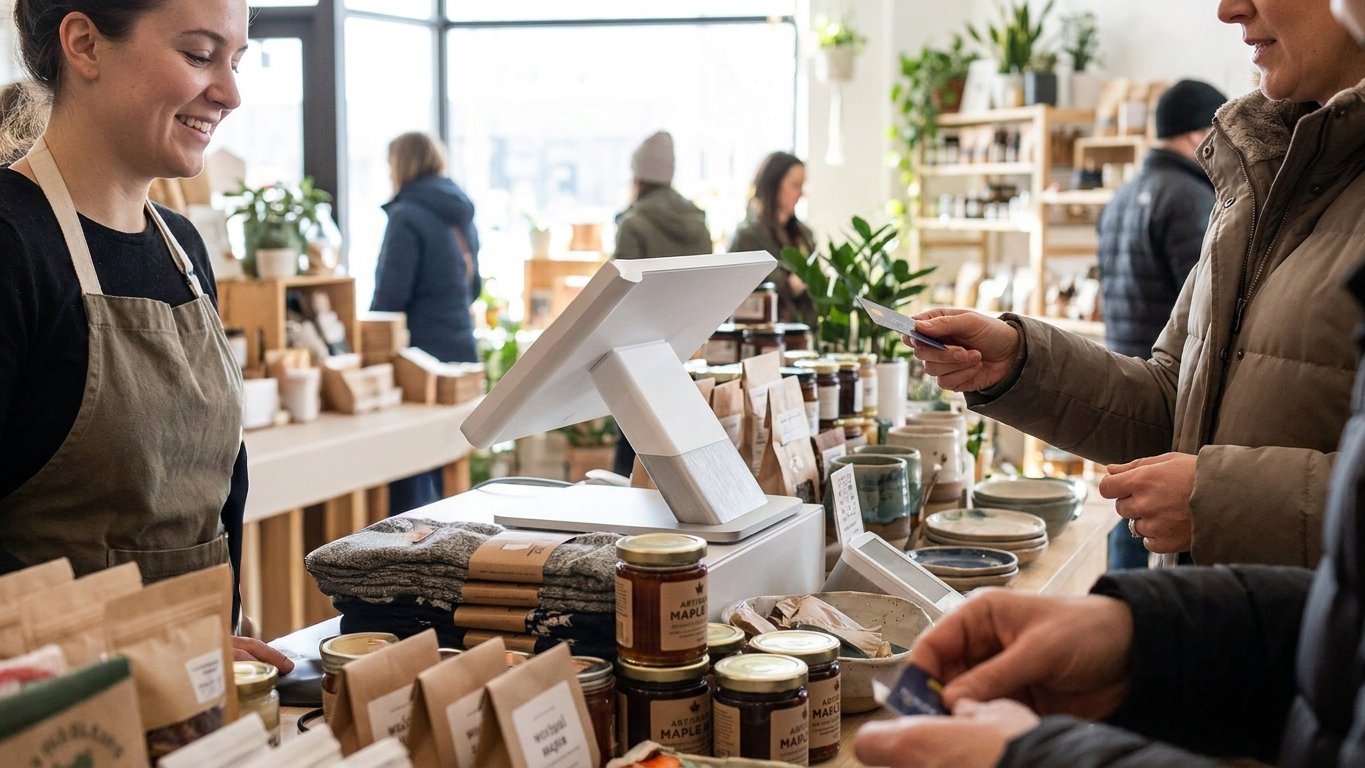
Bring product selection, checkout, returns and stock information into a setup that fits your shop.
Explore Retail Solutions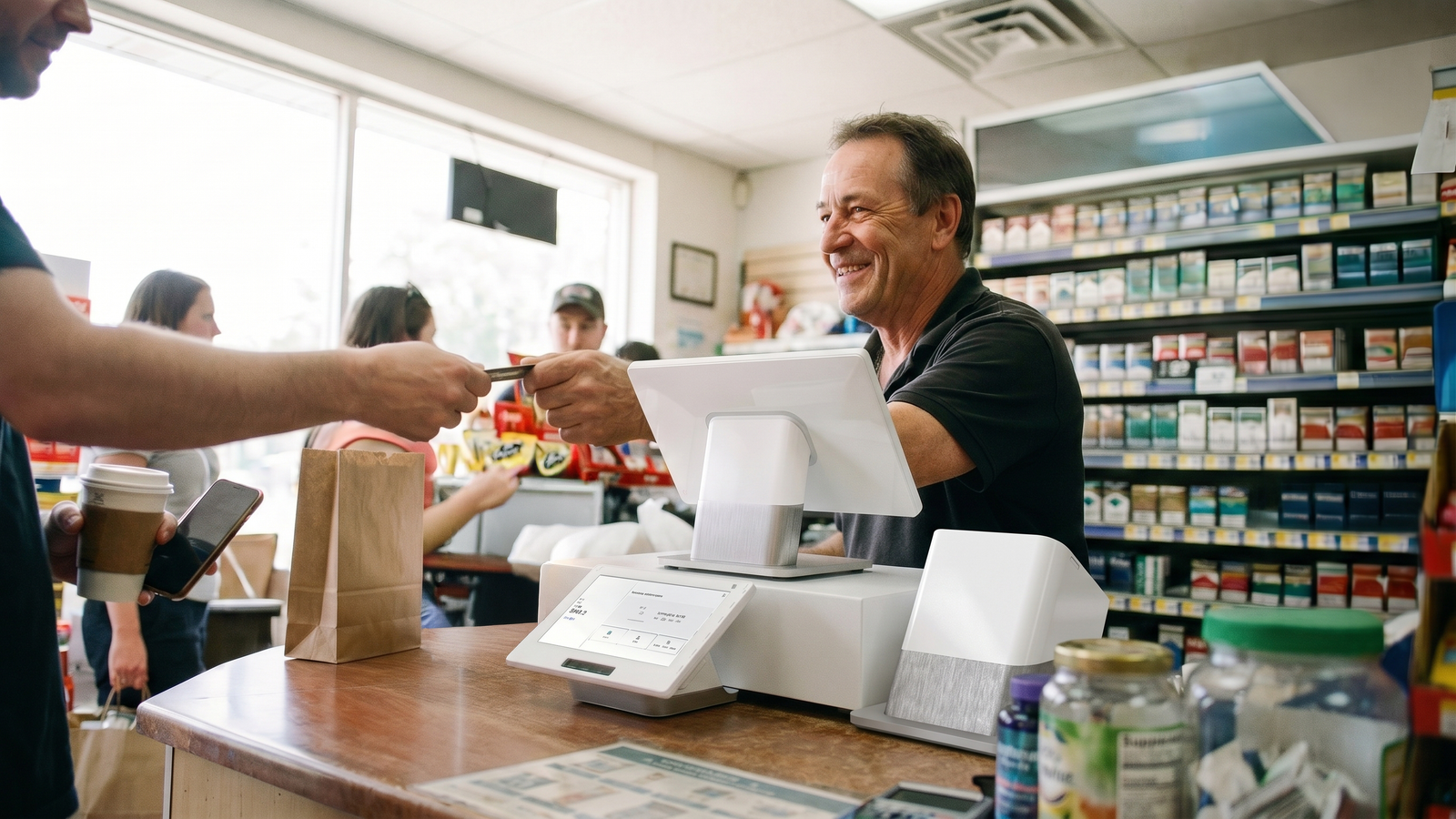
Plan around busy lanes, detailed product files and the equipment your counter relies on.
Explore Grocery and Convenience SolutionsTell us about your pumps, controller, store POS and the changes you want to make.