
At the counter
Review the checkout space, customer interaction and connection to the POS.
Choose payment hardware for the work it needs to do. CleverPays helps review PAX options against your processor, POS and service requirements, then plans the configuration and support around the selected setup.
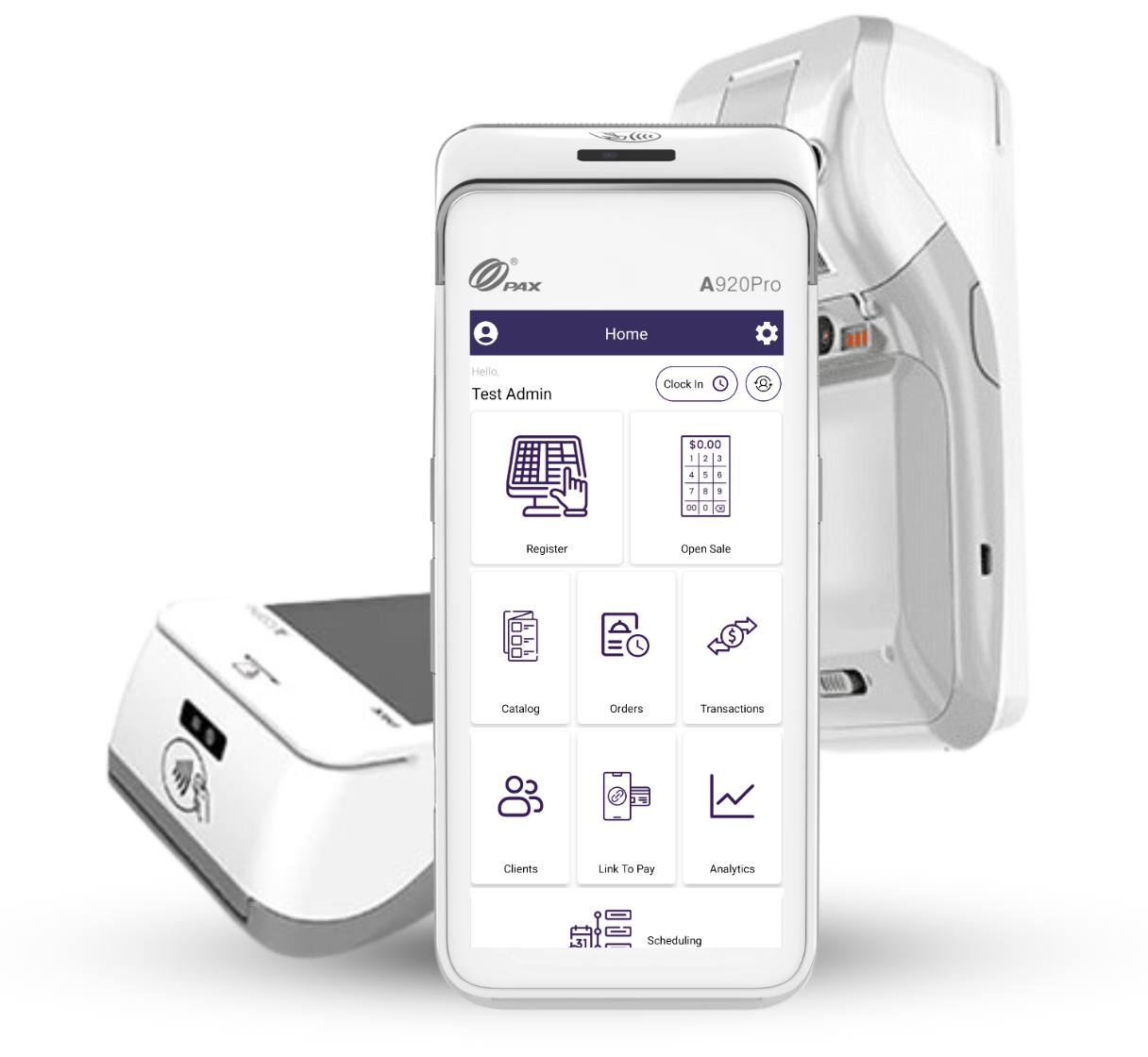
Review the checkout space, customer interaction and connection to the POS.

Establish where staff will use the device, how it will connect and where it will be charged and stored.

Plan consistent settings, access and a practical way to identify which device needs attention.
Rated 4.9 on Google
“Solves the problem, saves us money, franchise wide. Thank you CleverPays.”
MunchizSpecialty retail franchise

A device listed in a manufacturer’s catalogue is not automatically available with every processor. We check the model, payment application and integration route before recommending it for your business.

The configuration should reflect who takes payments, how receipts are handled and which actions require additional access. We work through those tasks with the wider checkout process in mind.

Account requirements, configuration and testing need an owner. The project plan identifies those responsibilities and the checks needed before the device is put into service. If you are replacing existing equipment, we also review what has to happen during the changeover.

Hardware is one cost alongside processing, software and service. We explain the proposed setup as a whole, so you can assess its fit and the responsibilities that come with it.
That depends on the processor and POS connection. We establish compatibility before recommending a replacement.

Review Verifone options and the configuration needed for your payment setup.
Explore Verifone
Explore Clover POS devices, software choices and apps as part of a connected checkout setup.
Explore Clover POS
Review Ingenico options against your existing POS, processor and device requirements.
Explore IngenicoTell us what your current terminal cannot do and how you want the payment step to work.