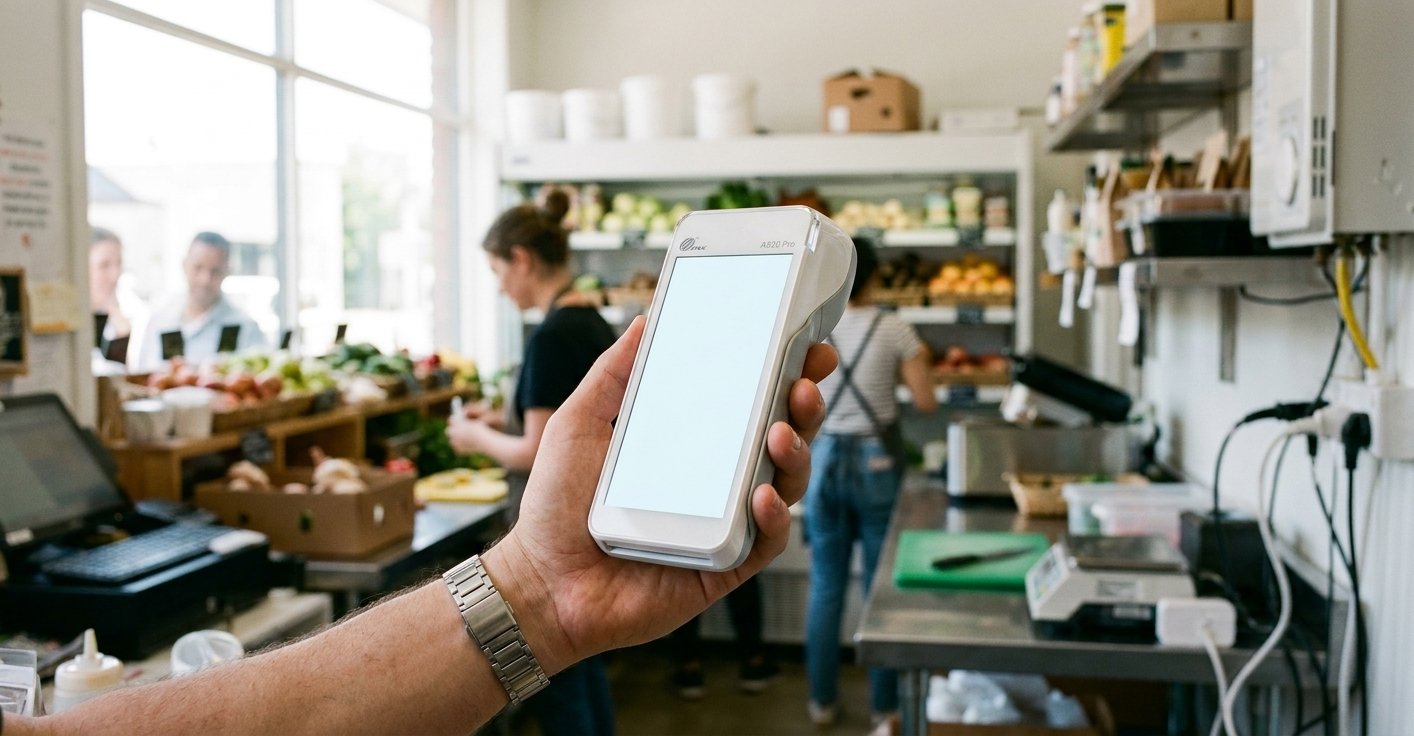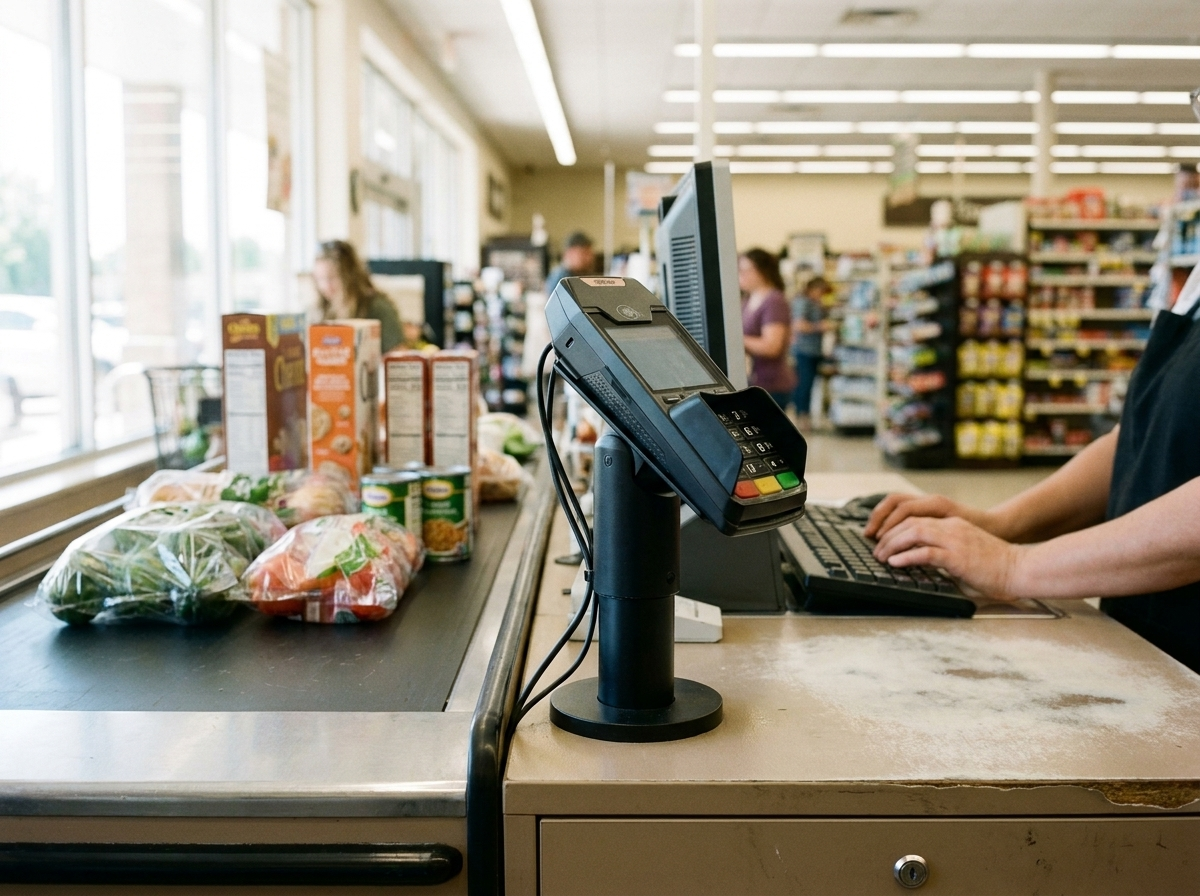
At a checkout lane
Consider customer reach, mounting, cables and the way the device communicates with the POS.
Choose an Ingenico device around the payment connection your business needs. CleverPays reviews the POS, processor and installation requirements before recommending a model or planning a changeover.
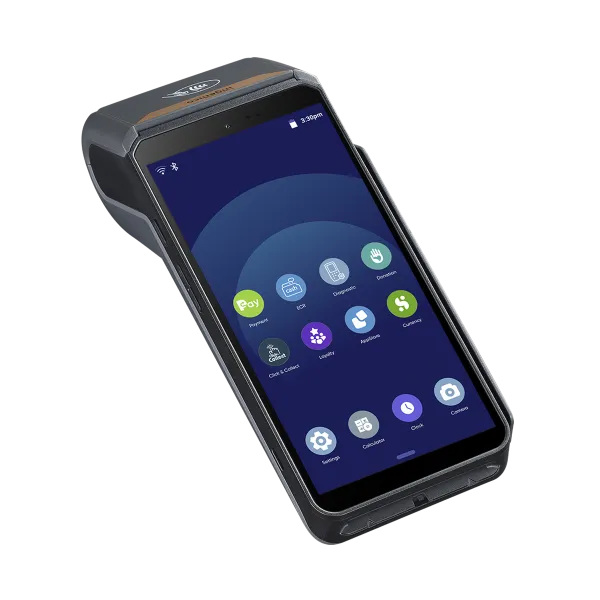
Consider customer reach, mounting, cables and the way the device communicates with the POS.
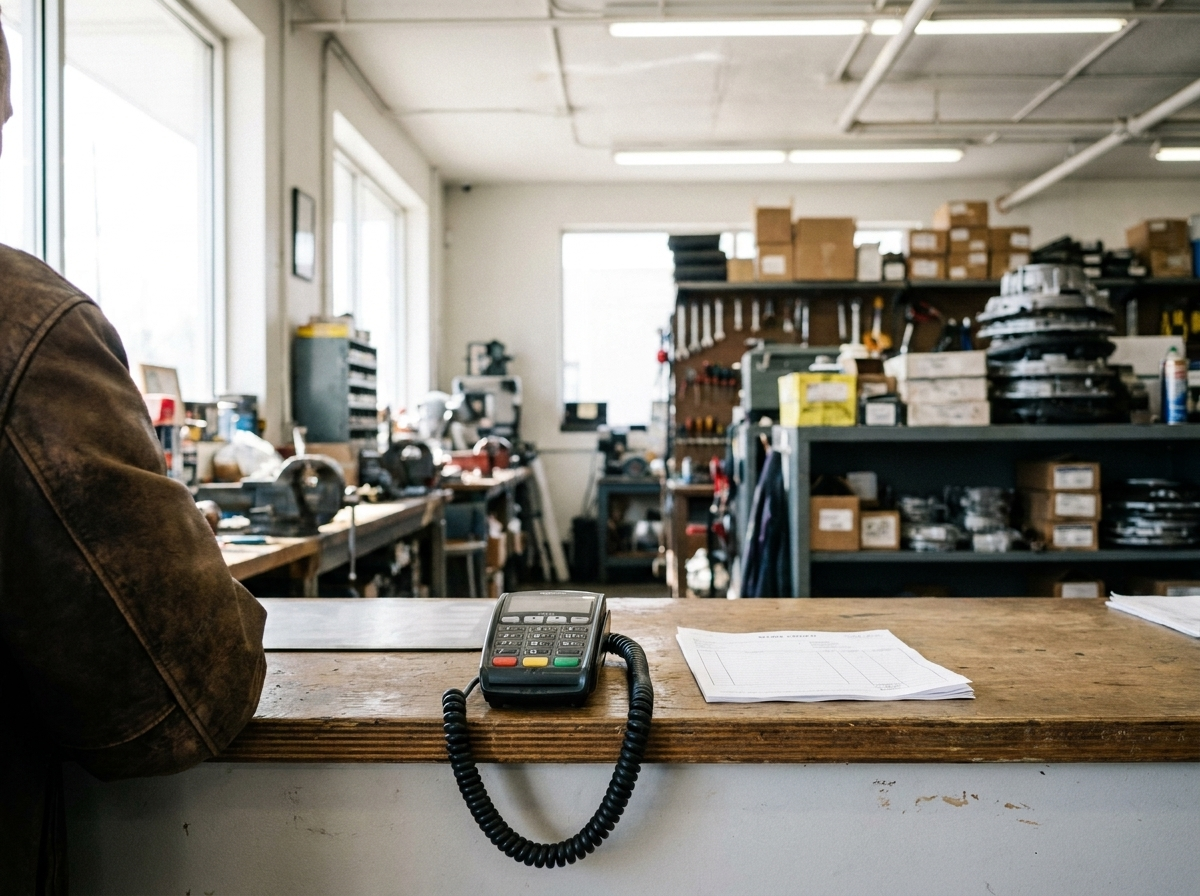
Review the available space and whether payment is handled through an integrated connection or a separate terminal process.
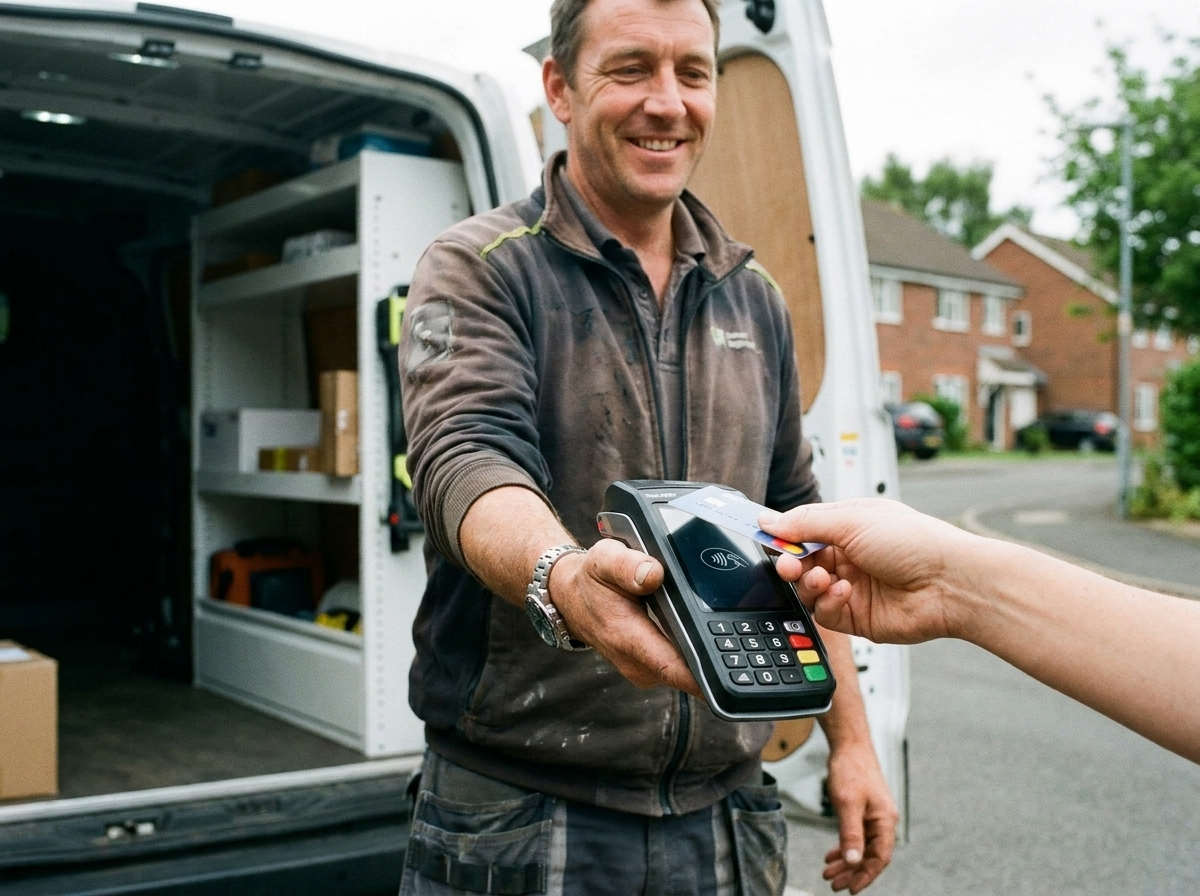
Discuss the areas where staff need to take payment and the connectivity requirements before choosing a portable option.
Rated 4.9 on Google
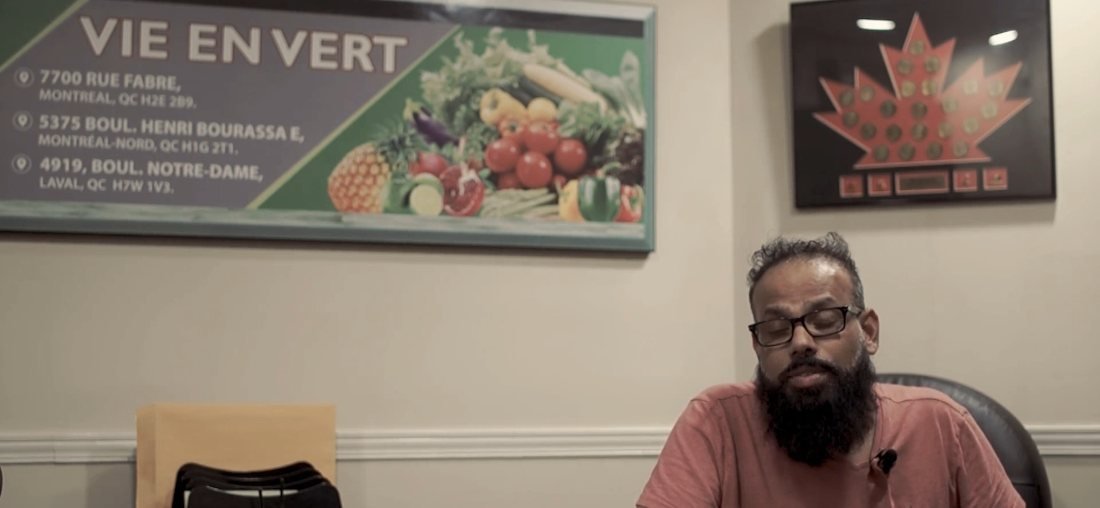
“There are no headaches, they're always there for me, and I'm very happy I never had any issues.”
Mie en VertRetail franchise

If your POS is staying, its supported payment connections come first. We review the available route and the role of the terminal, including which actions start in the POS and which happen on the device.
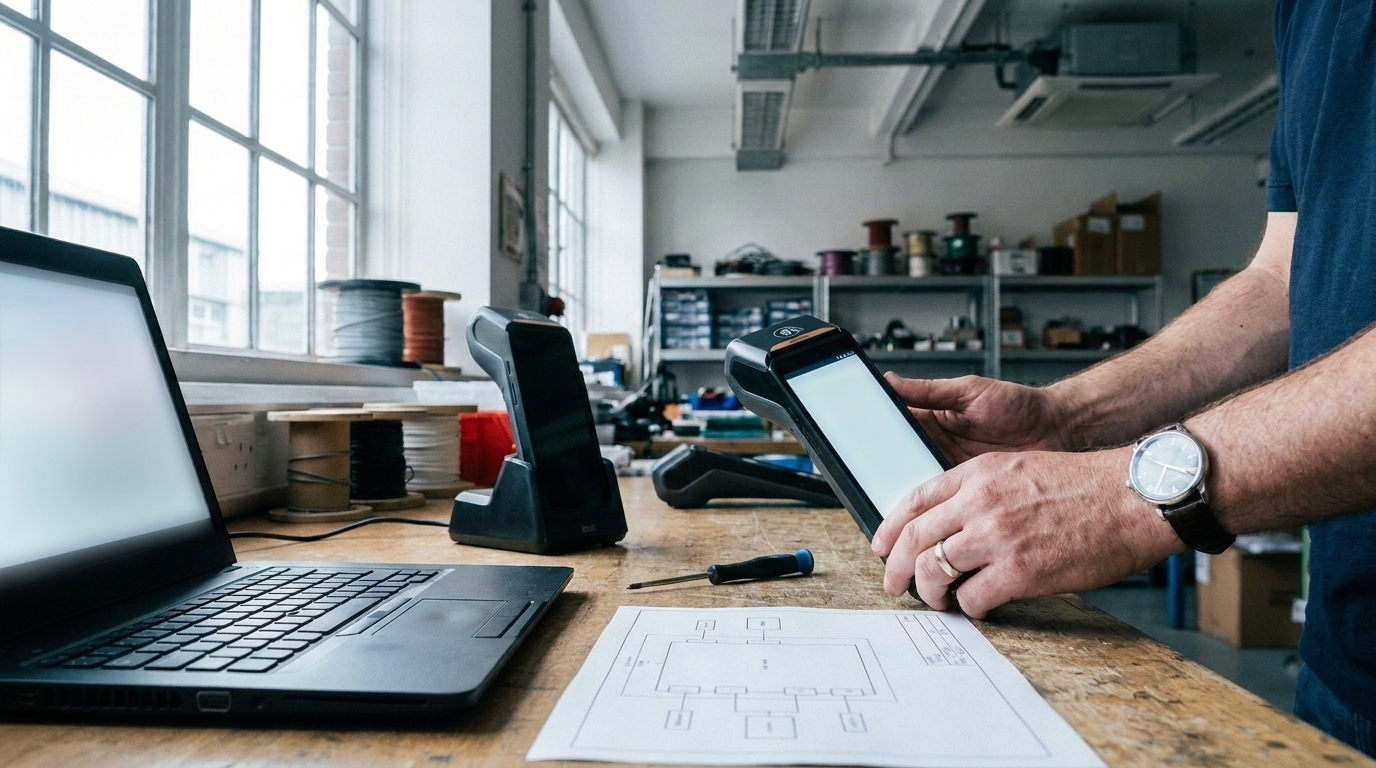
The manufacturer and model name are only part of compatibility. The payment application, processor, configuration and POS connection also need to line up. We establish those requirements before treating a device as ready for your business.
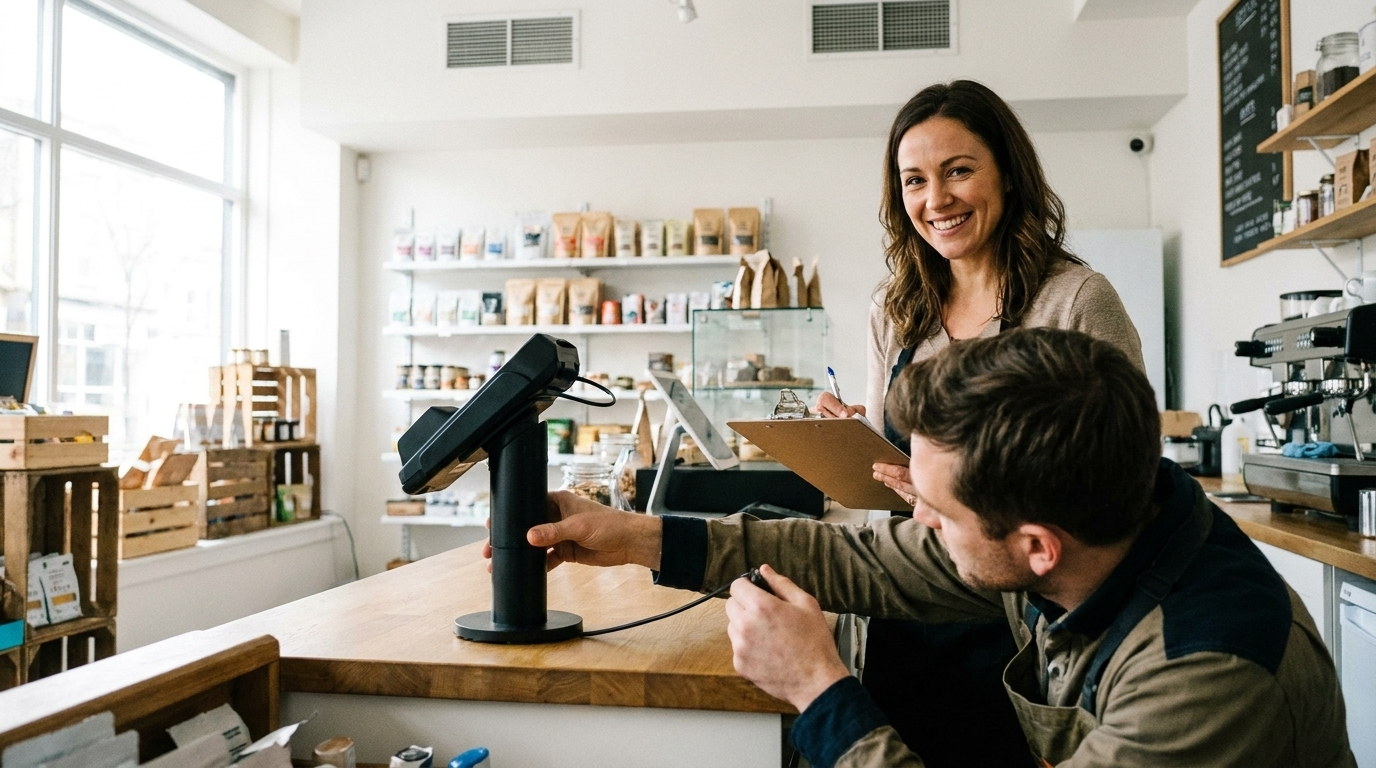
The deployment plan identifies who prepares the device, who coordinates any required account or provider steps and how the checkout will be tested. Staff also need to understand receipts, refunds and what to do if a transaction needs attention.
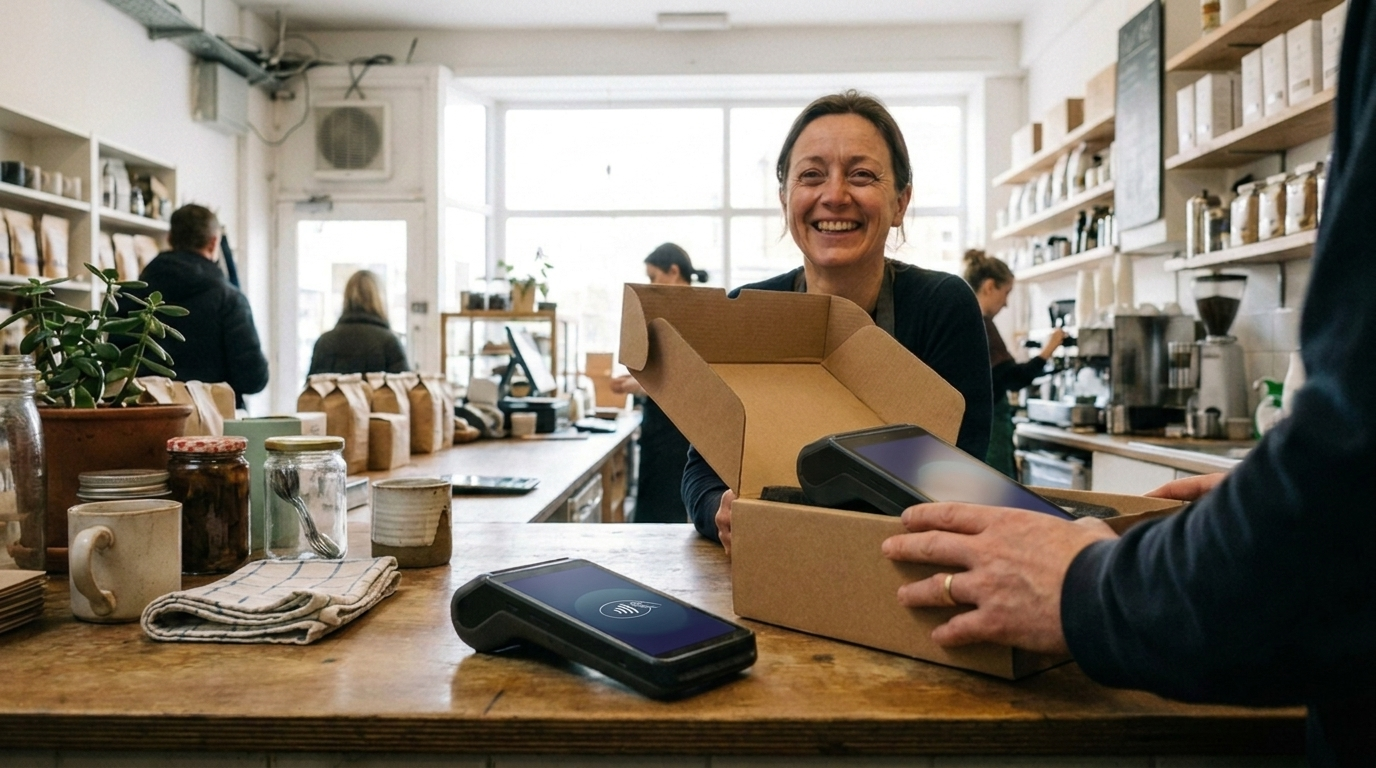
Troubleshooting, repair and replacement arrangements belong in the proposal. We discuss the responsible providers and any spare-device requirements based on how the checkout operates.
We need to check its model, ownership, configuration and provider support. Owning a familiar device does not automatically mean it can move to another account.
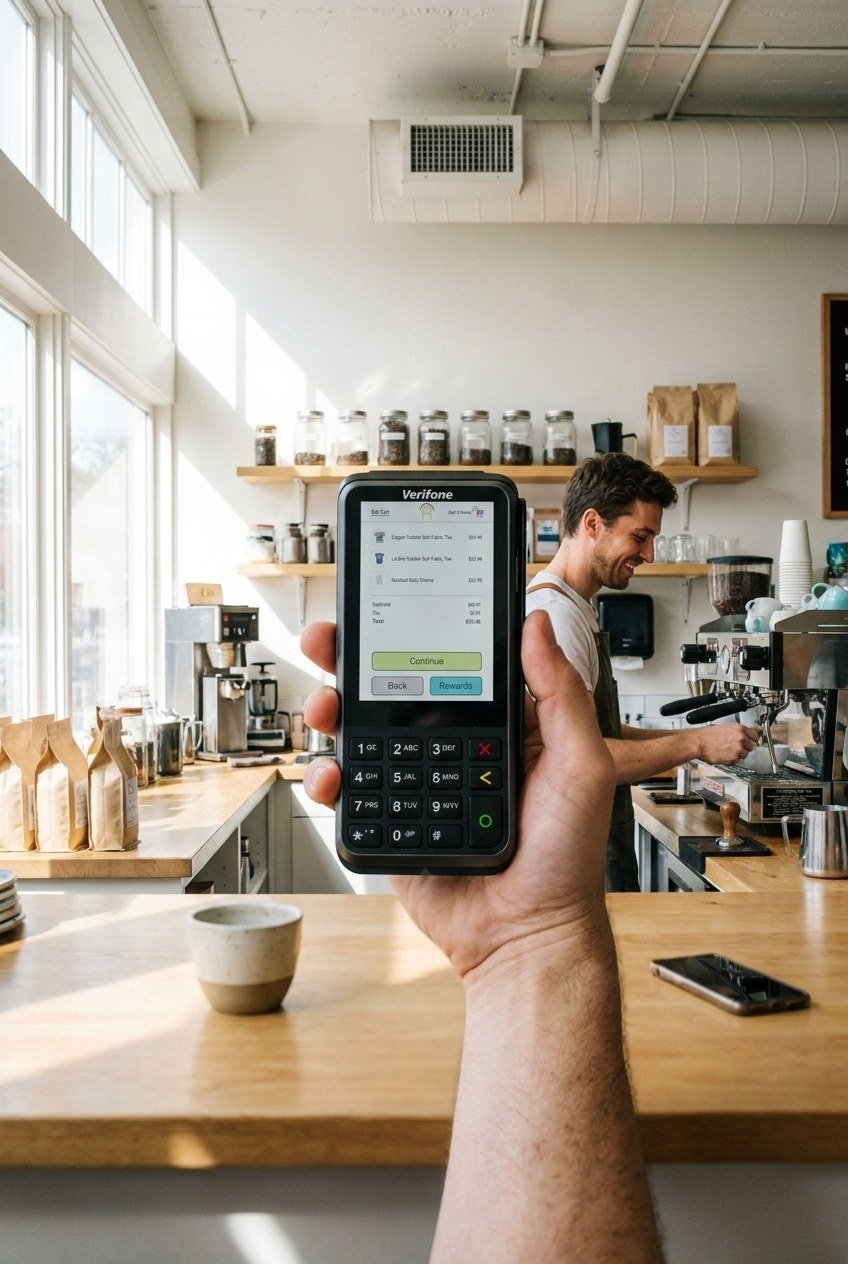
Review Verifone options and the configuration needed for your payment setup.
Explore Verifone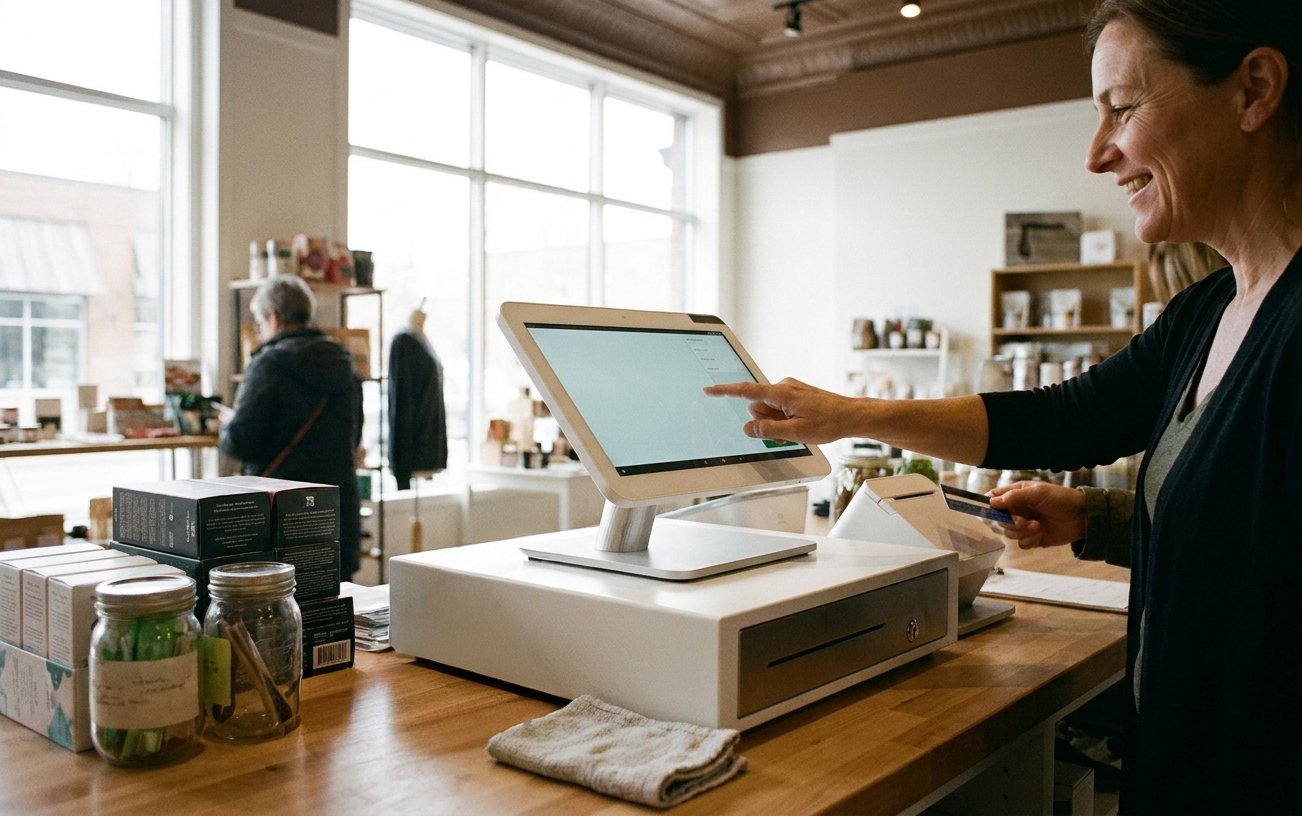
Explore Clover POS devices, software choices and apps as part of a connected checkout setup.
Explore Clover POSShare your current POS, terminal model and the payment setup you want to improve.